Tagged 'align'

Make planar & UV align commands

15 votes

Hey, guys.
Just a simple set of commands you can find in the Algomorph Category under Main UI group once you've put the scripts in your Macro folder and run them. These commands don't appear in either MainUI group / Editable Poly category or in the Editable Poly or the Edit Poly group, although they do appear as on-screen rollout buttons.

As far as the UV align X or align Y functionality goes, this doesn't explicitly exist in Max as a shortcut or button command, which is kind-of an old feature that Max was always lacking contrary to some other 3D apps...

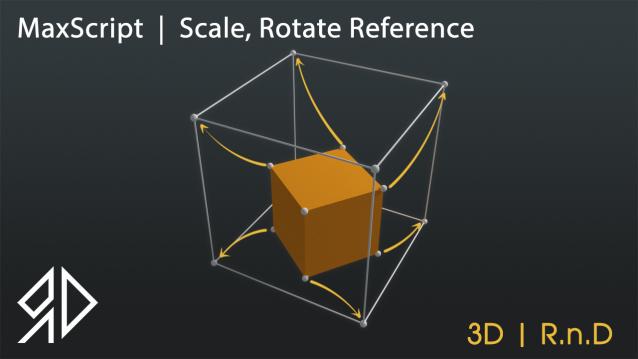
Maxscript | Scale,Rotate Reference

5 votes

Scale Rotate


This Script will allow you to Rotate and\or Scale and Move an object based on two source picks to a destination two picks similar to align command in autocad !


Run script or drag and drop to 3ds max, then go to customize user interface and assign it as keyboard shortcut or quad menu under "3D_RnD" Category

it works with :

   - Single objects selected

miauu's Modifiers' Gizmo Aligner

0 votes

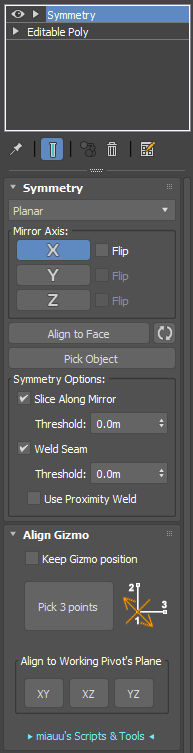
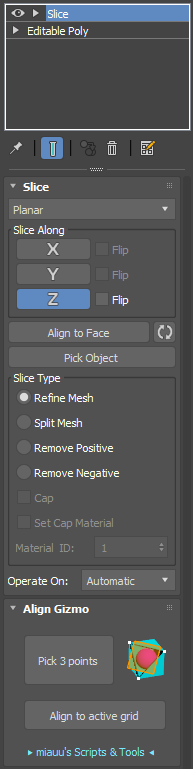
miauu's Modifiers' Gizmo Align allows you to quickly align the gizmo of the Symmetry, Slice and Mirror modifiers by picking 3 points in the scene


This a commercial script. You can find more information here.

Move To Surface

23 votes

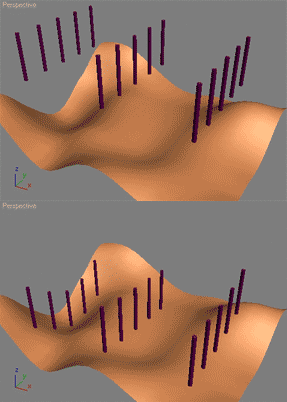
The following will let the user move objects along their Z axis to fit a specified surface. Such a script can be used to automatically plant trees, poles etc. on the ground.

This script is straight out of the 3ds Max MAXScript reference file. Its part of the MAXScript 'How To' lessons that teaches how to use MAXScript with practical problems. Load your MAXScript reference (the one that ships with 3ds Max) and do a search for 'align surface' and it'll be the first result.

I did not write this script I merely copied the code here as aligning to a surface is a very common request. Make sure to read the other 'How To' tutorials in the 3ds Max MAXScript reference - they're all really good!

MoveToView

6 votes

Moves the selected object in front of the current view.

Obj2Spline Align

54 votes


A script that aligns objects along a path or spline. much more editable than the spacing tool. see how it works here or download complete package (with mini tut).

Pivot & Align Tools

10 votes

Pivot & Align Tools (PAT) are a set of macros bundled into a quad menu that allow you to perform various object alignment, pivot alignment and object snapping functions... among others. Most of the functions can operate on a selection of multiple objects at once, including grouped objects as part of the selection (open or closed).


NOTE: This script now handles quad setup for both 3dsmax 2025 and above, as well as previous versions of Max.


See online guide in links section. 

Pivot placer

10 votes

With this script you can replace pivot where you want.
on the selected vertex, at the center of the selected edge or face, or at the center of the object.
You also can create a point as pivot.

Pivot point Align managment tool

2 votes

Her is a simple tool i just created to help align the pivot position around any mesh cage, as you can align the pivot point to 27 point around the object cage, and move the pivot point to the scene orgine and rotat the pivot point 90 degree on the X axise if you are exporting mesh to unity 3d that will import the object to unity with out any rotation values.

Place Rivets

1 vote

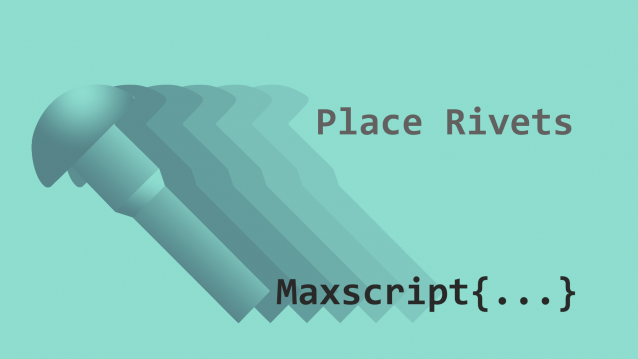
Place Rivets is a max script for populating geometry object on a given surface along a driven spline.

Syndicate content