Tagged 'General Scripting'

How to loop the materials in the Slate Material Editor ?

How to loop the materials in the Slate Material Editor ?

Toggle xRef Scenes / xRef Objects

Hello all,

So of course i'm aware that you can just get to the xRef Scenes / xRef Objects by going through File -> Reference.

But i like to toggle the xRef Scenese / xRef Objects by using a script. I have my own "summary script" in which i like to include them.

So i'm looking for the function to toggle these two, unfortunately i couldn't find these online. Hopefully you can help me :)

Thank you.

Bbox Border plane and attach all mesh

Hi !
I looking for to create a little script who makes planes around my bounding box : like this picture ...

http://img15.hostingpics.net/pics/230428bboxplane.jpg

I don't need the top and bottom plane.

And I need too another script can attach all mesh together without lost Texture Information.

Someone know how I can do this?

Regards

Kasimashi

rotation script controller Help

This information will be useful in the future: I started scripting 4 weeks ago

So here´s my problem... Im using a rotation script controller replacing the Euler XYZ for a DummyA in order to make it rotate reacting to the difference between two other dummies (B and C)
I use something like this in the scriptcontroller:

dependsOn $DummyB $DummyC
$DummyB.rotation - $DummyC.rotation

and it works like a champ... but when i try to apply some math to that value it doesn´t seem to be working at all, like

($DummyB.rotation - $DummyC.rotation) * 0.5

I hate the curveControl UI!!!

Hi, can anyone help me on this?

I put a curveControl UI item in a custom attribute applied to a Morpher modifier.

Then I put a script controller on a morph target so it can be governed by the curveControl. It all works fine until I close and re-open Max, and re-open the scene.

When I reopen the scene the script controller starts complaining that the curveControl is undefined.

Maxscript Unable to Convert Type to Float

Code:

oldvalue = me.value at time (F-1)
newvalue = me.value
if oldvalue >= newvalue
oldvalue + newvalue

It throws the error "unable to convert type undefined to type FLOAT".

If I remover the comparison at line 3 then it works just fine, but if I have that >= statement then it throws the error

I am having trouble accessing a value and if then ing that value

my question in demonstration and detail
www.youtube.com/embed/5_Jcy0LZYaM

disable item in RC menu and in dropdownList menu

I have a RCmenu and It's working fine, but I don't know how to disable item in some circumstances

fn createMenu =
(
	rcMenu rcTest
	(
		menuItem miItem1 "name1"
		menuItem miItem2 "name2"
		menuItem miItem3 "name3"
		seperator menuSep01
		menuItem miItem4 "name4"
	)
        if a==0 then
           miItem1.enabled = false  --<<<<<< ??????????????????? >>>>>
        on miItem1 picked do  
	   print "1"
        ...
 
)

and a dropdownList menu where I want to disable items:

 dropdownList FilterSelect pos:[427,21] width:110 height:200

DETECT THE STATUS OF THE TEXTURES

Like in asset browser: Missing, Network, OK, Found etc

Does macroscript support toolTip:"...." with line break?

Hi!

In a Macroscript, is it possible to put a long description with line breaks?

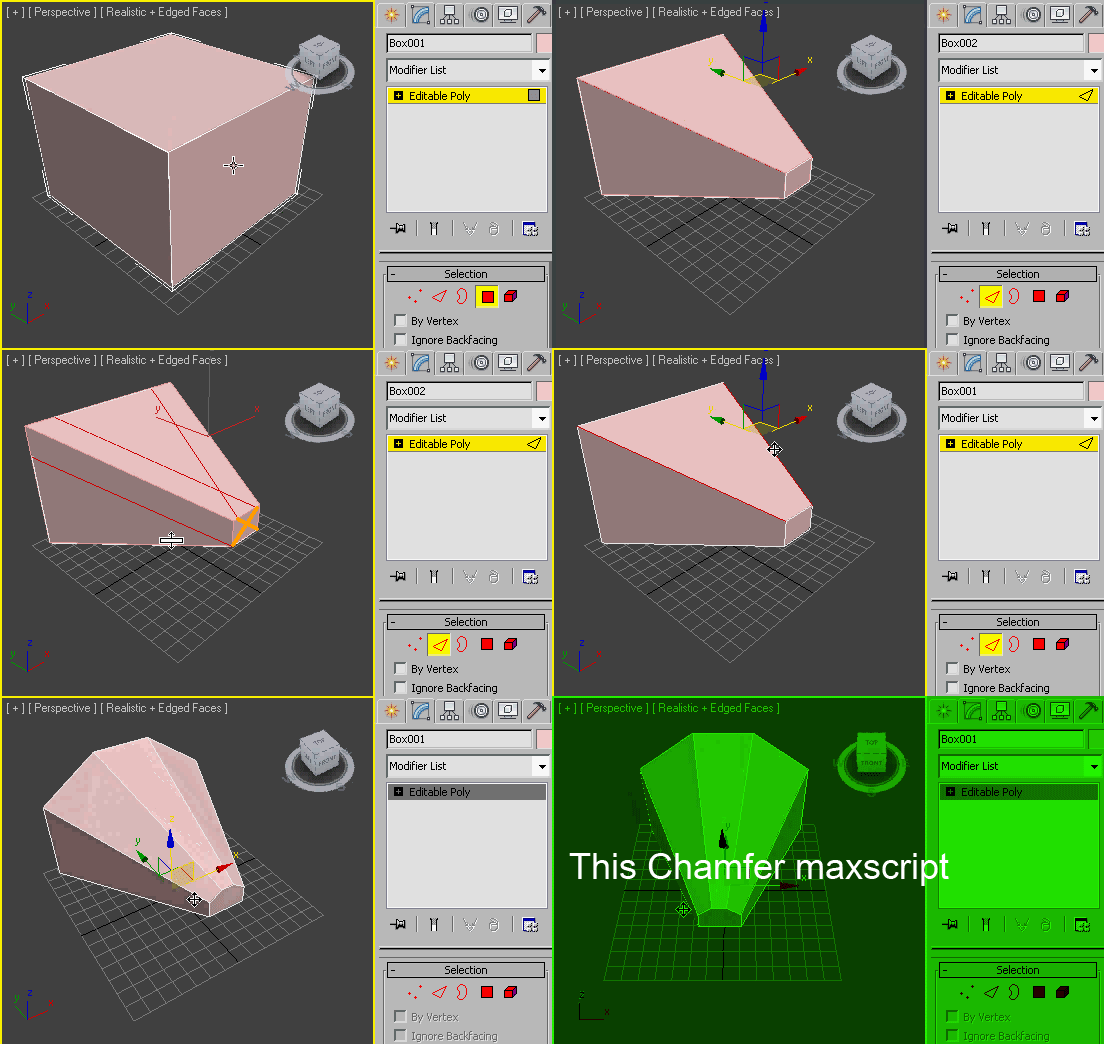
INTERPOLATE CHAMFER (chamfer like work of the smooth)

Namely, chamfer, which would work like this, as I have shown in this GIF

interpolate_chamfer