Tagged 'Elements'

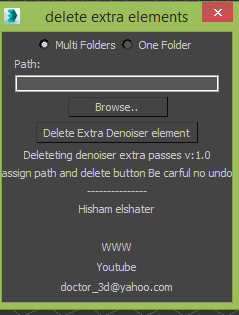
Delete Vray Denoiser extra elements

1 vote

Vray introduced Vray Denoiser lately which is post rendering process using extra passes which is mostly you won't need it on composting and for production its taking too much space

this simple script will delete it for you.


FinalRender Pass Manager

28 votes

I had  just started to learn maxscript two weeks ago and

I wanted a tool to Help in creating FinalRender renderelements fast.


This script creates Finalrender renderelements and put the selected objects in the include list of the renderelement with
proper names and make selection sets also it
creates lighting renderelements if the selection is lights and put the
lights in the include list of the light renderelements
for every selection set.

Explode Spline Elements

0 votes

A small tool for quickly exploding all selected splines and shapes elements into separate objects. Support for turning on and off Undo for speeding up the process.

GTVFX-SCA_createLightSelectElements_perLight

2 votes

Creates a VRay Light Select Element for each light in your scene.

Elements are named with prefix of the nameTag variable. You can change this variable if necessary for your pipeline. To do so you will need to open the script and modify the variable within the struct.

Default nameTag = "lgt_"

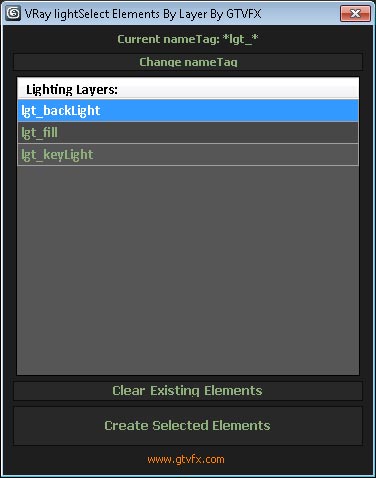
GTVFX-SCA_createLightSelectElements_ByLayer

1 vote


Manages the creation of VRay Light Select Elements based on a layer naming convention.

All lights on a layer will be included in that Light Select Element.

Layers are found by matching the pattern of the nameTag variable. You can change this variable if necessary for your pipeline by using the slender button at the top of the dialog.

Default nameTag = "*lgt_*"  (fe: lgt_sun, lgt_key, etc...)


 Updates:

Syndicate content