Tagged 'Tutorials'

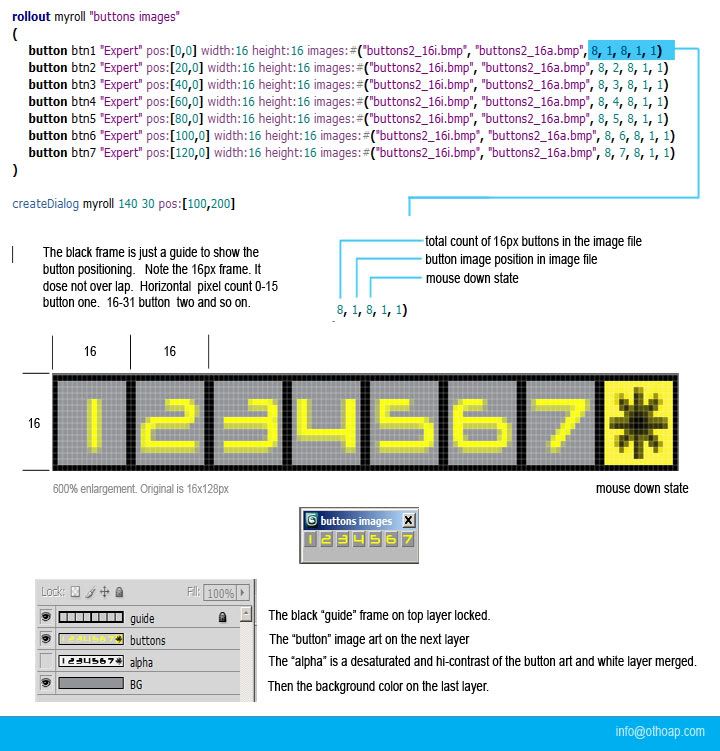
MaxScript image button .BMP layout

10 votes

A MaxScript button image layout how to. Included below (buttons2_16.zip) are the maxscript text and photoshop psd files shown in the tutorial. I can sum up the whole exercises with one word "spacing".

Pay attention to the 16px dimensions show here. The psd file includes a frame guide layer showing correct button spacing.

email me with any question. [email protected]

Clear out the dead wood from the layer manager

62 votes

Clear out the dead wood from the layer manager

Occasionally, you end up with a load of layers in your scene that are no use to anybody, serve no function to society, and end up taking valuable space like an unwanted uncle at a wedding.

DotNet Demystified - Part 1

34 votes

Just posted on Lonerobot.net is the first part of a series of beginner's DotNet tutorials. If you've been struggling with dotnet classes and are unsure of what the difference between a class and an object is, this tutorial could help get you on the way to achieving the most out of dotnet in 3dsMax. 

Dotnet Demystified Part 1

Maxscript 101 - Free Online Training

845 votes


The creator of Maxscript (John Wainwright) has made his previously commercial training DVD available for free on Vimeo! It's broken up into easy to watch chunks and even though it's a bit dated it remains one of the best introductions to MAXScript available.

A sincere thanks from the ScriptSpot community to John Wainwright for releasing his incredibly valuable training series for free and to our very own "Garp" for putting in the time to get the video split into sections & uploaded. Thanks!

BackBurner monitor undocumented cmd switches

67 votes

In case you run multiple backburner managers (e.g. on notebook at several places or using local manager and manager in office) it is good idea to have icons for automatic connecting monitor to the different manager hosts.

I've found two working command line parameters for monitor.exe:

monitor -a
monitor -mservername

First one turns "Auto connect" on. Second one sets manager hostname and connects to it. (Note: There is no space between -m and hostname or ip)

Coding a 'Blueprint Manager' script series

37 votes

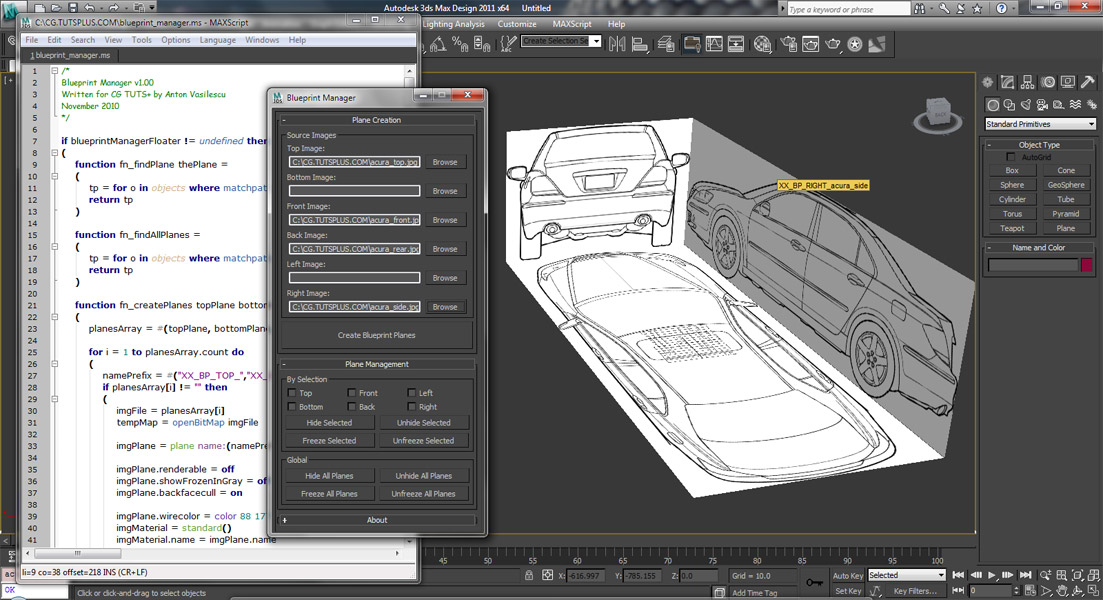
This three-part video tutorial series is looking at how to create a ‘Blueprint Manager’ script in 3Ds Max.

Tutorial #005 - Superflow Elements Advanced

54 votes

Superflow

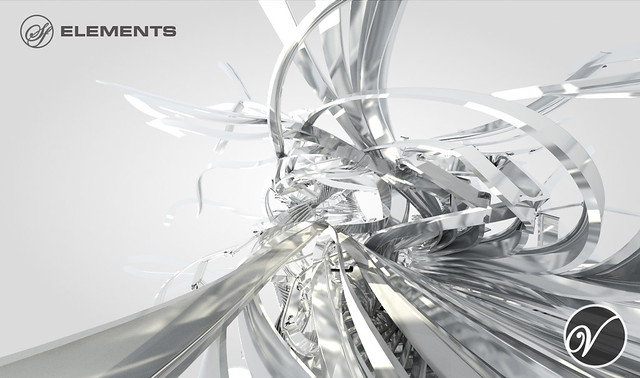
V-MOTION Solutions Tutorial on Advanced Techniques with Superflow Elements

Software: 3ds Max

Topics:
- SF Elements Advanced
- Using SmartArray & Quick Clone
- Path Distribution
- Integration with Pflow
- Realtime Rig for particle emission
- Pflow Setups discussed
- Rendering with Krakatoa
- and more...

Length: 40 minutes / Download Tutorial for High-Res

Try the Superflow Elements Demo: http://www.v-motion.co/download/down.pl?ID=6

Tutorial #004 - Audioflow SplineSync

43 votes

SplineSync

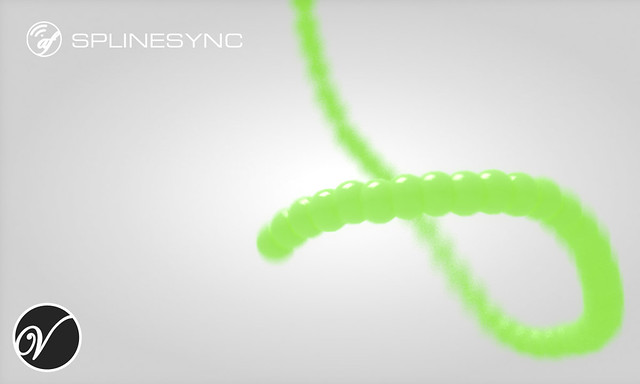
V-MOTION Tutorial on Audioflow SplineSync that covers the UI and some basic functionality

Software: 3ds Max

Topics discussed:
- Installation
- User Interface
- Setting up Audio Controller
- Adding Point Helpers
- 3D Spline based on Audio/Wave/Noise Controllers
- Spline2Mesh Creation

Length: 15 minutes / Download Tutorial for High-Res

Download Audioflow SplineSync: www.v-motion.co

Tutorial #003 - Superflow Elements

52 votes

Superflow

V-MOTION Solutions Tutorial #003 - Superflow Elements

Software: 3ds Max

Learn how to use Superflow Elements

Topics discussed:
- Installation
- User Interface
- Quick Array Creation
- Rotation / Translation Controllers
- Animation Controllers & Workflow
- Realtime Spline Rig

Length: 11 minutes / Download Tutorial for High-Res

Download Superflow Elements: www.v-motion.co

Superflow - Bachelor Thesis: superflow.ian-clemmer.com

Tutorial #002 - Parametric Superflow

83 votes

Superflow

Mindflow Solutions Tutorial #002 - Parametric Superflow

Software: 3ds Max

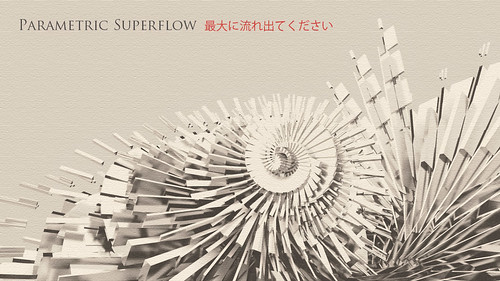
Learn how to use the Parametric Array script by Ali Torabi as a Superflow controller!

Topics discussed:
- Parametric Array / Script by Ali Torabi
- 1-Dimensional Linear Controller
- Superflow Control
- 1-Point-Pivot
- Linear Harmonics
- Trajectory->Spline->Mesh Creation
- Animation Setup
- Object Parameter Control
- Advanced Array Structures

Length: 29 minutes

Syndicate content