Tagged 'select'

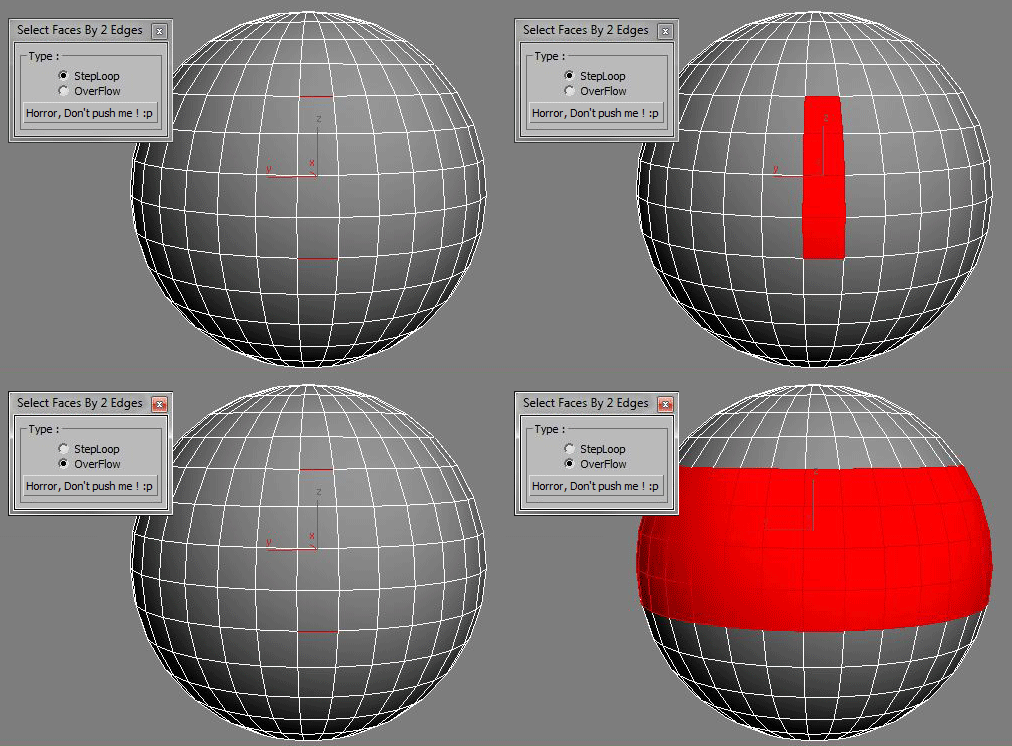
Select Faces By 2 Edges

2 votes

Select a Loop Faces between two selected Edges.

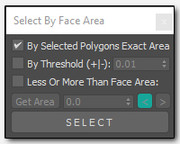
Select By Face Area

2 votes

sfba
Simple tool for selecting polygons by area with a few options

SplineTools

2 votes

Simple tools for working with splines in 3dsMax.

These tools includes:

  • -Selection filtering *Select only closed *Select only open 
  • -Clean up *Convert to spline and perform overlapping points weld.
  • -Close all *Close all splines
  • -Set points to corner/smooth/bezier/bezierCorner *Sub-object level sensitive
  • -Select by length *Select and sort splines by input length
  • -Sort *Detach open splines
  • -Explode *Explode shape object to splines (not segments)
  • -VArranger *Arrange selected splines by input z values and optionaly create a surface. Used to create terrain from drawing.

SplineTools_ScriptSpot_V.2.0

Select instances objects

2 votes

Small but very useful script for selected instances objects

- select only visible instances objects
- work fast, support undo
- work of script would be broken by pressing Escape button

for install you should drag&drop script into 3ds Max
Find it in Customize -> Customize user interface -> Toolbars.
Category: # Scripts

Tested on 3ds max 2012

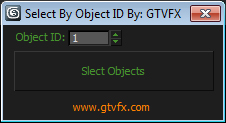
GTVFX-SEL_SelByObjID

1 vote


Selects all objects in your scene with the Object ID specified. Filters out hidden objects.


Selection Manager (speed up you work in scene)

1 vote

J Selection Manager

designed for speed up your work by optimizing the selection of objects and hiding/showing groups of objects

Control Hidden and Frozen Objects

1 vote

what this script does:
1- unfreeze objects by name
2- select freeze objects and move, rotate or scale them without unfreezing them.
--this is useful when you have several frozen objects and you do not want unfreeze all of them to select one of them.

3- select hidden objects, delete, more or...without unhide them

if you have some heavy hidden objects and you need delete them, first you should unhide them, then delete them but with this script you can select hidden objects and just delete them without unhide them.

--how it work,

Select Similar Spline

1 vote

this script works like select similar faces in polyboost or gmt, but with splines. so feel free to test it an post some suggestions :)

it have two modes:
by segments - selects by spline segments and their lengths (most precise)
by length - selects by overal length of the spline (useful in some cases)

new in v2.1
by type - selects by knot type (bezier,corner,etc)

Select by Color and Move objects to Layer

1 vote

This simple script lets you choose a wirecolor by an object (like "Select by Color") and select all objects with the same color. You can move the selection to levels we have chosen.


Material Toolbox

1 vote

Manage the Material assignment, Material ID number, and Wirecolor of scene objects.

Feature List:

+ Easily Select all objects with shared Material, Mat ID, or Wirecolor

+ Interactive Clipboard to store Materials, Mat ID's, or Wirecolors

Syndicate content