Tagged 'object'

Quick Isolate Object

66 votes

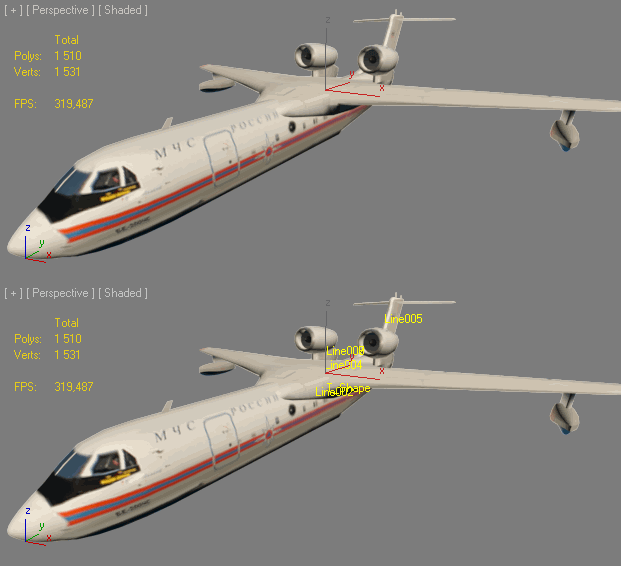
With this useful and funny script, you can isolate in a ListBox, the category object in Geometry, Shape, Light, Helper, Camera and Space Warp in the viewport.  We can select, rename and count the items in the scene.  Useful in many work situation.

qio

Multi Primitive

9 votes

plugin script, Multi Primitive

Place Rivets

1 vote

Place Rivets is a max script for populating geometry object on a given surface along a driven spline.

HollowCube

25 votes

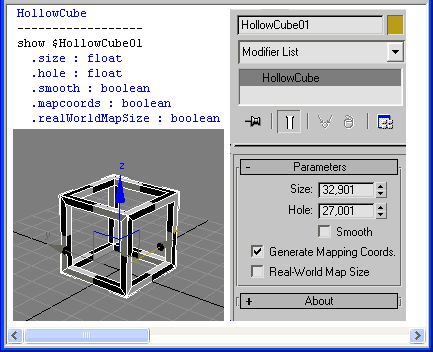
HollowCube is a simpleObject scripted plug-in.
Procedural primitive that I made today for fun.

HollowCube

Installation:
Copy this (.ms) to Max "stdplugs\stdscripts\" folder

Usage:
HollowCube is in the "Create/Geometry" tab in the "Scripted Primitives" menu

Note:

Find Modifier Type

16 votes

Choose the type of modifier you wish to find in your scene and this tool will return to you a list of every object that has the modifier, the object's name, it's class and the layer it is currently in. You can then select whichever objects you want.

The modifier list includes every modifier that is default to max.

P_ObjectRenamer

1 vote


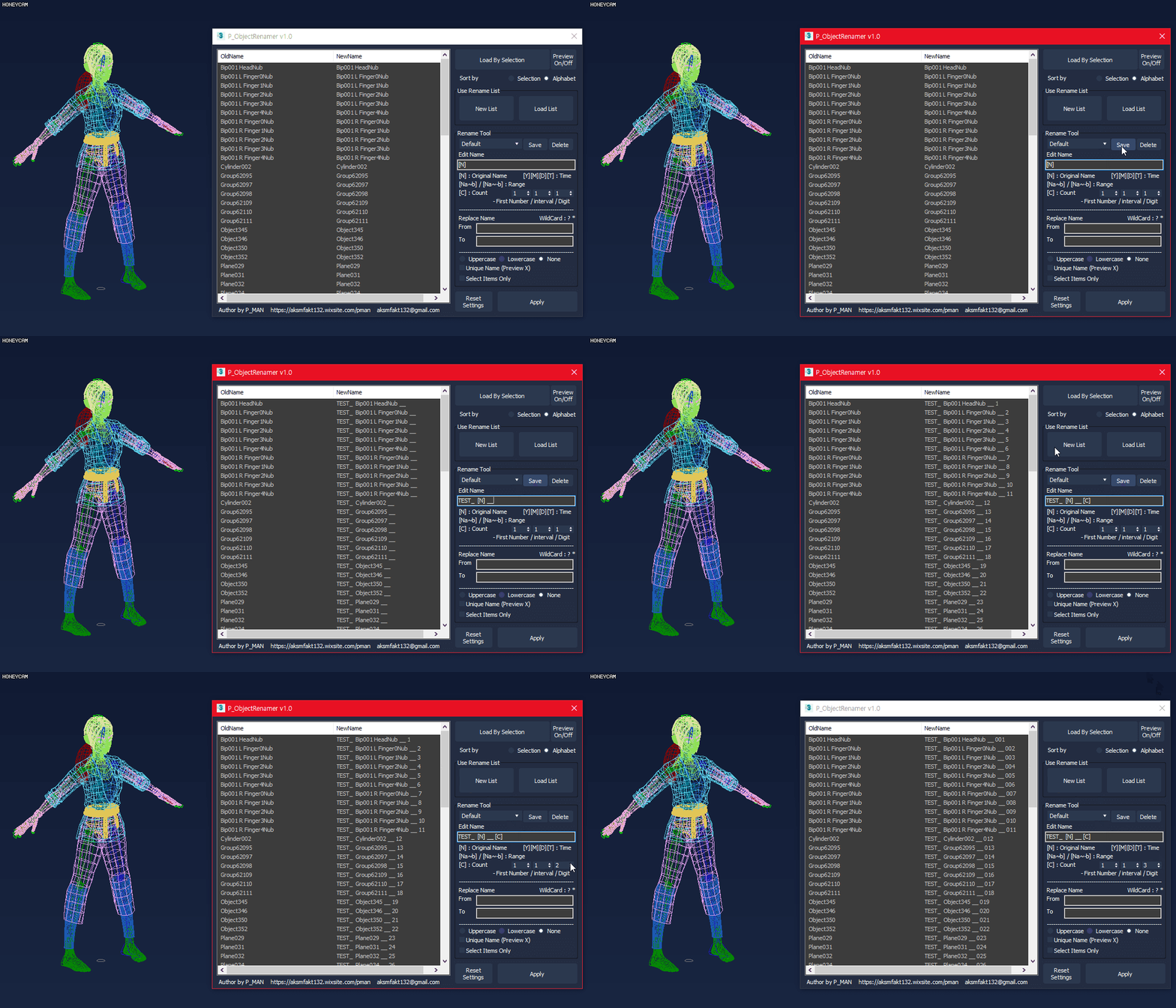
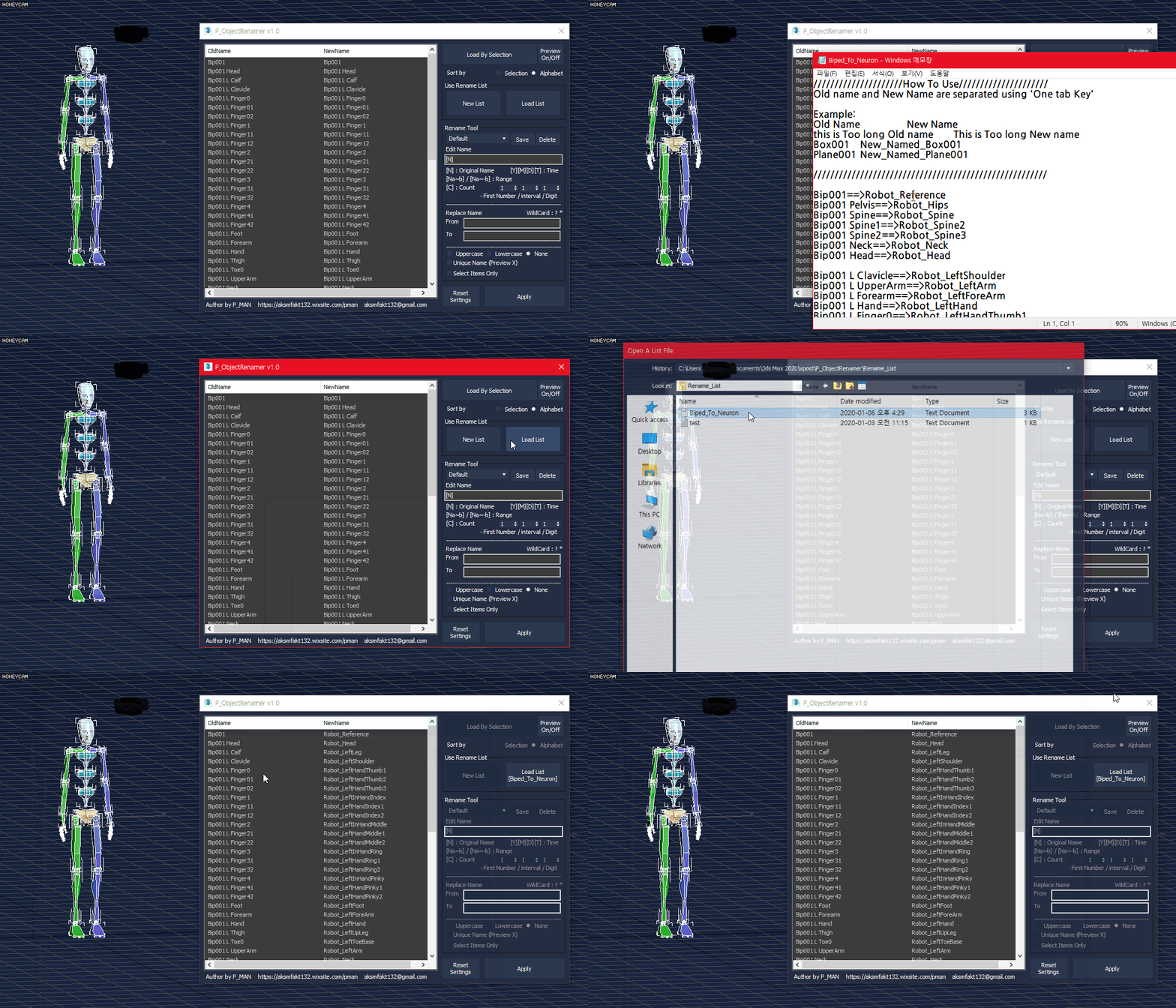
P_ObjectRenamer is a tool for object rename

- Rename Preview
- Rename preset
- List Rename
- Various options(date / time / range / count / etc..)
- Replace Name
- Uppercase / lowercase
- Unique Name

This script is free.
If you like my script and want to sponsor me, please purchase this script
https://gumroad.com/l/PTEXTURE

If you have any questions, ask me.
https://discord.gg/MUGhNgu
[email protected]
Welcome comments and feedback

ShowName

0 votes


INSTALL: drop file to viewport and copy this file in "Startup" folder of Max

Установка: Перетащить *.ms во въюпорт и скопировать этот файл в папку макса "Startup"

Actions are stored in Category: "Niklit Scripts"

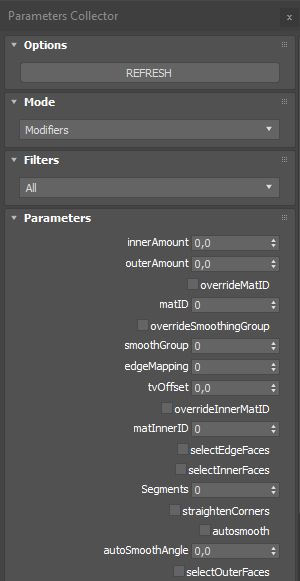
Parameters Collector

2 votes

Collects all parameters within selected objects, modifiers on objects or slate nodes (materials) so you can mass change their values.

Installation:

just drag&drop to max and the you can find the script inside ProgressiveFX category

Changelog:

v1.2.1

- added exception if nothing selected in slate material editor

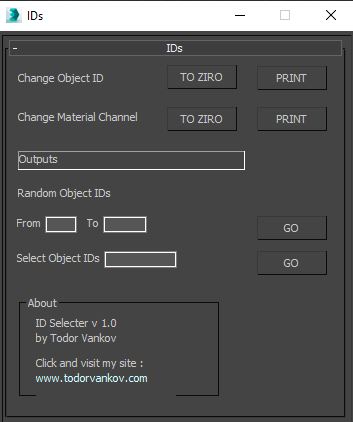
IDs Finder

1 vote

With this script you can Find what kind of object and material IDs you have in your scene.

- the Buttons „to zero" reset all material and object IDs
- random object ID
- select the objects with one special ID

Script category: “#todorScripts”

You can see an example here, how to install my script per Drag and Drop:

Transfer Materials

1 vote

Transfer materials, object properties (standard and Vray) and modifiers between objects based on names, vertex count or transfom. Can work between multiple Max instances. Handy for transfering materials from lookdev to lighting scenes with caches.

Installation:

just drag&drop to max and the you can find the script inside ProgressiveFX category

Changelog:

v1.2

- bugfixes

- possibility to remove string from object name before copy

Syndicate content