Tagged 'bitmap'

Bitmap Collector

4 votes

This script was created in order to help artists with collecting and re-pathing bitmaps (textures) that are coming into the scene files from all over the places.

This tool will let you automatically re-name the bitmaps based on dynamic names as well as your defined static names. It will then copy all the bitmaps to a single directory of your choosing and automatically re-path the bitmaps in your scene, so that you don't have to manually do a thing.

Here's a quick video demonstrating how it works

RadarScan

42 votes


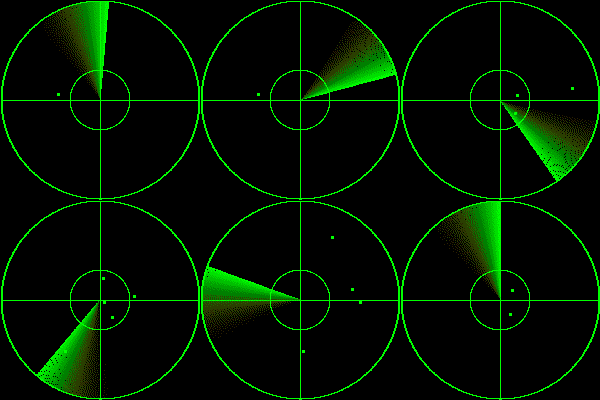
UFOs were found !

The max is dangerous !!!

Engjoy it :)

BitmapPath in MatLib Relpacer

25 votes

This script can replace all bitmap texture pathes in selected matlib file. You select Matlib file,select directory you want to set, select the bitmap texture directory path you want to replace and thats all. This my first script.

BE CAREFULL. It does not make backups, but uses A LOT OF MEMORY, so if it crashes your matlib maybe damaged. Example: replacing All Evermotion ArchShaders Vol.1 + Vol.2 pathes (in one file for all maps) takes near 2,5GB! Any help and suggestions how to solve this will be accepted. This my first script:)

P.S. sorry for my english

Bitmap Paths

24 votes


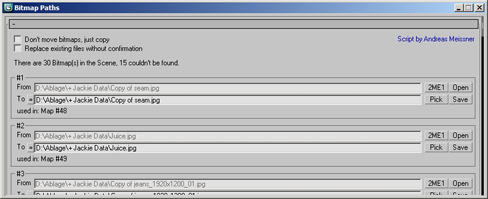
Adjust your bitmap paths ... hope it helps :D

Check_Bitmap_N-th_power_2

12 votes

Created by: feilang

This can check all of the bitmaps in your scene if their sizes can be divided end by 2.

Usually, game developers may like this.

bitmapCollector

18 votes

Collects all the scene bitmaps and places them into a single directory, updating your scene to point to their new home.

Tutorial:
Open a scene that contains a lot of bitmaps. Run the UI version of the script. Choose a Directory. Hit Do. All the bitmaps you choosed will be copied to the directory you specified, and now all the scene materials point to that directory.

Open All Bitmaps

15 votes

The script is used to open all bitmaps on any selected objects in Photoshop. When first run the script will ask you for the location of Photoshop; which it then stores in 3dmax.ini. If Photoshop is moved the script will ask you to reconfirm the location. When pressed Photoshop is launched and bitmaps on selected object are opened.

Inspired by the script LoadBitmapInPhotoshop

Maps_fixer

22 votes

Relocate, replace or search missing maps.
See on which materials they are placed,
Double click to relink bitmaps
Globally change paths
Search and replace maps in subdirectories
...

RH Check ATS Maps

22 votes

This script goes through all the .max files in a given folder and checks if all the assets in the Asset Tracking System have their status set to "Ok". Once its done it pops an info box thats shows how many files where checked, and then gives you the name of the .max files that were wrong.

Set Bitmap Parameters

10 votes

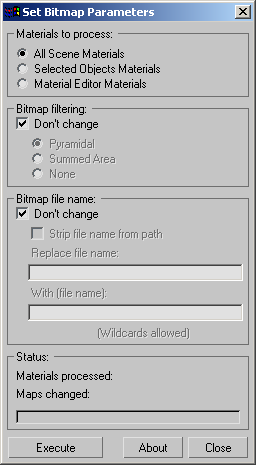
"Batch change the bitmap parameters of all materials - selected objects' materials or material editor materials. Includes options for stripping out bitmap paths - batch path replacement - and filtering options.

Screenshot

Version History:

Syndicate content