Tagged 'shape'

Refine by Intersect

1 vote

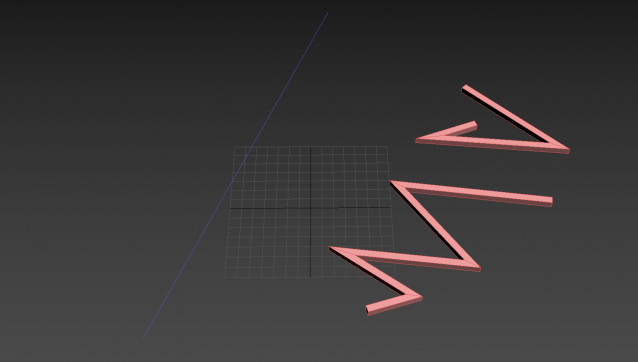
3DSMax Script for Refining Selected Shape if 3ds Max Version is 2019+ or Creating Editable Spline Shape according to 4 Points .

Box From Vertices

1 vote

Simple Script to Create Box from Selected Vertices (You can use it as snap reference)
The Box Rotation Depends on the Current Coordinate System :
- local , Parent , Node.Transform .
- other than that it'll use the view system .
- it works with (Poly,Mesh) Objects or Modifiers , and shapes (will be Converted to editable Spline) .
The Created Box Name will be "Box_Helper" placed in Layer Called "Snap_Helpers" .

Shape Fillet

3 votes

3Ds Max Script for Applying Fillet to Shapes Kind of AutoCad behavior .

Tweener

0 votes

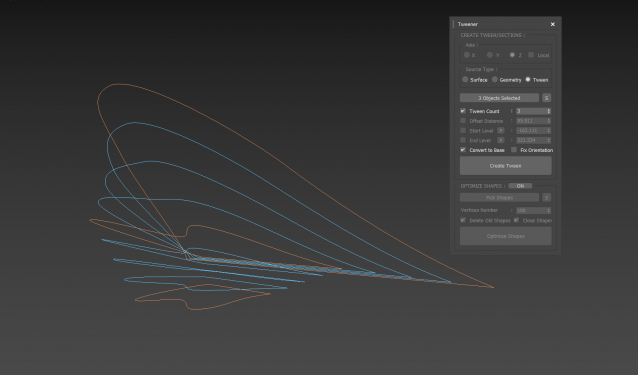
 3dsMax Script for Creating Tween Curves from Shapes or Surface and Creating Sections from Geometry.

Thanks to JokerMartini.

Spline Arrow

2 votes

Easily and quickly create a variety of arrow splines in 3ds Max with this spline plugin. Users can further customize the shape with the parameters exposed in the rollout. Check out the video below to see it in action.

Circle Scatter

2 votes

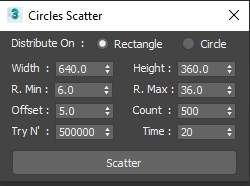
A Simple Script to Scatter Circles without Collision with (Time/Tries/Count) Limits .

UPDATE 1 :

  • Add Circular Scatter .

Select spline segments by matID

0 votes

With this script you can select splines' segments by matID.
There are two methods of selection:
- "Use IDs of selected segments" - select some segments and press the [Select] button. The script will find the matIDs of the selected segments and will select all other segments with the same matIDs.
- "Use IDs typed below" - type as many matIDs as you want in the field(separate matIDs with comma) and press the [Select] button. The script will select all segments with the matIDs entered by you.

Shape Vertex Aligner

2 votes

3dsMax Script for aligning shape vertices by 2 or 4 points

  • By 2 Points each vertex will be aligned depending on its segment direction.

  • By 4 Points - the first 2 Points will determine the direction.

  • with Alt Execute the vertex will be aligned perpendicularly.

miauu's Draw Circle

0 votes

The main purpose of this script is to allow you to draw a circle with an exact amount of knots, something you can't do with the built-in Circle shape.

Also, you can set the radius of the circle. The circle will be created at world's center.

How to install: drag and drop the miauuDrawCircle_01.ms onto any 3ds max viewport. Go to Customize -> Customize User Interface -> miauu category and find the "Draw Circle" item.

Spline Indexer

0 votes

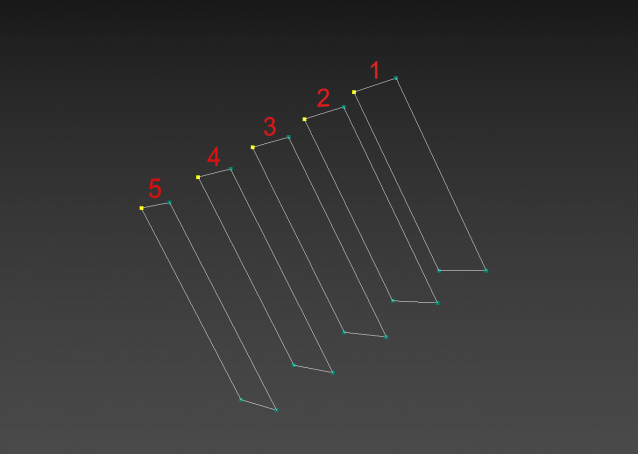
3dsMax Script for Controlling Spline Indexes inside Shape Objects.

- Works on 1 Shape at a time.

- Works on Edit Spline Modifier, but the Shape will be converted to Editable Spline.

- Works on Shape with modifiers.

Syndicate content