Tagged 'shape'

Detach Splines

8 votes

Breaks the selected shape object (Line or Editable Spline) into as many objects as there were splines in the original object. Unlike the other explode scripts, this one doesn't try to rebuild the splines point by point and instead duplicates the object and deletes all the other splines, which means they all keep the original attributes like material, material ID, interpolation settings, renderable settings and so on.

Profile shape

11 votes

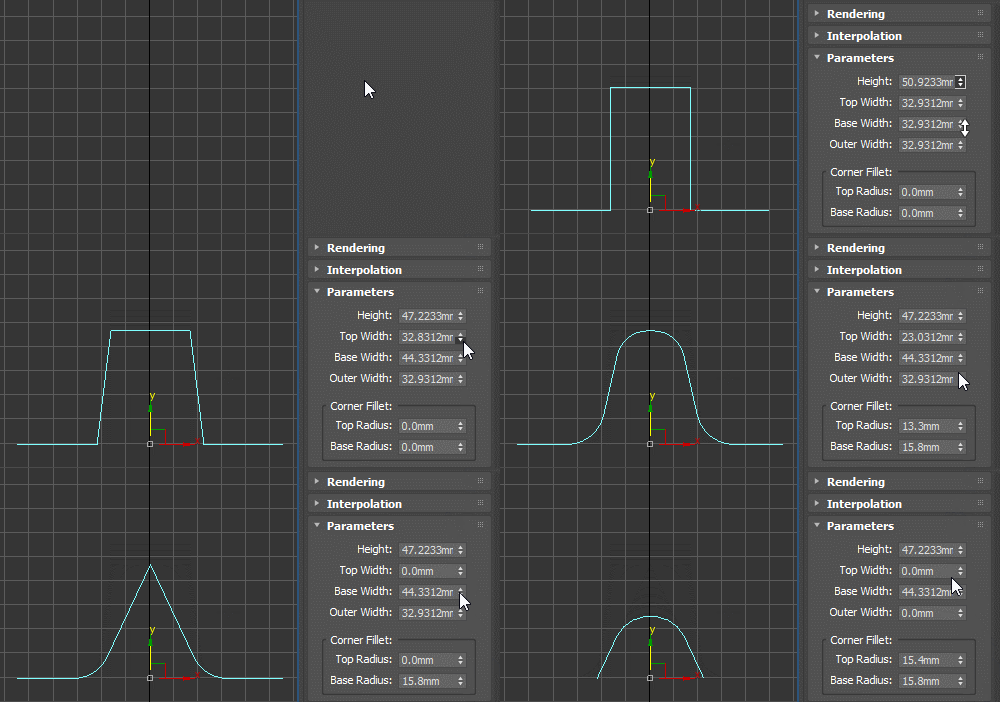
Profile spline primitive to be used with classic Bevel Profile or Shell modifier as the edge profile shape, as a sweep profile and for other similar use cases. Can be rotated, flipped and reversed as needed (for example for Shell, you should use the X Direction).

Vertex to shape

21 votes

This is a script I did for a co-worker. It takes a vertex selection and turns that into a shape. It is the same as taking an edge loop and converting it to a shape but with less button clicks. Actually that is how it is scripted as well. It takes a vertex selection and converts it to a edge selection and then shrinks it to get the right edge loop. Then it just converts the edge to a shape. Pretty simple but it might help your work flow if you need something like this often enough.

Object's Normal Fix

2 votes

Small Scripts to fix the Normal of selected shapes (Exrtude Direction)  .

- Select Shapes to Fix .

- Run the Script .

- One LeftClick on any Surface to get the Normal from it , then RightClick to Exit .

Another Script Added to Auto Fix Shapes Orientation .

* If you have 3d Curved Shape its better to use the First Script to do Manual Fix .

- UPDATE 1 :

  • Make the Macros Visible/Enabled When the Selection Contain Shapes .

- UPDATE 2 :

Shape Draw Grid

3 votes

v1.31 fixed small bug (disable callback)

Attach Selected

0 votes

3dsMax Script for Attaching Selected Objects .

- Works on Geometries and Shapes .

- The First Selected Object will be the Main Object .

Sometimes when using Other Scripts for Attaching Objects you get wrong materials when containing Multi Sub Materials , So I made this Script to solve this Problem .

- After Installing , the script will be add to QuadMenu 1 (RightClick Menu) "Attach Selected" .

Select Similar Spline

1 vote

this script works like select similar faces in polyboost or gmt, but with splines. so feel free to test it an post some suggestions :)

it have two modes:
by segments - selects by spline segments and their lengths (most precise)
by length - selects by overal length of the spline (useful in some cases)

new in v2.1
by type - selects by knot type (bezier,corner,etc)

Fence Generator

0 votes

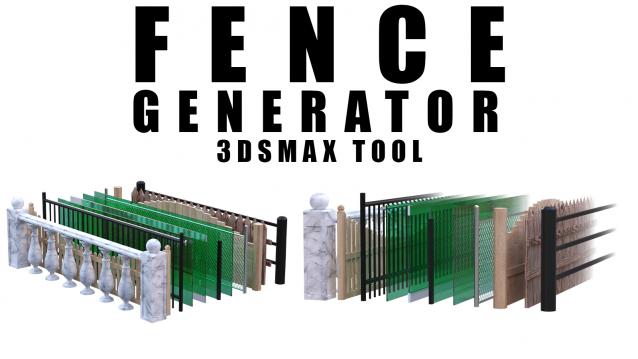
Enhance your 3D modeling workflow with our Spline-to-Fence Converter tool built with Maxscript. Easily transform splines in your scene into realistic fences and posts with just a few clicks. Choose from a selection of 11 fence types tailored to your project needs, and customize specifics such as fence height, number of posts, gap between planks, and more.

Shape Trimmer

2 votes

3ds Max Script for Making Trimming and Cutting Shapes Very Sample and Easy Thing to do .

The Script Required Max 2019+ to Work

miauu's Quick Spline Measure

0 votes

miauu's Quick Spline Measure allows you to quickly measure:

Syndicate content