Tagged 'camera'

VRay Camera SLR Setup

4 votes

With this tool you can easily set up the basic parameters of VRayPhysicalCamera
(Aperture [f-stop], shutter speed and film speed [iso]) to mimic real SLR cameras.

Smart Camera View 2

0 votes

Smart Camera View 2.99 — FINAL UPDATE FOR VERSION 2

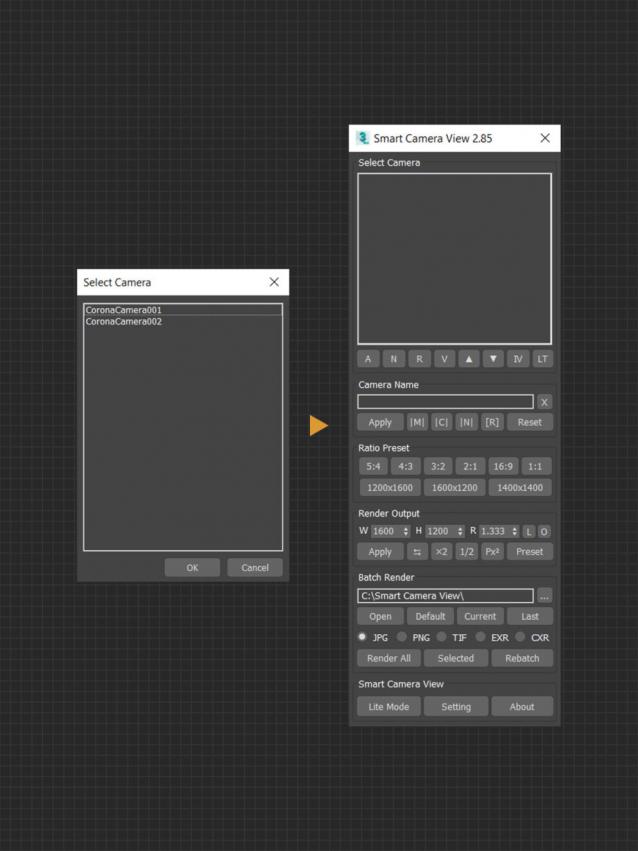
A major upgrade from Smart Camera View 1 (fomerly known as D95 Camera View), with many important additional features. This script is intended to replace the default Camera View (C) in 3dsMax with some cool functions. It will save you a lot of time when setting camera, especially in scenes that has multiple cameras with different aspect ratios.

CHANGELOG (LASTED VERSION)

2.99 | 10/01/2022

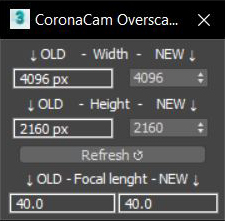
CoronaCam Overscan

1 vote

Motion Graphics Tools

29 votes

A Max Script with a bunch of commonly used tools for working with motion
graphics and standard materials in Max.


Wide Ratio Camera Tool

16 votes

The Wide Ratio Camera Tool creates a camera rig that overrides the project's image output ratio.

Example :

- The final output image is for tv (HDTV 1280x720) : ratio 1.77.
- We want to display some 2.35 ratio for a "movie effect".

It works with 3dsmax's default cameras (free and target), and VrayPhysicalCameras.
The ratio is handled by a Custom Attribute in the created "c" helper.
The masks are properly wired : the ratio and the camera's focal length can be animated.

Export Camera to UE4

0 votes

Just select cameras(without target) and run the script. Script will create "Bake Cameras". Then you will need to export all cam in fbx(-z) and import in UE4.

--Support Target Camera, Free, and animation FoV

Script is free

Cubemap Builder

0 votes

Description:
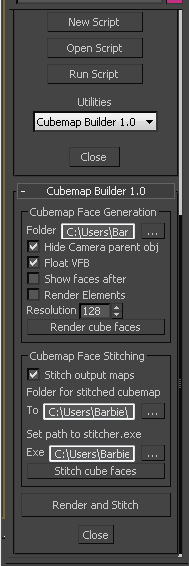
A maxscript Utility for the batch generation of cubemap faces across multiple cameras, and optional assembling of a "complete" cubemap in DDS format. The completed DDS texture is ready to use in the DirectX shader material - the original inspiration and motivation for this script.

Boujou2Max

1 vote

Boujou2max plug-in poster

Boujou2max imports raw markers from Boujou as an animated cubes or dummies. This is a good solution for raw motion tracking without camera solve.

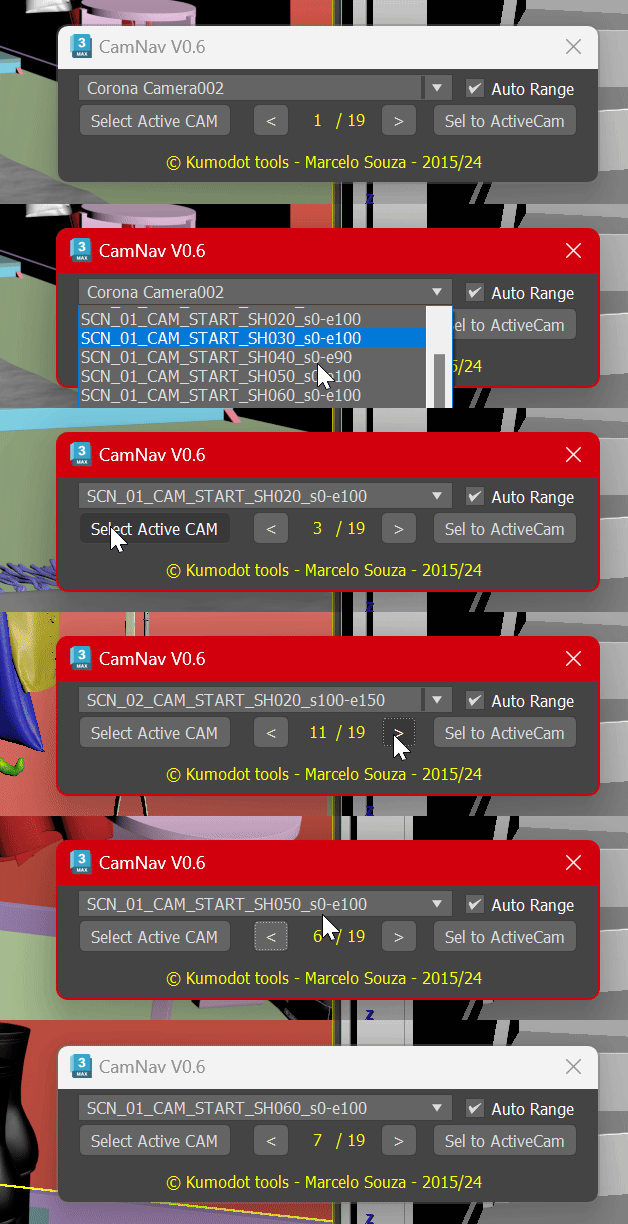
Camera List Navigator

-1 vote

Camera Z_Depth

43 votes

This script creates a new render element using a falloff shader to emulate a zdepth render element. The min and max values are added to the cameras attributes. This gives you the ability to animate the min and max values of the zdepth and to be able visualize those values in the viewport.

It installs as a macro script in the mikes scripts category.

Update 05/26/2011:
I changed the default values from 100 min and 200 max to 0 min and 0 max.

Update 02/10/2012:
I turned off filtering.