Tagged 'transform'

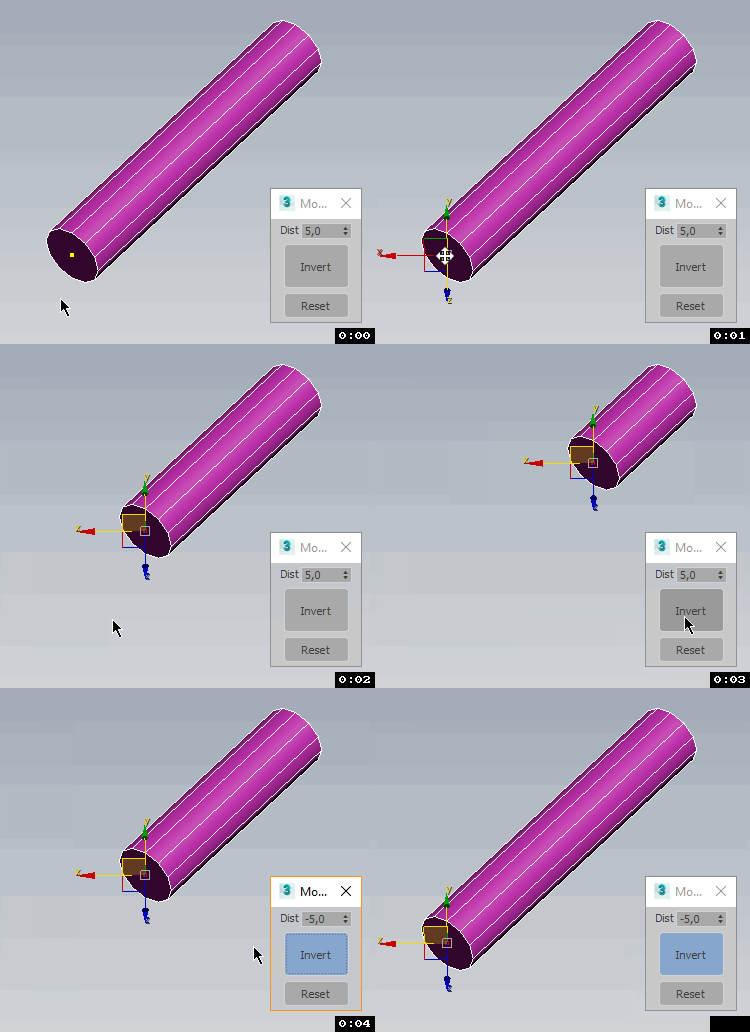
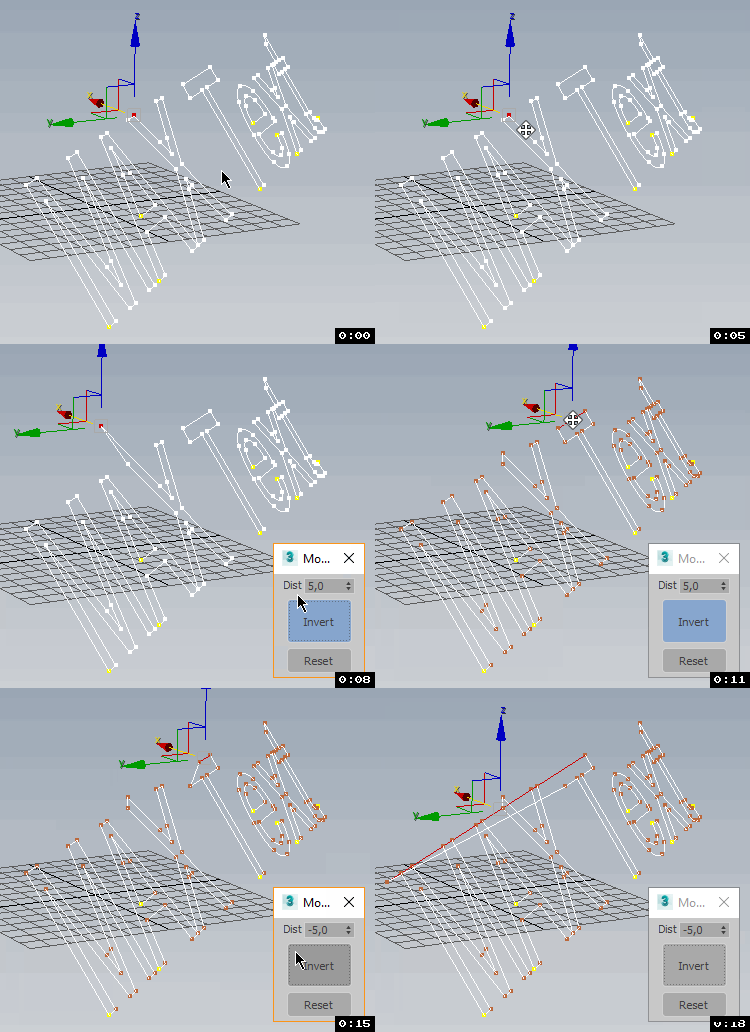
TransformbyStep

4 votes


Magnetic

4 votes

An alternative to using attachment constraints - use magnetic 2.1 to attach mesh/poly objects to the surface of another mesh object using the painter interface or a guide shape and each attached object will retain its position and orientation respective to the surface as the surface is animated.

Universal Arrange

4 votes


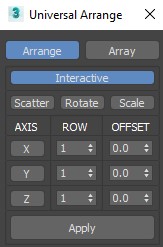
This Script for Arranging Selected Objects in 1 or 2 or 3 Axis . You Can Control the Offset on each Axis and the Number of Rows (When Using 2 or 3 Axis). Notes: Press Right Click on any Axis to Arrange the Objects on this Axis Only.

Version 1.2

Universal Transform

4 votes

Universal Transform has Alot of Featuers for Moving Rotating Scaling Randomizing Scattering Objects and Working with Pivot and Working Pivot and More .

The Script has 5 Modes (Move, Rotate, Scale, Pivot, Random) . and 3 Type of Auto Switching to Switch Between Them (to not Get Confussed) .

The 3 Auto Modes is (Auto T, Auto D, and The MacroScript (Universal Transform - Auto Switch)) .

- it has 3 Options :

1- By Spinners or (Type-in) .

UI_Align_Rotation_XZ.ms

4 votes

Align Position Rotation and Scale of selection to target from Center to Center

MaxCopyPaste

4 votes

MaxCopyPaste Poster

"Copy-paste on steroids" with some extra features such as clipboard history, drawing and placing objects on top of your geometry, and copying objects between 3Ds Max instances. You can choose whether to duplicate materials when you paste an object. Instancing is supported now. Return the missing functionality that makes your workflow intuitive and fast. Watch the video for more details.

transformRandomizer

4 votes

Lets you translate - rotate and scale a group of objects by a random amount.

Auto_Scale

4 votes

It gets the scale of your object in system unit and rescale it . For example if I have a head modell that has a width of 1.55 cm (incorrect) and I want it to be 20 cm without try and error then I use Auto Scale

DesignToolBox - tools for architecture & design

4 votes

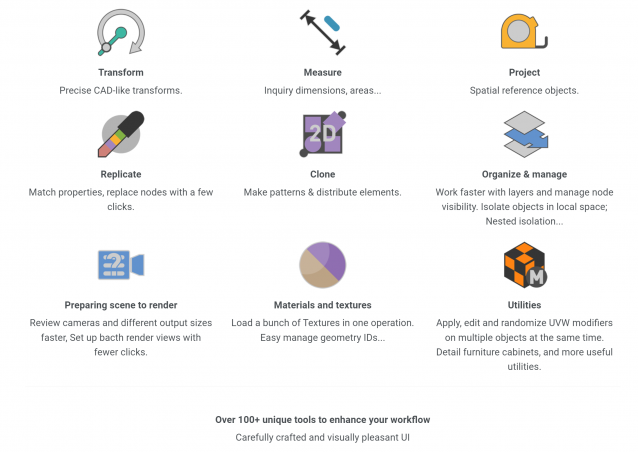
Design Toolbox is a collection of tools specially designed to accelerate and simplify basic modeling tasks for architectural models, furniture design, and other tasks where accurate modeling is needed. Professionals used to CAD or precision software will find it very familiar with some of the included transformation tools, like reference rotation, scale and position, measurement tools and reference guides.

The ability to place snapping points at polylines intersections, visual rulers, fast UVW mapping and random transform, cloning tools, scene management, panel grids, fast pivot placement, and workplanes are some of the tools included, and new ones are added with each update.

UI_Align_Pos_Y_Pivot_To_Pivot.ms

4 votes

Align Position Y of selection to target from Pivot to Pivot

Syndicate content