Tagged 'spline'

createShape

8 votes

This is a function so that scripters can create shape objects easier.

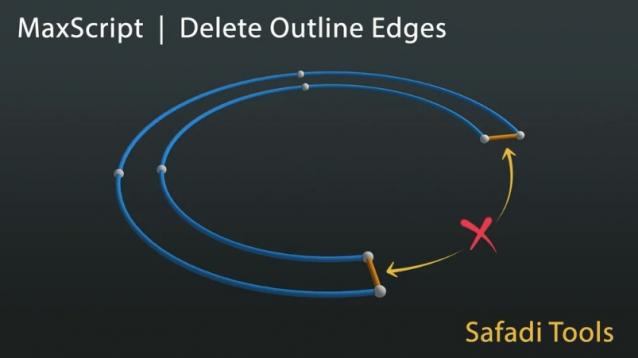
Delete Spline outline edge

0 votes

This Script Delete the two segments after applying the outline command

Version : 1.2.0

Please make sure there is no modifiers used while using this script Run script or drag and drop to 3ds max, then go to customize user interface and assign it as a keyboard shortcut or as a quad menu under "safadi_tools" Category

Detach Splines

8 votes

Breaks the selected shape object (Line or Editable Spline) into as many objects as there were splines in the original object. Unlike the other explode scripts, this one doesn't try to rebuild the splines point by point and instead duplicates the object and deletes all the other splines, which means they all keep the original attributes like material, material ID, interpolation settings, renderable settings and so on.

Doom Spline Resizer - draw line with precise lenght

3 votes

This simple script will let you draw precise lines quickly almost as a CAD software!
It will Set the pivot to the first vertex of a shape object and align it to the first segment. A window will show up allowing to set the Lengh of a spline scaling from the first vertex.

You can find the mcr script in the Category:"_Scripts"
The .ms script will just load on RUN

USAGE:
For best use associate the script to a Key button (es. D that is free by default)
You can add a toolbar button found in "# Scripts" category
Use the key or press the toolbar button to start drawing a line

Draw Spline

13 votes

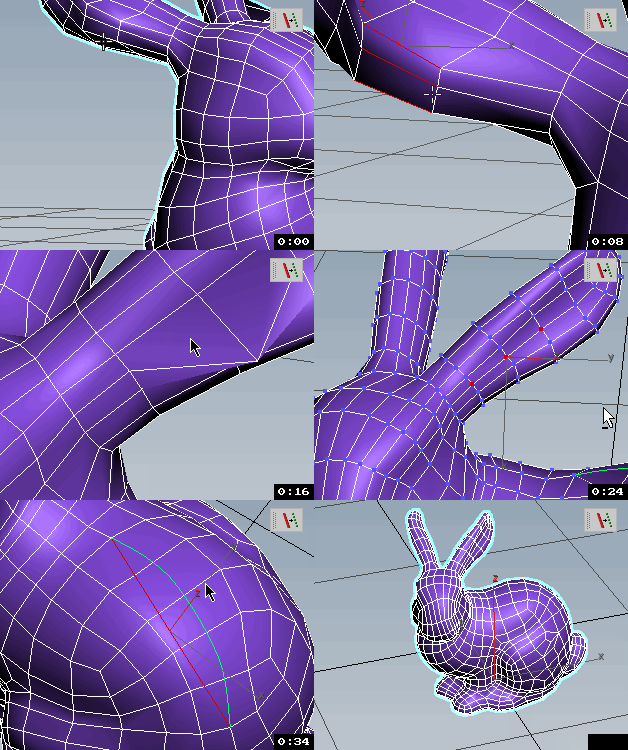
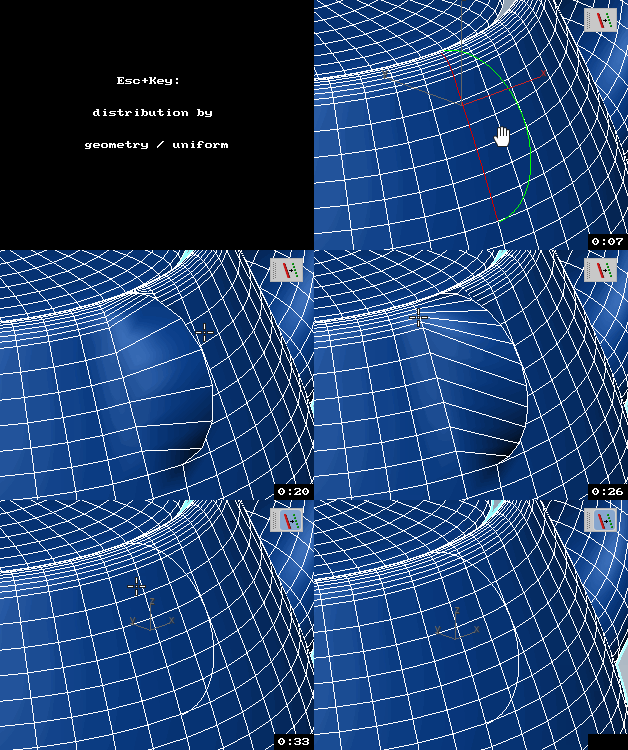
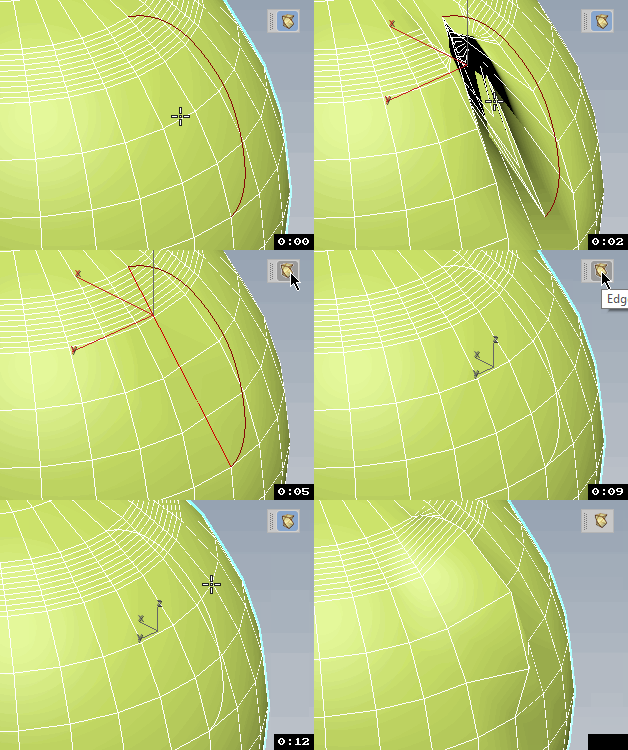
Draw a spline on a surface that optionally tracks the animated surface.

Edges To Curve / Rectification

4 votes


Explode Spline Elements

0 votes

A small tool for quickly exploding all selected splines and shapes elements into separate objects. Support for turning on and off Undo for speeding up the process.

Facial Animation Rig

22 votes

Create a complete head rig, with facial animation controls as recommended by Jason Osipa in his book 'Stop Staring'. Starting just with a head mesh, create bones for jaw, head,neck and eyelids. Also create a couple of spline controls for the eyes and the chin. Running the 'eyerig' script creates a rollout with pick buttons for all needed bones and meshes, then sets up the eye and head rigs, as well as placing a skin modifier on the mesh, with the required bones added, ready for vertex weighting. The rig also caters for 'fleshy eyelids' that move with the eye.

Fence Generator

0 votes

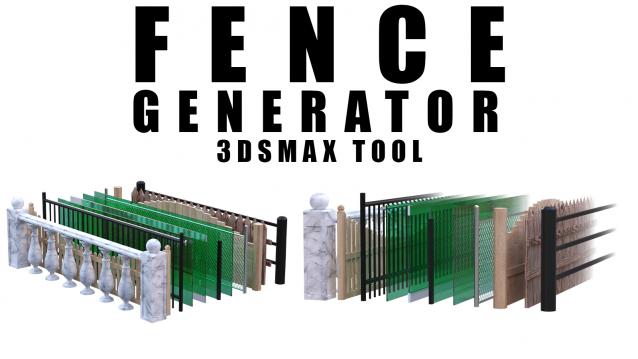
Enhance your 3D modeling workflow with our Spline-to-Fence Converter tool built with Maxscript. Easily transform splines in your scene into realistic fences and posts with just a few clicks. Choose from a selection of 11 fence types tailored to your project needs, and customize specifics such as fence height, number of posts, gap between planks, and more.

FiberMesh to Splines

3 votes

FiberMesh to Splines will convert the exported FiberMesh polygons from ZBrush to splines. The splines can be used to create and render 3DS Max hair either with 3DS Max default hair modifier or using a hair plugin that has a recomb from splines option.


Syndicate content