Tagged 'spline'

Maxscript | SplineFillet

3 votes


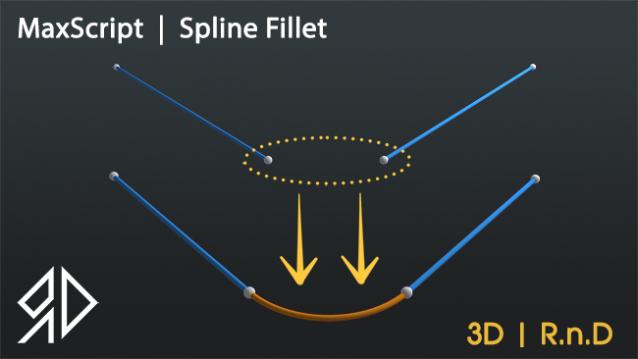
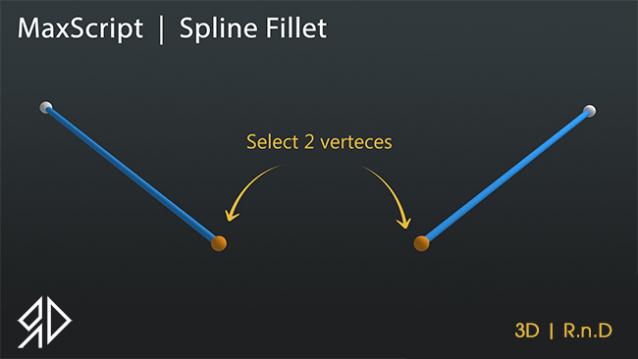
This Script will create a fillet spline while maintain one point and move the other to make a perfect fillet.


splineToMXS

10 votes

"This script allows to convert any selected Spline object(s) to MAXScript code that will recreate them.

Select opened spline

10 votes

It selects opened splines in selected spline.

Select Similar Spline

1 vote

this script works like select similar faces in polyboost or gmt, but with splines. so feel free to test it an post some suggestions :)

it have two modes:
by segments - selects by spline segments and their lengths (most precise)
by length - selects by overal length of the spline (useful in some cases)

new in v2.1
by type - selects by knot type (bezier,corner,etc)

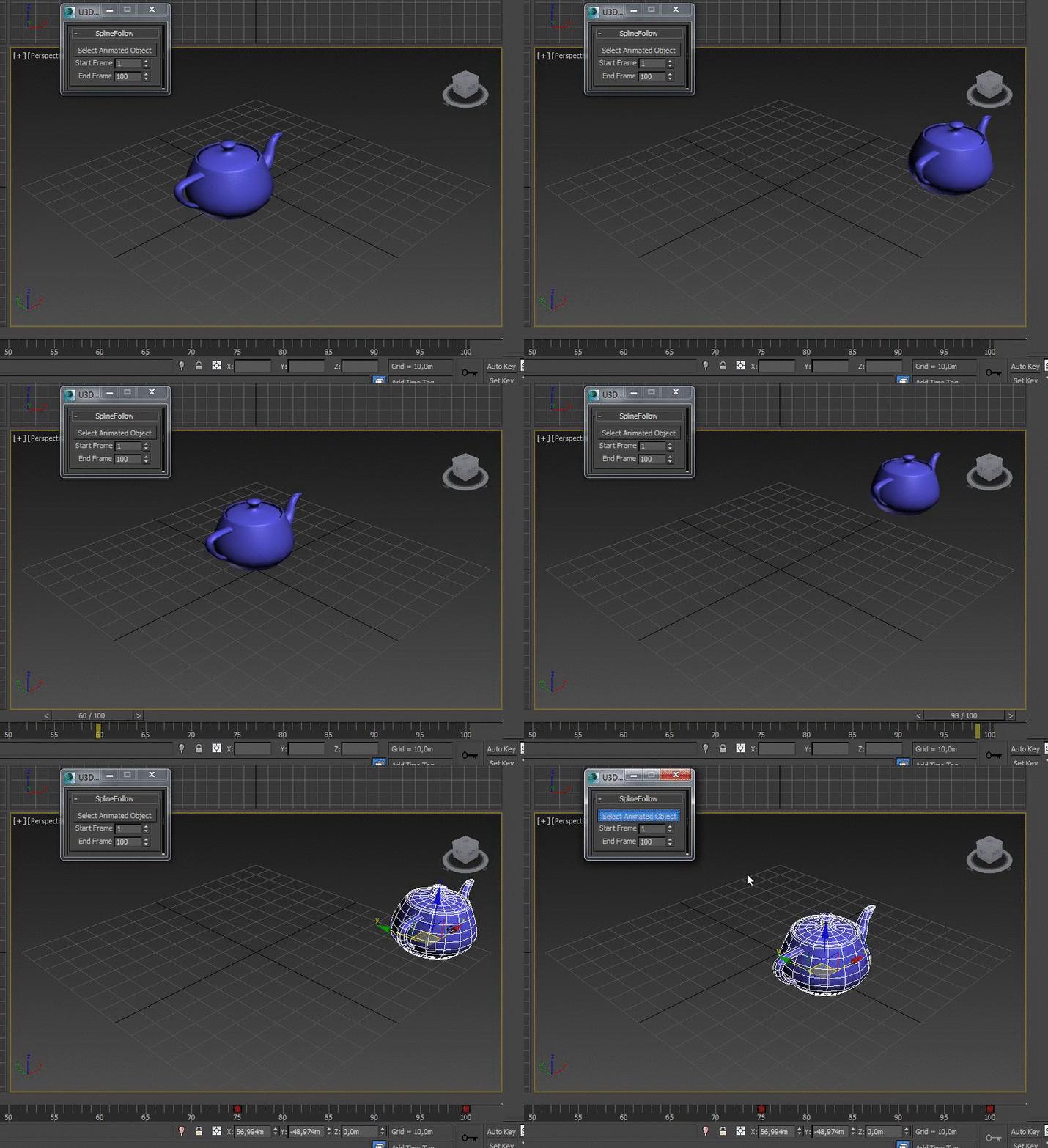
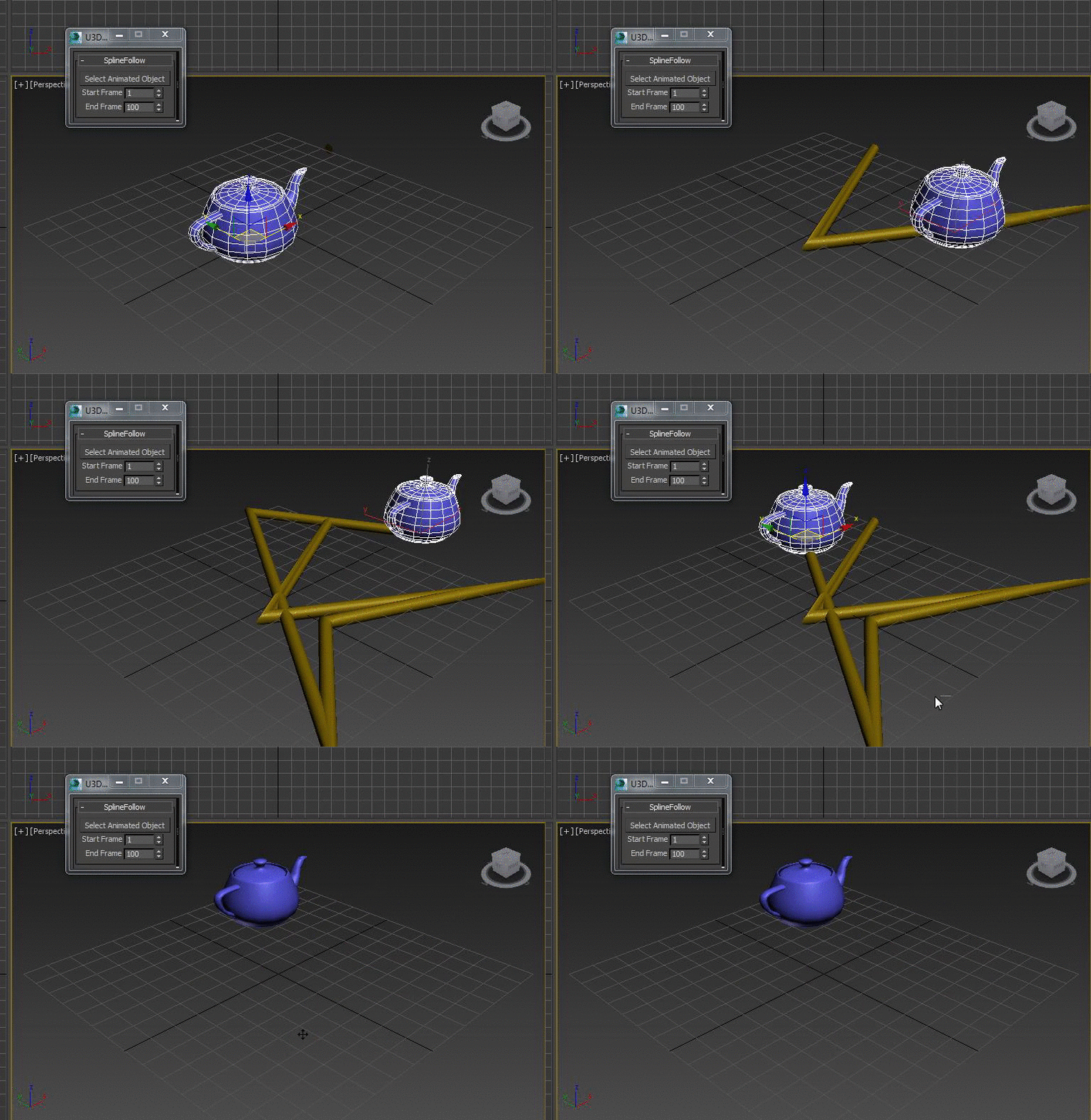
SplineFollow

1 vote


UVW to Editable Splines

15 votes

Just a simple script that duplicates what you see in UVW editor in to Max viewport (editable Spline), usefull for ai exports for example.

AutoMatAssigner

3 votes

GuideLines
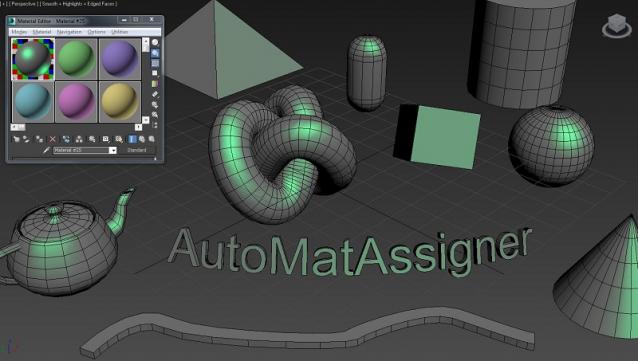
AutoMatAssigner script assign material and black
wire color for each new object created.
The material assign is the material editor first slout.
The script is designed to help the artist on the creating process
by emphasize the wirecolor and polygons from the objects.
To use it - run the Automat.ms and it will run as long as 3ds max open.

Test on 3ds max 2014

enjoy,
l-nio

LoftSnapShot

5 votes

Creates a Section Shape along the Loft Path and lets you snapshot any number of spline cross-sections. The Loft must be created using the Path->Shape method.

Fence Generator

0 votes

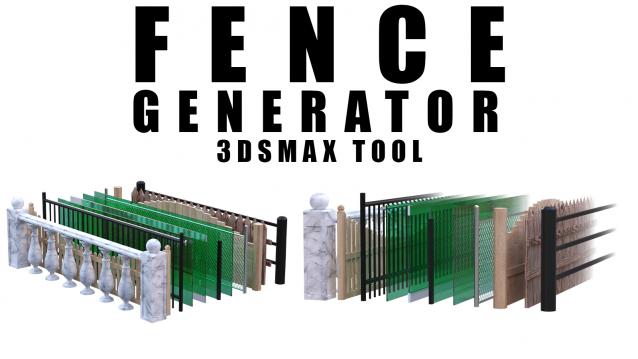
Enhance your 3D modeling workflow with our Spline-to-Fence Converter tool built with Maxscript. Easily transform splines in your scene into realistic fences and posts with just a few clicks. Choose from a selection of 11 fence types tailored to your project needs, and customize specifics such as fence height, number of posts, gap between planks, and more.

Spline Caster

2 votes


Spline Caster is a 3ds Max plugin that gives users the power to quickly create splines projected onto the surface of any geometry in the scene. It includes two different draw modes.

Two - Click Spline Placement - Quickly create splines between a start and end point with just two clicks. Additionally tune the curviness of the splines by-dragging your cursor left-right on the screen.

Syndicate content