Tagged 'object'

Quick Isolate Object

66 votes

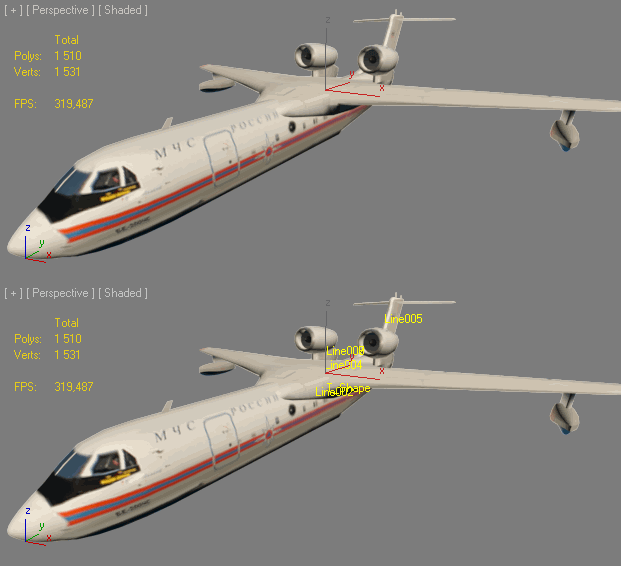
With this useful and funny script, you can isolate in a ListBox, the category object in Geometry, Shape, Light, Helper, Camera and Space Warp in the viewport.  We can select, rename and count the items in the scene.  Useful in many work situation.

qio

HoHa Material ID

3 votes

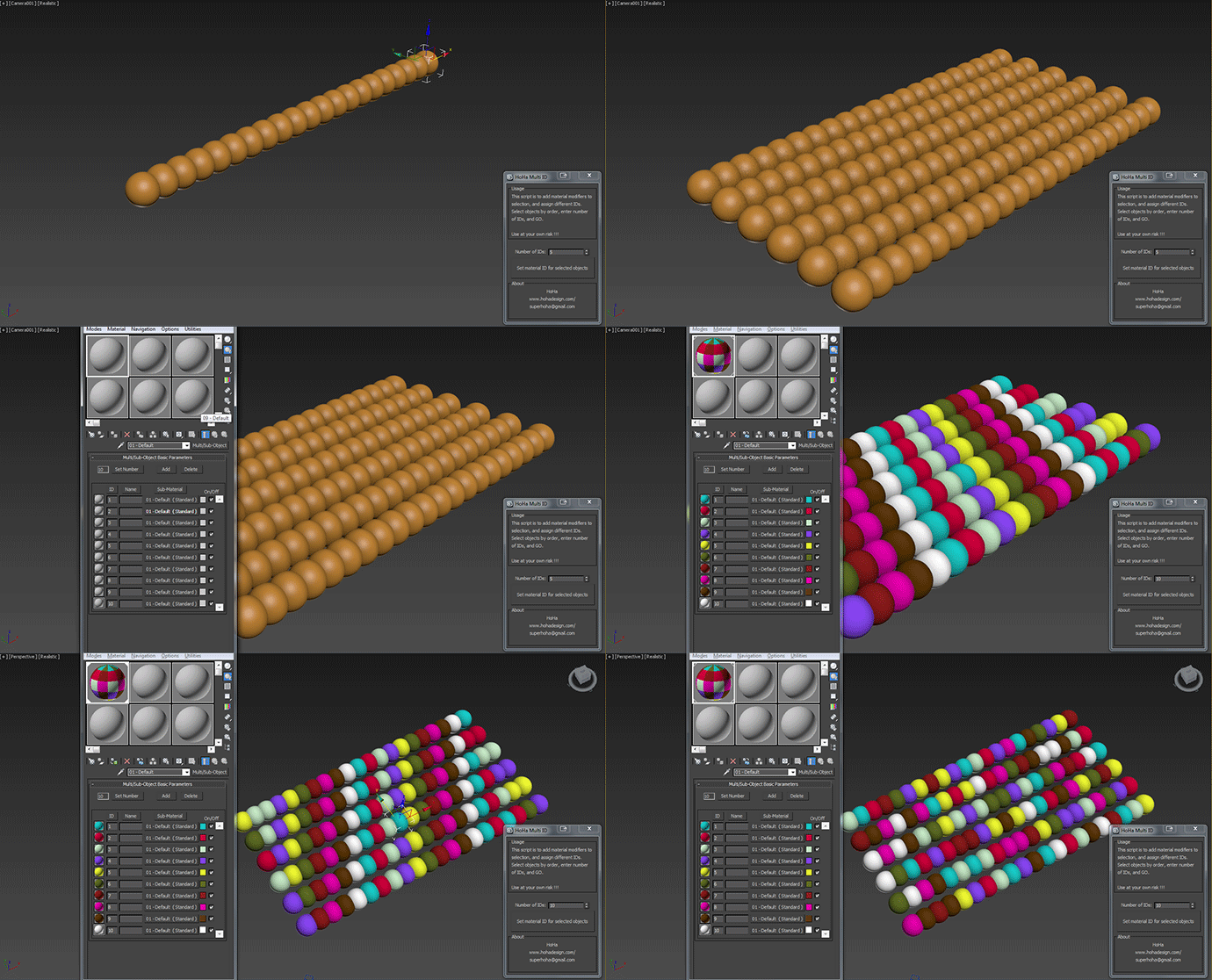
Just another small script to add "Material" modifiers on top of the sellections to assign random or in order material ID. Apply multi subobject material to the selection first.

Comment and feedback are welcome.


Change Log:

V1: Basic as above.

V1.1: Added a random IDs button for making the IDs Random (duh) :)

Cheers

Select By Size / Volume

16 votes

This script allows you to select objects by their size or volume, by checking their
- bounding box size (= bounding box volume) or
- the actual volume of the mesh (the calculation function for this is taken from the MAXScript manual, I think Bobo is the genius behind it ! :-) )

Mindflow Parentize

47 votes

----------------------------------------------------------------------------------------------------------------------------------------------------------------

V-MOTION - Mindflow Parentize // Automatic Hierarchy Chain Generator

----------------------------------------------------------------------------------------------------------------------------------------------------------------

Developed by Ian Clemmer http://www.ianclemmer.com

Programmed by Panayot Karabakalov a.k.a. Anubis http://www.scriptspot.com/users/anubis

Chamfer Tube

4 votes

plugin script, simpleObject ChamferTube

Place Rivets

1 vote

Place Rivets is a max script for populating geometry object on a given surface along a driven spline.

Object Encrypter

0 votes

Objecty Encrypter helps you to securely encrypt and decrypt your objects using the passwords that you defined....
It works on 3d Studio max, i hope you like it!

ShowName

0 votes


INSTALL: drop file to viewport and copy this file in "Startup" folder of Max

Установка: Перетащить *.ms во въюпорт и скопировать этот файл в папку макса "Startup"

Actions are stored in Category: "Niklit Scripts"

Transfer Materials

1 vote

Transfer materials, object properties (standard and Vray) and modifiers between objects based on names, vertex count or transfom. Can work between multiple Max instances. Handy for transfering materials from lookdev to lighting scenes with caches.

Installation:

just drag&drop to max and the you can find the script inside ProgressiveFX category

Changelog:

v1.2

- bugfixes

- possibility to remove string from object name before copy

Lock and Unlock objects and Cameras

1 vote

this is a very sipele one but usefull.
This script allow you to lock and unlock transforms for any object and camera in one click.

Menu 1 - "Lock All Trasform For Selection":

- Lock and unlock all transforms.

Menu 2 - "Separated Trasforms":

- Lock and unlock Separated Trasforms: Transform, Rotation, Scale.

Menu 3 - "Cameras In Scene":

- Lock and unlock all the transforms for all the cameras in the scene.

note: in menus 1 and 2, if you select a camera and lock or unlock it will apply on the target as well.