ScriptSpot is a diverse online community of artists and developers who come together to find and share scripts that empower their creativity with 3ds Max. Our users come from all parts of the world and work in everything from visual effects to gaming, architecture, students or hobbyists.
Submitted by Chris Harvey on Fri, 2006-10-20 20:45
9
votes
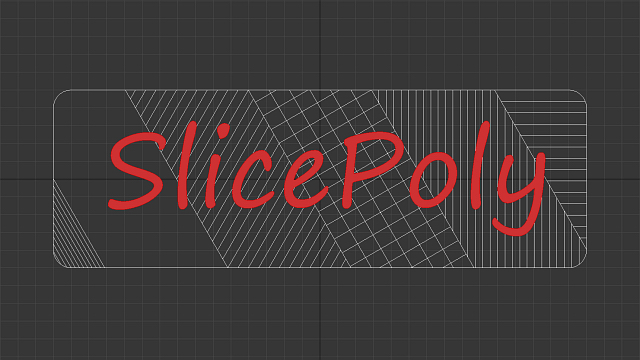
Creates a sliding window from a selection of Rectangles. This script takes the rectangles and fills the interior with a Sliding window flush with the rectangle. Make sure to change the 'include script' path statement to reflect you 3ds max location
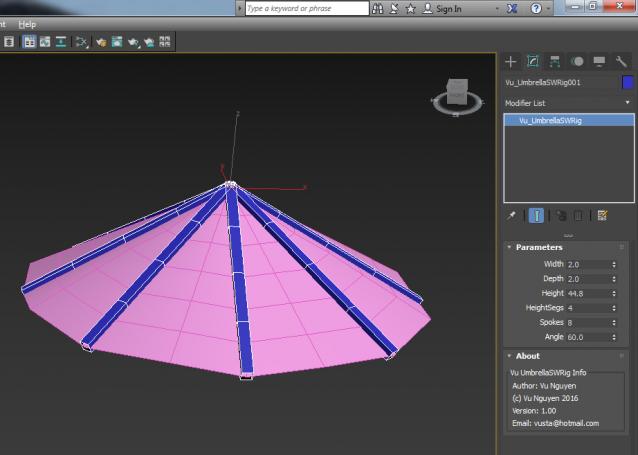
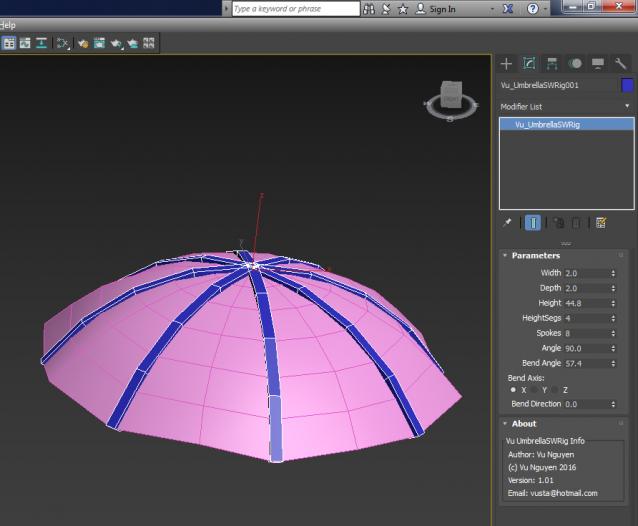
Apologies: because I create the spokes all pointing straight down as Angle = 0, so it makes more sense to open up the Umbrella as you increase the Angle....it means 99% of the time the Bend Axis would be Z, this has been set as default in ver 1.02
This script try to fix the problem created with the 2014 version when Autodesk remove the “lock zoom and pan” option from the background menu. It creates a “Virtual Studio” in a very easy way with planes that are frozen but still visible and far away so they are not annoying in the perspective view. It is a must have for any modeler that want to use reference images.
"Clear all declared vars (i.e set = undefined) so scope can be tested without having to close/reload MAX! * This script is for MAXScripters to use during code development."