ScriptSpot is a diverse online community of artists and developers who come together to find and share scripts that empower their creativity with 3ds Max. Our users come from all parts of the world and work in everything from visual effects to gaming, architecture, students or hobbyists.
This MCG modifier allows you to create a looping mesh animation by referencing a duplicate of the mesh and the modifer will use this copy to blend the mesh back to the first frame by the end of the animation.
This MCG geometry object allows you to repeat the animation of a target object over and over again. Use this with my other MCG for creating Looping animations and it is very powerful.
Submitted by Chris Harvey on Fri, 2006-10-20 20:45
9
votes
Creates a sliding window from a selection of Rectangles. This script takes the rectangles and fills the interior with a Sliding window flush with the rectangle. Make sure to change the 'include script' path statement to reflect you 3ds max location
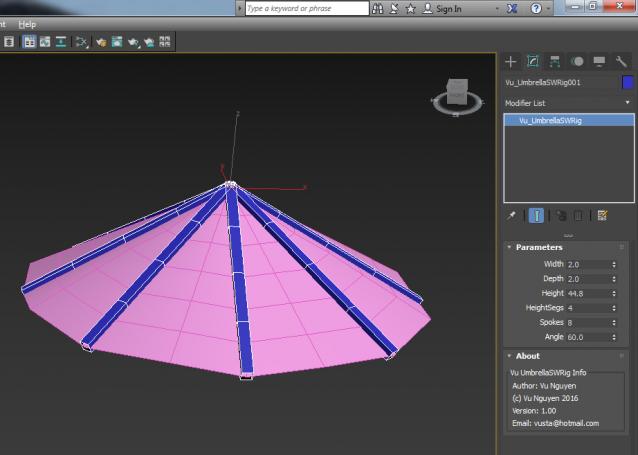
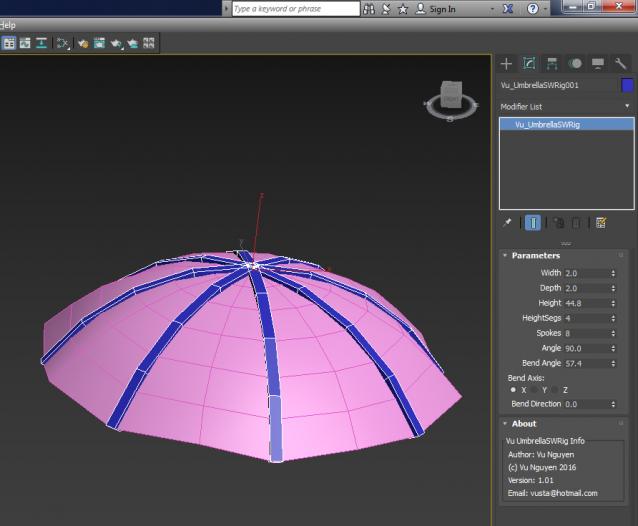
Apologies: because I create the spokes all pointing straight down as Angle = 0, so it makes more sense to open up the Umbrella as you increase the Angle....it means 99% of the time the Bend Axis would be Z, this has been set as default in ver 1.02