Tagged '3d'

Quad Cap

35 votes

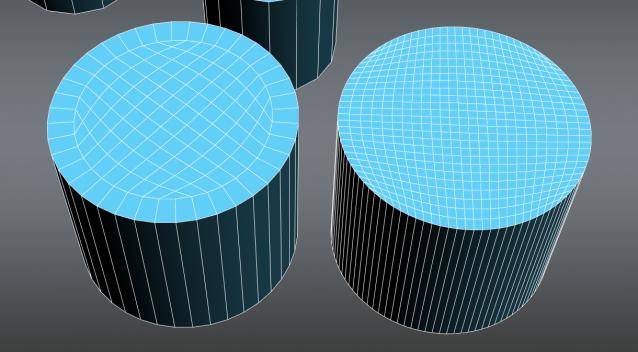
Quad Cap is a 3Ds Max script that is designed to produce fast quad caps for even sided polygons saving you time and energy. Why do it manually if you can do it automatically?

Here are some of the benefits you get:
• Save time and energy to model what’s really important
• Perfect quad topology for you cylinders and spheres
• Subdivides perfectly
• Improves hard surfaces modeling and even organic modeling • Plus many more I can’t think of know

Render 3D

211 votes

Simple script for rendering in 3D (Anaglyph / Polarized / Stereo Pair)
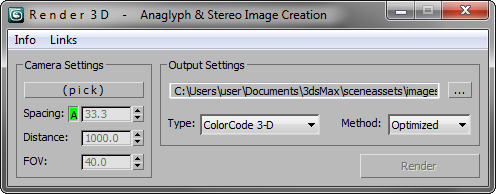
• Supports ColorCode 3-D (Amber/Blue), Red/Cyan, Green/Magenta, Polarized, Stereo Pair, and separate Left / Right

NEW Choose from various Anaglyph Methods (Color, Half Color, Optimized, and Gray)

NEW Super fast compositing process
RGBA Vertex Color Editor

0 votes

This script split the 3D model in 4 sub-meshes which are each vertex color Channel (R,G,B,A).

You can edit each Channel and then save the changes to the original mesh.

And bellow i put the Polycount forum thread about develop the tool and some example about how works

https://polycount.com/discussion/204662/maxscript-split-vertex-color-in-...

SEA3D

3 votes

An open-source cross-platform file format for games

Export entire scenes to Web with just one click

Slate - View Selected

21 votes

This free MaxScript instantly displays the material of the selected object (or objects) in a new view in the Slate Material Editor. Currently, Slate does not have a quick and easy way to do this. Slate View Selected allows you to create multiple views as well. You can close the script dialog box and the script will continue to run until you re-run the script where you can stop it. In the dialog box you can also set a "display max" so that if you select a large number of objects, Slate won't waste time collecting and displaying all the materials used by objects in the selection.

Smart Merge 2

6 votes

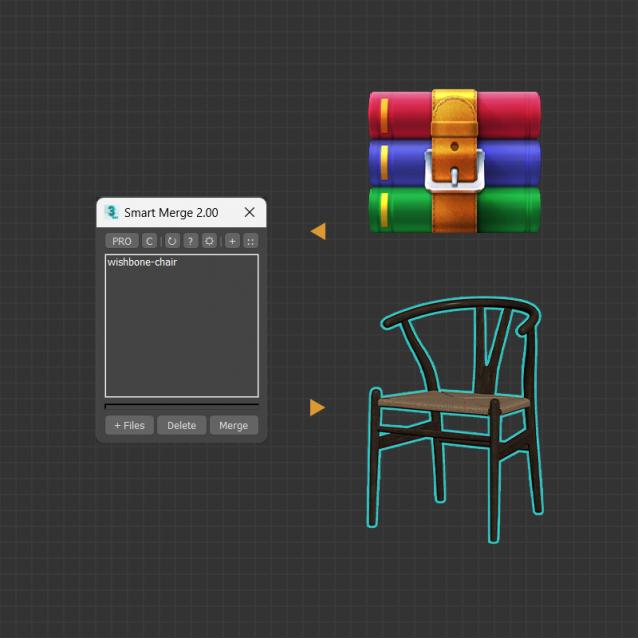
A tool for quick import/merge of 3dsmax files, or downloaded archives from 3D Stocks or Asset Libraries site. You can quickly batch load these files into the current scene by simply drag and drop, and then selecting the max files to merge from the list. This convenient script will save you a lot of time, especially when you have to merge many files into your project.


MAIN FEATURES

SOX Dynamics

3 votes

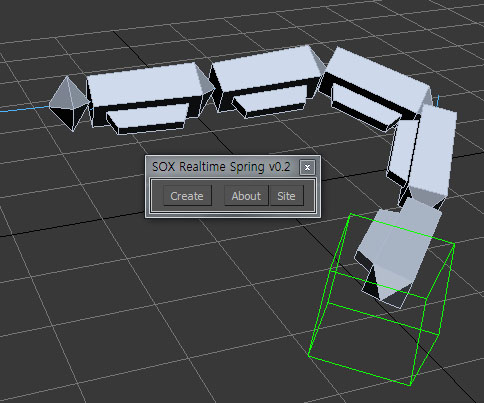
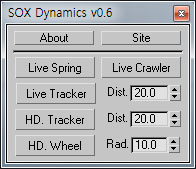
Sorry, The management of the tool will stop temporarily.


Stairs Extruder

0 votes

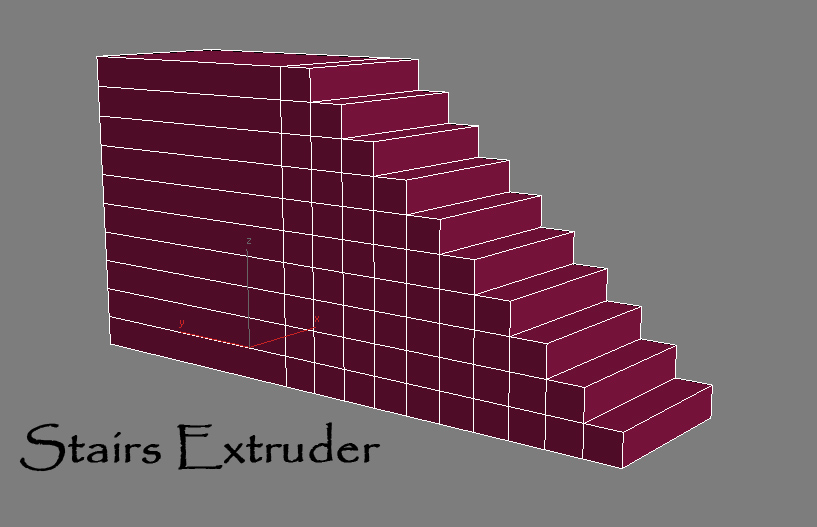
Simple Script that do incremental face extrusion (useful to create stairs for example)

# Installation:

1-extract files

2-copy Stair Extruder.mse to 3dsmax\script folder

3-copy StairExtruderMacro.ms to 3dsmax\script\startup folder

4-restart 3ds max or run StairExtruderMacro.ms from script menu run.

5-add it to ur desired UI (menu,quad,toolbar...)

Unwrap Pro

13 votes

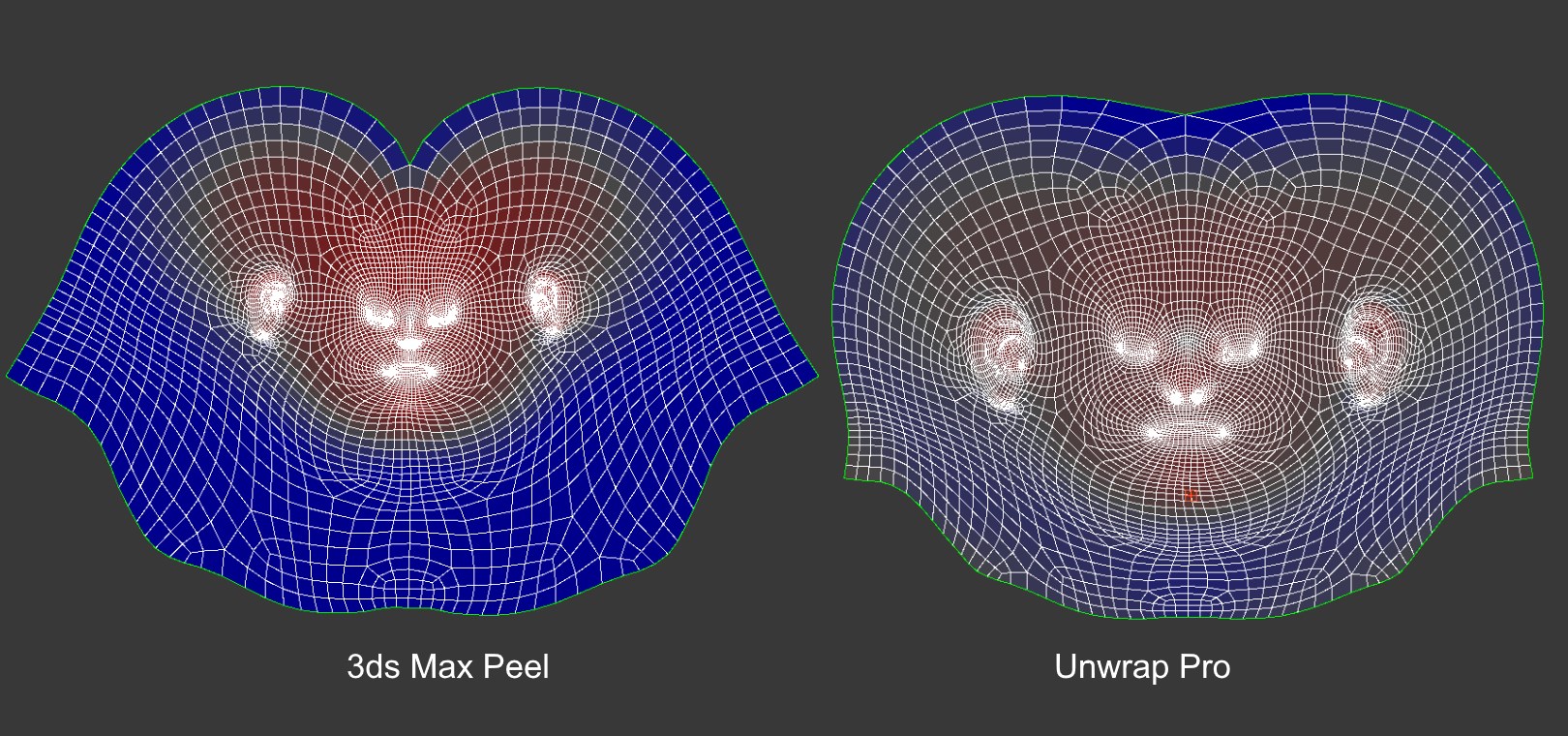
Unwrap Pro is a 3ds Max plugin which unwraps meshes while producing low distortion, overlap free, weighted density UVs unlike the 3ds Max Peel command which produces overlapping uvs with high area distortion. Get it from https://mariussilaghi.com/products/unwrap-pro

Syndicate content