Tagged 'shape'

Shape Draw Grid

3 votes

v1.31 fixed small bug (disable callback)

Shape Fillet

3 votes

3Ds Max Script for Applying Fillet to Shapes Kind of AutoCad behavior .

Shape Trimmer

2 votes

3ds Max Script for Making Trimming and Cutting Shapes Very Sample and Easy Thing to do .

The Script Required Max 2019+ to Work

Shape Vertex Aligner

2 votes

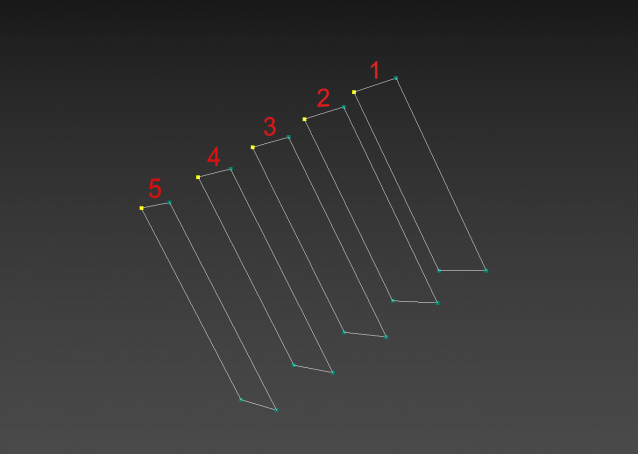
3dsMax Script for aligning shape vertices by 2 or 4 points

  • By 2 Points each vertex will be aligned depending on its segment direction.

  • By 4 Points - the first 2 Points will determine the direction.

  • with Alt Execute the vertex will be aligned perpendicularly.

Simple Catenary

13 votes

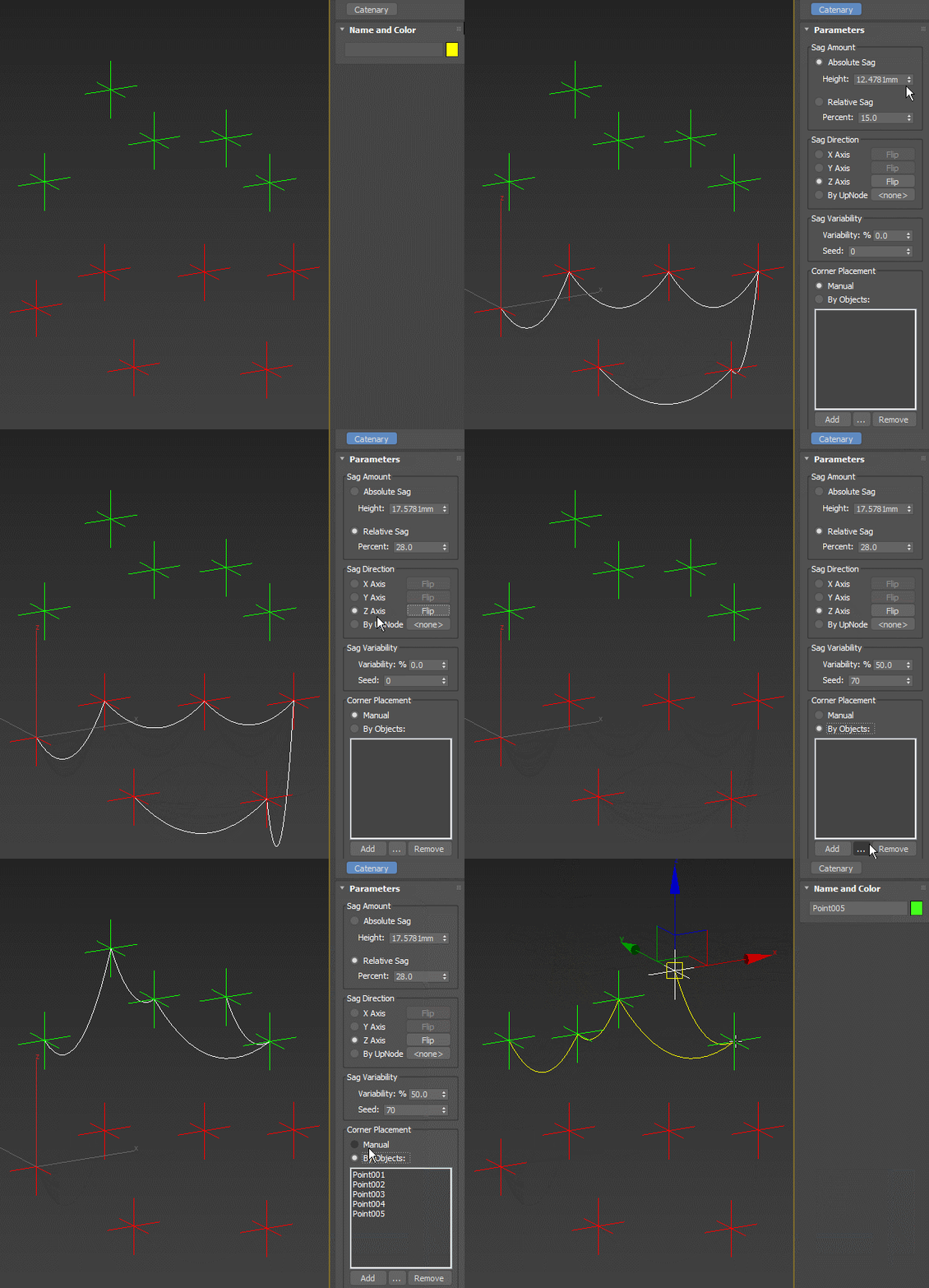
Simple multi-point spline approximating the shape of the catenary curve (the shape formed by a hanging rope). Allows for driving the point positions by scene objects, controlling the slack by absolute sag amount or relative to the length of the line between points, randomization of the slack and other options:

Simple Catenary

Spline Arrow

2 votes

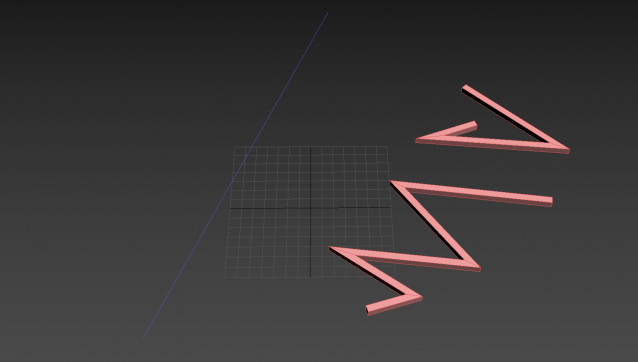
Easily and quickly create a variety of arrow splines in 3ds Max with this spline plugin. Users can further customize the shape with the parameters exposed in the rollout. Check out the video below to see it in action.

Spline Indexer

0 votes

3dsMax Script for Controlling Spline Indexes inside Shape Objects.

- Works on 1 Shape at a time.

- Works on Edit Spline Modifier, but the Shape will be converted to Editable Spline.

- Works on Shape with modifiers.

Spline-Fibers

22 votes

Tool for generation fibers around the spline.

SubSpline

1 vote

SubSpline 3dsmax script - banner

Total Control of Spline Subobjects


Description

SubSpline is an Advanced Subobject Selector & Material IDs Editor for spline shapes in Autodesk 3dsMax.

Easily expose on screen the vertex numbers and material IDs for all your selected shapes, with a simple toggle button.

Sweep Profile

563 votes

The new version of Sweep Profile PRO has been released

version 1.01.36

  • Adds support to 3Ds Max 2026
  • New Demo Molding profiles
  • Drops support to 3Ds Max 2014/2015

version 1.01.30

  • Adds support to 3Ds Max 2025

version 1.01.27

  • Adds the "Assign" button
  • Adds German and Japanese localizations
  • Better zooming to profile on rendering preview
  • Adds an ability to add multiple directories with profiles using the checkbox "Include Subfolders"
  • Fixes an issue with changing profile dimensions in 3ds Max 2023-2024

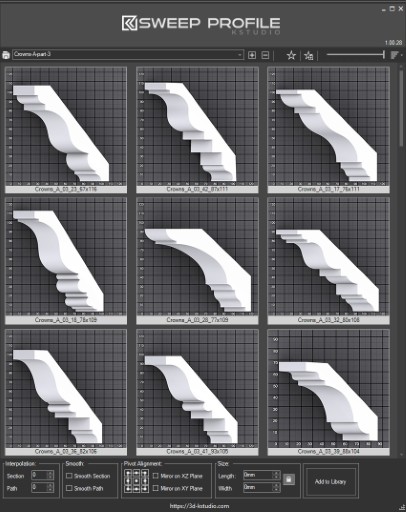
The main functionality of the Sweep Pro lies in its ability to offer a quick and convenient way to build architectural profiles using the Sweep modifier.

The pack includes pre-made architectural profiles (10 for the free version and 37 for PRO version), providing users with a solid base to start from.

However, the functionality doesn’t stop there; users also have the option to add new profiles from the scene or add profiles from a specific folder.

Also, the tool has a very convenient option for changing the profile size on the fly.
 

Syndicate content