Tagged 'align'

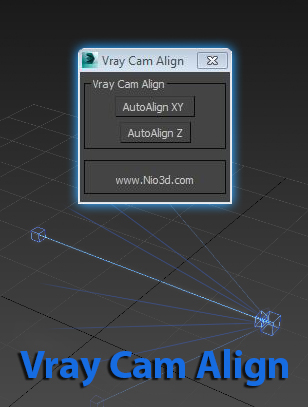
Vray Cam Align

1 vote

GuideLines
Description:
Vray Cam Align will align your VrayCam target height with the selected camera height.
The "AutoAlign XY" button will do the above and also find the general direction of
the cam,and align the target to the appropriate axis.

enjoy:)

Align Pivot to Direction

8 votes

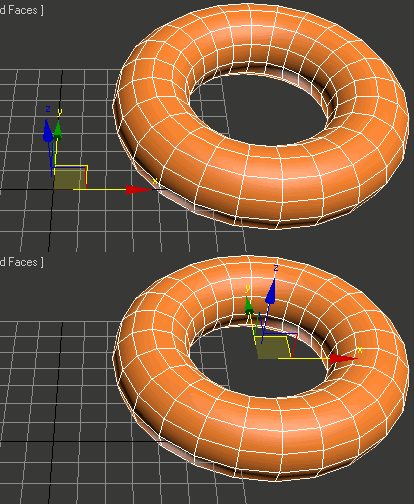
 Align Pivot to DIrection(vector) allows you to align the X, Y,Z or XYZ axis of the local pivot of each of the selected objects to the direction(vector), defined by two picked in the scene points. SNAP will be turned ON automatically.  If the Shift key is down when the axis is choosen the pivot will be moved to the first picked point.

Version 1.1 should works properly with Pen(tablets).

Align Objects To Direction (vector)

4 votes

Align Objects To Direction allows you to align the X, Y or Z axis of each of the selected objects to the direction(vector), defined by two picked in the scene points. SNAP will be turned ON automatically.

Biped Helper + Picker

7 votes

Biped Helper is a support interface designed to be used in conjunction with the main Biped panel.

It is intended to provide both quick access to existing Biped panel tools, as well as functionality that is not supported by the Biped panel.


See online guide in links section. 


Features include:

XFormer

12 votes

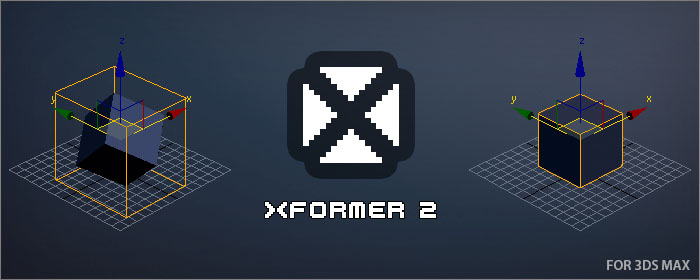
XFormer is a tool that will allow you recover the transformation of an object.

Some scenarios where you might want to restore an object transformation could be:

  • After a model transformation matrix was reset (Reset XForm)
  • If you have detached part of an object as another object
  • If you import a model and it is not aligned as you would expect

Easy Rotate

7 votes

I'd like to present to you a newer version of Easy Rotate with some new features, bug fixes and source code improvements.

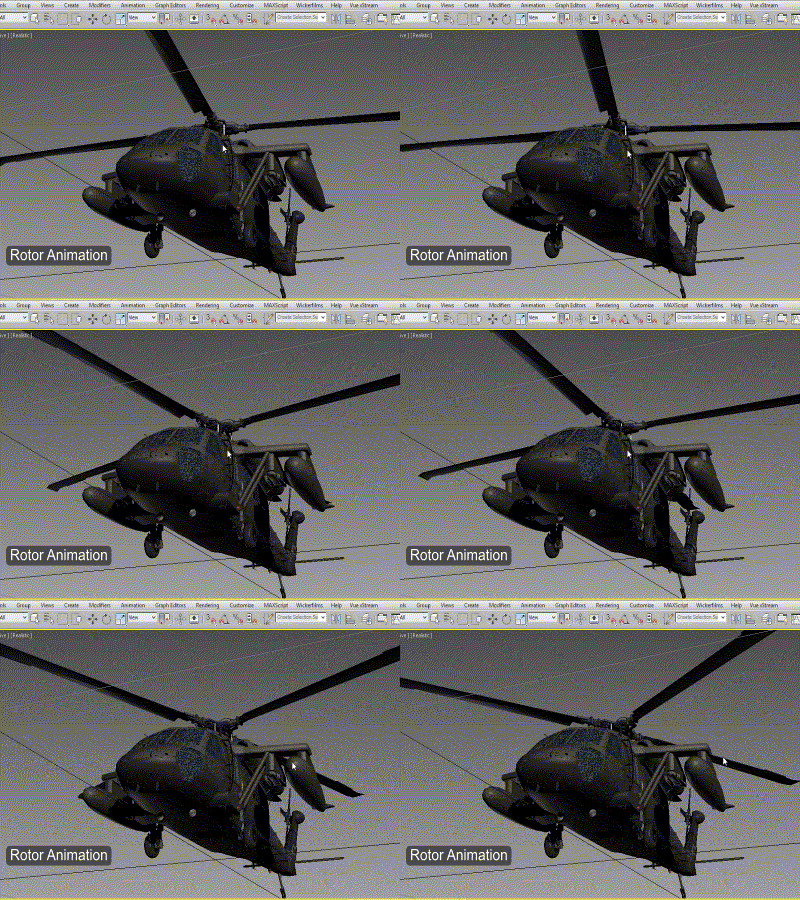
Rotor Animation

 Screenshot of Easy Rotate 1.2

Hey whats up guys!

Wickerfilms | Easy Pivot

3 votes

Preview for Easy Pivot


Hey whats up guys!

I'd like to present to you my new script called : "Easy Pivot"

AttachmentAlign

0 votes

AttachmentAlign is a script to get automaticaly postioned your Helper with an Attachment Constraint.

- So you got your mesh (Editable Poly) ...
- You place your target (Point Helper), where you want the helper to be on your mesh (If you want to, use AutoGrid) ...
- Run the script and pick the mesh & helper

-> A new helper will be created and attachment constraint to the surface of the mesh at nearly the point were your target is.

Highest accuracy does take rly long and is not effective enough, i think, so use the default...

Zero-Center Pivot Unimover

3 votes

v2.17 Fixed bug of pivot point to knot of shape when command panel pull out of 3dsmax

Editable_Poly,
Edit_Poly,
Editable_Mesh,
Edit_Mesh,
Splines


"More Video - Ещё видео"

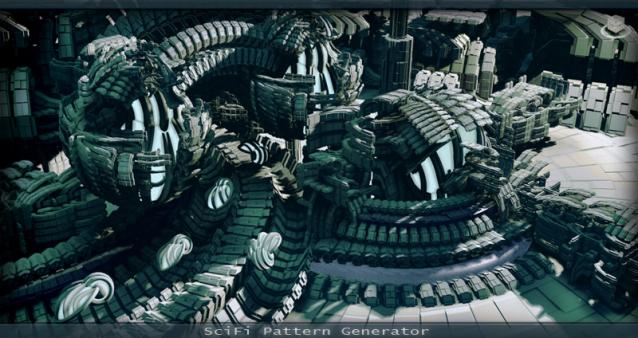
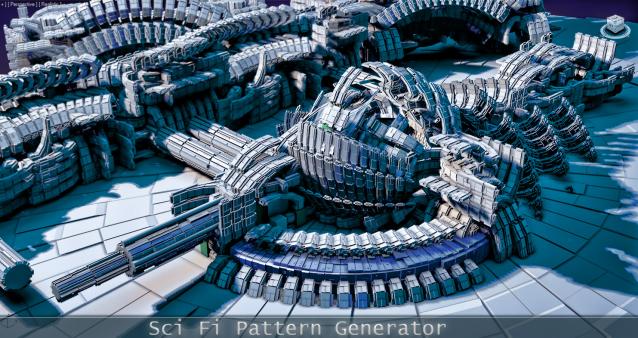
SciFi Pattern Generator

32 votes

SciFi Pattern Generator v.1.1 ! Generate complex structures with a single click! (WATCH THE VIDEOS!)