Tagged 'align'

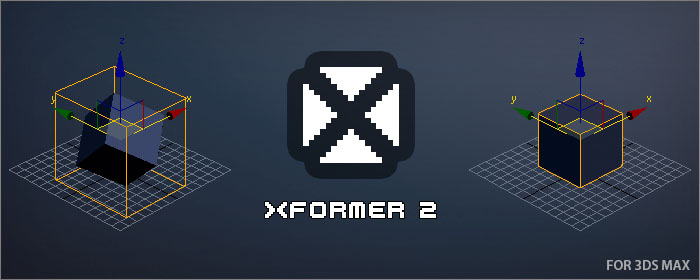
XFormer

12 votes

XFormer is a tool that will allow you recover the transformation of an object.

Some scenarios where you might want to restore an object transformation could be:

  • After a model transformation matrix was reset (Reset XForm)
  • If you have detached part of an object as another object
  • If you import a model and it is not aligned as you would expect

Pivot & Align Tools

10 votes

Pivot & Align Tools (PAT) are a set of macros bundled into a quad menu that allow you to perform various object alignment, pivot alignment and object snapping functions... among others. Most of the functions can operate on a selection of multiple objects at once, including grouped objects as part of the selection (open or closed).


NOTE: This script now handles quad setup for both 3dsmax 2025 and above, as well as previous versions of Max.


See online guide in links section. 

Pivot placer

10 votes

With this script you can replace pivot where you want.
on the selected vertex, at the center of the selected edge or face, or at the center of the object.
You also can create a point as pivot.

UI_Align_Pos_Rot_Scale_Center_To_Center.ms

8 votes

Align Position Rotation and Scale of selection to target from Center to Center

Align Pivot to Direction

8 votes

 Align Pivot to DIrection(vector) allows you to align the X, Y,Z or XYZ axis of the local pivot of each of the selected objects to the direction(vector), defined by two picked in the scene points. SNAP will be turned ON automatically.  If the Shift key is down when the axis is choosen the pivot will be moved to the first picked point.

Version 1.1 should works properly with Pen(tablets).

Align Slice Modifier Gizmo(Plane) to 3 points

8 votes

The script allows you to pick 3 points in the scene. The slice gizmo of the slice modifier of the selected object will be aligned to the picked points. When you run the script the SNAP will be automatically turned ON.

AutoPlace

8 votes

This is a script like autogrid. You can move, instance and copy objects all over the place! ShiftPress the button for options (move, instance, copy, lock rotation and lock scale)

How it works: select an object and press the button. click and drag (left-right = scale, top-down:rotation)

If you select multiple objects it will choose a random one.

tested on Max 2012/2013

Log :

Aligner

7 votes

Aligns one object to another. Similar to the Align tool in max - but optimized to allow a variety of aligns with the least number of mouse clicks necessary.

Tutorial:

Easy Rotate

7 votes

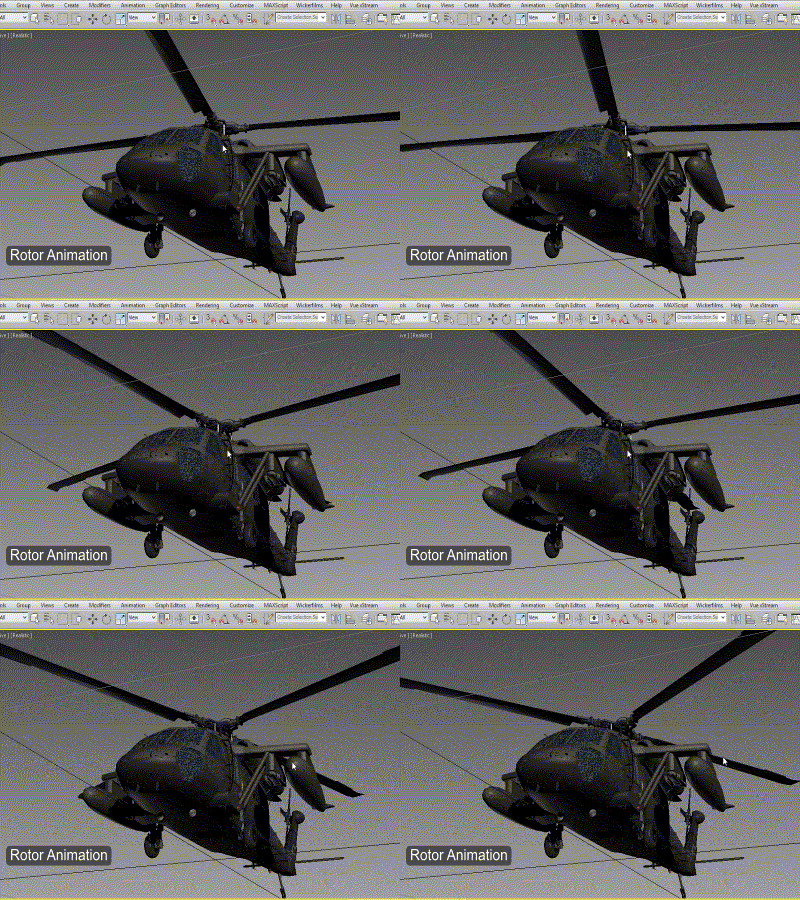
I'd like to present to you a newer version of Easy Rotate with some new features, bug fixes and source code improvements.

Rotor Animation

 Screenshot of Easy Rotate 1.2

Hey whats up guys!

Biped Helper + Picker

7 votes

Biped Helper is a support interface designed to be used in conjunction with the main Biped panel.

It is intended to provide both quick access to existing Biped panel tools, as well as functionality that is not supported by the Biped panel.


See online guide in links section. 


Features include:

Syndicate content