Tagged 'pivot'

Align Pivot to Direction

8 votes

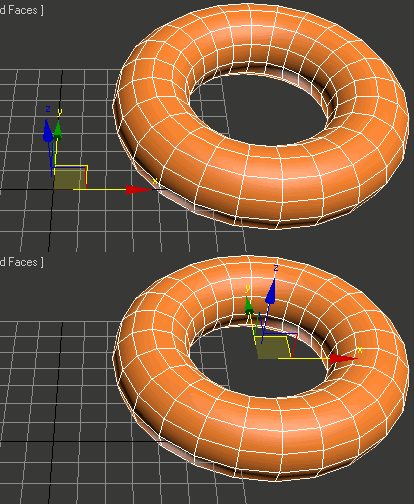
 Align Pivot to DIrection(vector) allows you to align the X, Y,Z or XYZ axis of the local pivot of each of the selected objects to the direction(vector), defined by two picked in the scene points. SNAP will be turned ON automatically.  If the Shift key is down when the axis is choosen the pivot will be moved to the first picked point.

Version 1.1 should works properly with Pen(tablets).

Helper Manager

7 votes

A support panel containing many methods for adding point or dummy helpers to the scene, as well as options for baking, constraining, linking, orienting, selecting, manipulating, duplicating existing hierarchies using helpers, or replacing them with a Bones System.

Universal Transform

4 votes

Universal Transform has Alot of Featuers for Moving Rotating Scaling Randomizing Scattering Objects and Working with Pivot and Working Pivot and More .

The Script has 5 Modes (Move, Rotate, Scale, Pivot, Random) . and 3 Type of Auto Switching to Switch Between Them (to not Get Confussed) .

The 3 Auto Modes is (Auto T, Auto D, and The MacroScript (Universal Transform - Auto Switch)) .

- it has 3 Options :

1- By Spinners or (Type-in) .

Modifier Manager

4 votes

With this maxscript tool, you can manage your modifiers
1: you can align gizmo and change gizmo properties on multiple objects
2: you can attach gizmo to an object, so one object can control multiple gizmo on multiple objects with move, scale and rotate
3: you can control all the modifiers options on your object selection.

Align PivotPoint to WorkingPivot

4 votes

Hello! This script aligns PivotPoint to the WorkingPivot.

Zero-Center Pivot Unimover

3 votes

v2.17 Fixed bug of pivot point to knot of shape when command panel pull out of 3dsmax

Editable_Poly,
Edit_Poly,
Editable_Mesh,
Edit_Mesh,
Splines


"More Video - Ещё видео"

Wickerfilms | Easy Pivot

3 votes

Preview for Easy Pivot


Hey whats up guys!

I'd like to present to you my new script called : "Easy Pivot"

ECollapse

2 votes

Aligned Box

2 votes

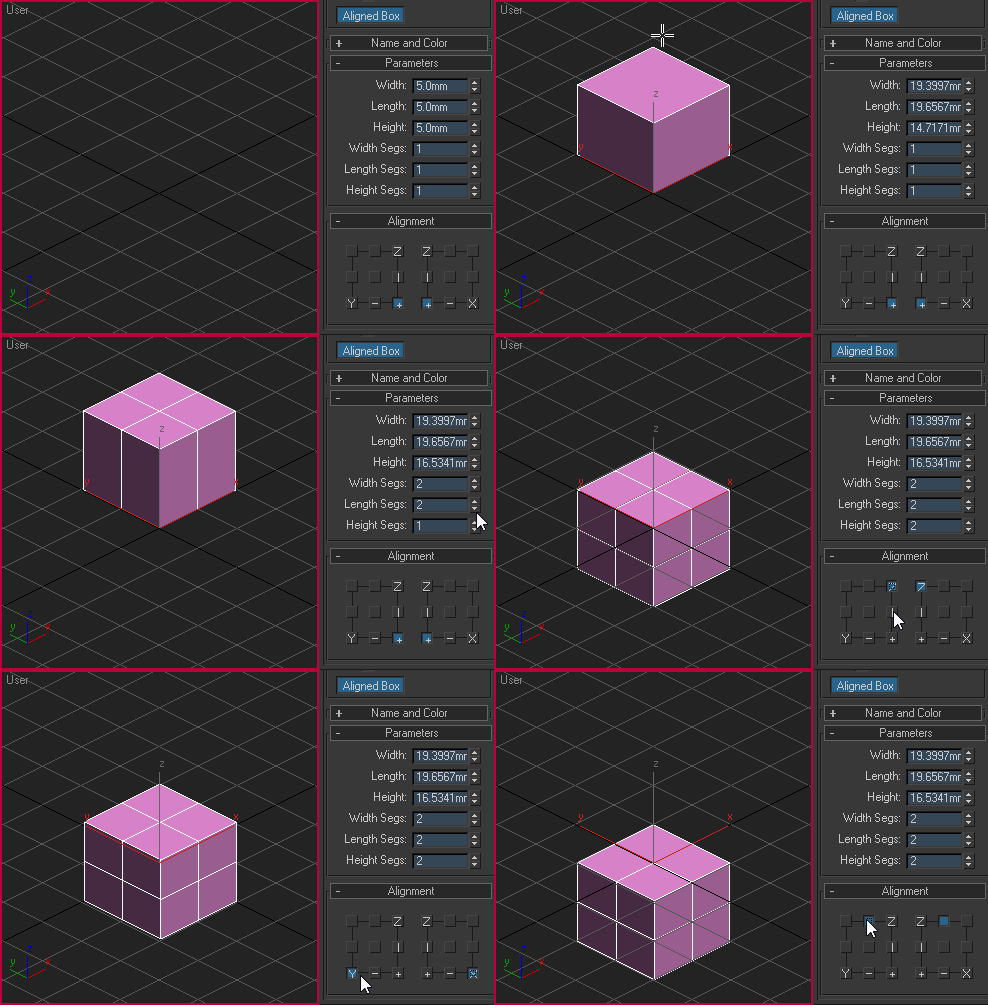
Custom box primitive where you can choose where the pivot point will be located while creating the object. You can place the pivot point visually by picking the location on YZ and XZ plane:

Aligned box

SmartGroup

1 vote

Group selected objects without popup for naming and set group pivot to Z minimum.

Syndicate content