Tagged 'viewport'

UIMod

52 votes

UImod is a new UI for modifiers that is displayed in overlay of your active viewport in 3ds Max.

You can make a button from the modifierstack of your selection. This will save all the modifiers on this object and all the values of the properties of the modifiers. You can see this in the video where I change some checkboxes and values of modifiers.

Right clicking on the button gives you the properties of the button. You can change the name and folor of the button. More options will be coming soon.


UVW to Editable Splines

15 votes

Just a simple script that duplicates what you see in UVW editor in to Max viewport (editable Spline), usefull for ai exports for example.

Viewport Bookmarks

5 votes


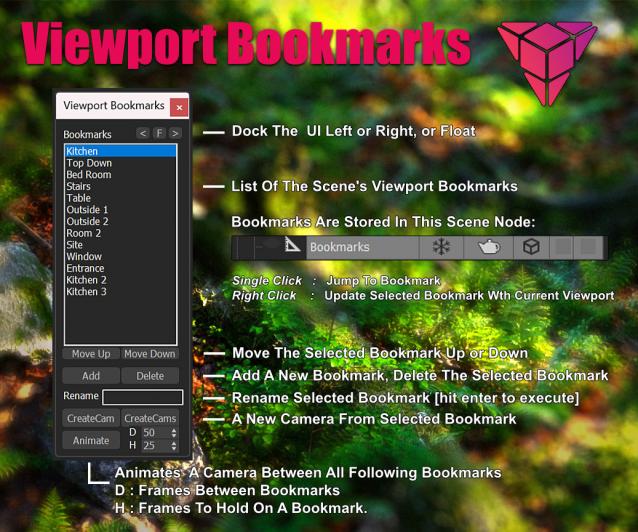
This is a tool for bookmarking viewport positions. It's especially useful in large scenes.

Features
- Add and remove viewport position bookmarks, and name them.
- Switch between bookmarks by clicking on the bookmark name.
- The window is dockable
- Cameras can be created from the bookmark, based on the active renderer (Arnold, Vray, Corona, etc.)
- The data is stored persistent in a scene node, which can easily be transferred between scenes:

Viewport Overlay Grid

3 votes

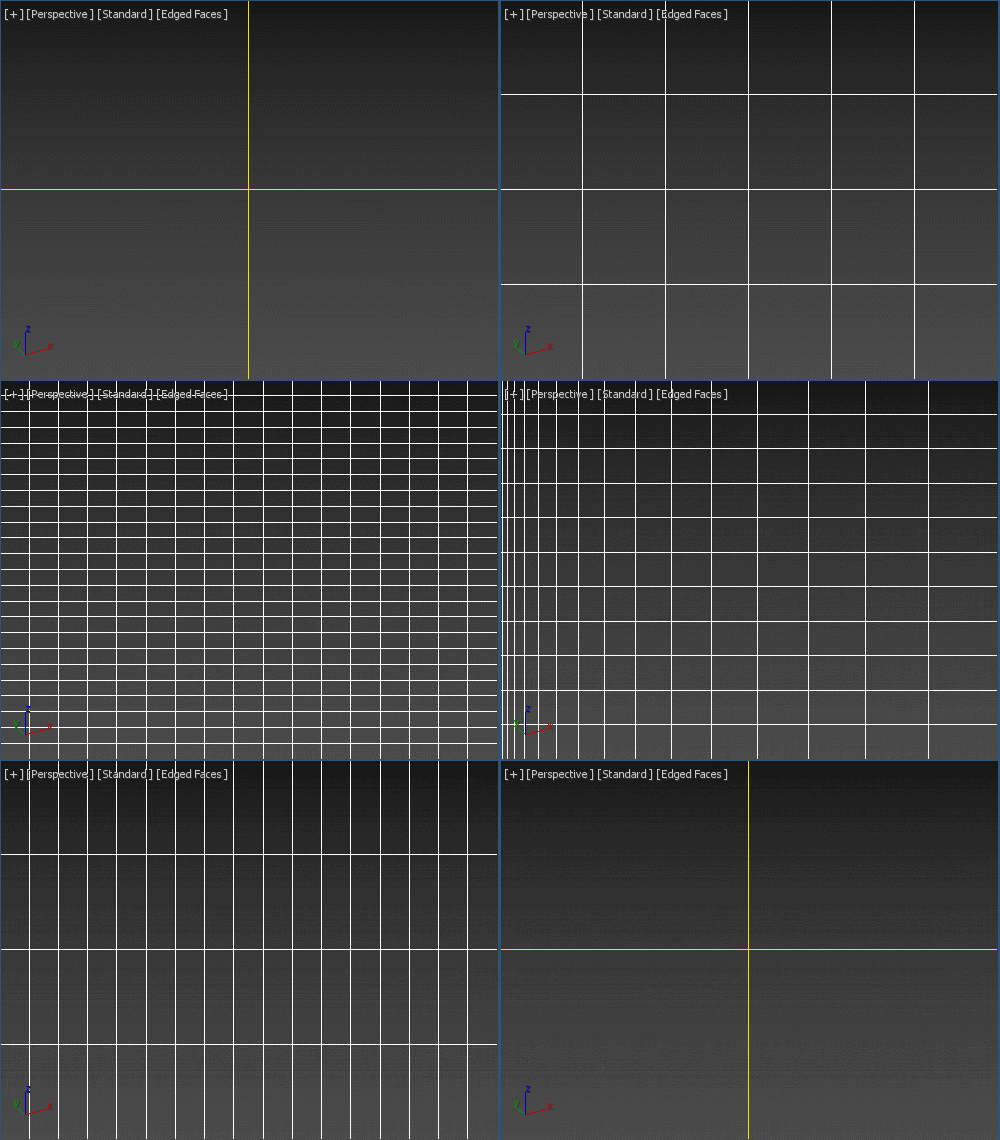
Shows an overlay grid with a variable number of horizontal/vertical subdivisions over the active viewport. Safe frames are supported as well. To be able to click-through, freeze its object. Original idea: Changsoo Eun

Viewport Grid Overlay

ViewPort Preview

64 votes

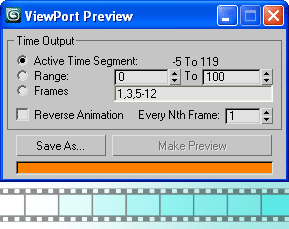
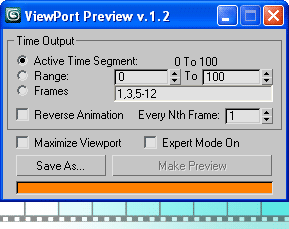
Capture Viewport animation to any output video/image format that 3ds Max support, with an access to the I/O bitmap setup (quality and compression settings), with a few (similar to the renderer) timing options.

Viewport PreviewViewport Preview 1.2

Update

    - version 1.4 change log:

  • Now custom-built sequence support negative ranges
  • You can use interval (space sign) in custom-built sequence

Viewport Snap

2 votes

Viewport snap scripts snaps to the orthographic viewport that's closest to the current orthographic, perspective or camera view. It also frames current selection to fit into new view. If viewport that is snaps to is closest to the bottom or top orthographic views script will also try to detect the orientation of the current view and orient new view correctly.

This script is meant to replace repetitive task of switching to the top, side, bottom etc. views while modeling.

Viewport Switcher

23 votes


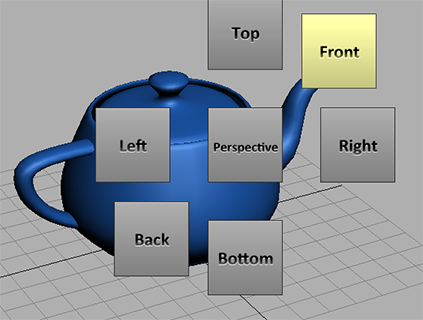
Assign the macroscript to a hotkey. Space bar for example. A menu will appear around your cursor that allows you to quickly switch to different views.

For the installation simply drag and drop the mzp file to the viewport. Go to Customize/Customize User Interface/ Keyboard. And under the group Norman3D select Viewport Swtich and assign it to a hotkey.


EDIT: Fixed an issue in the script that would cause an error on 3dsMax 2010

Viewport Toolbar

10 votes

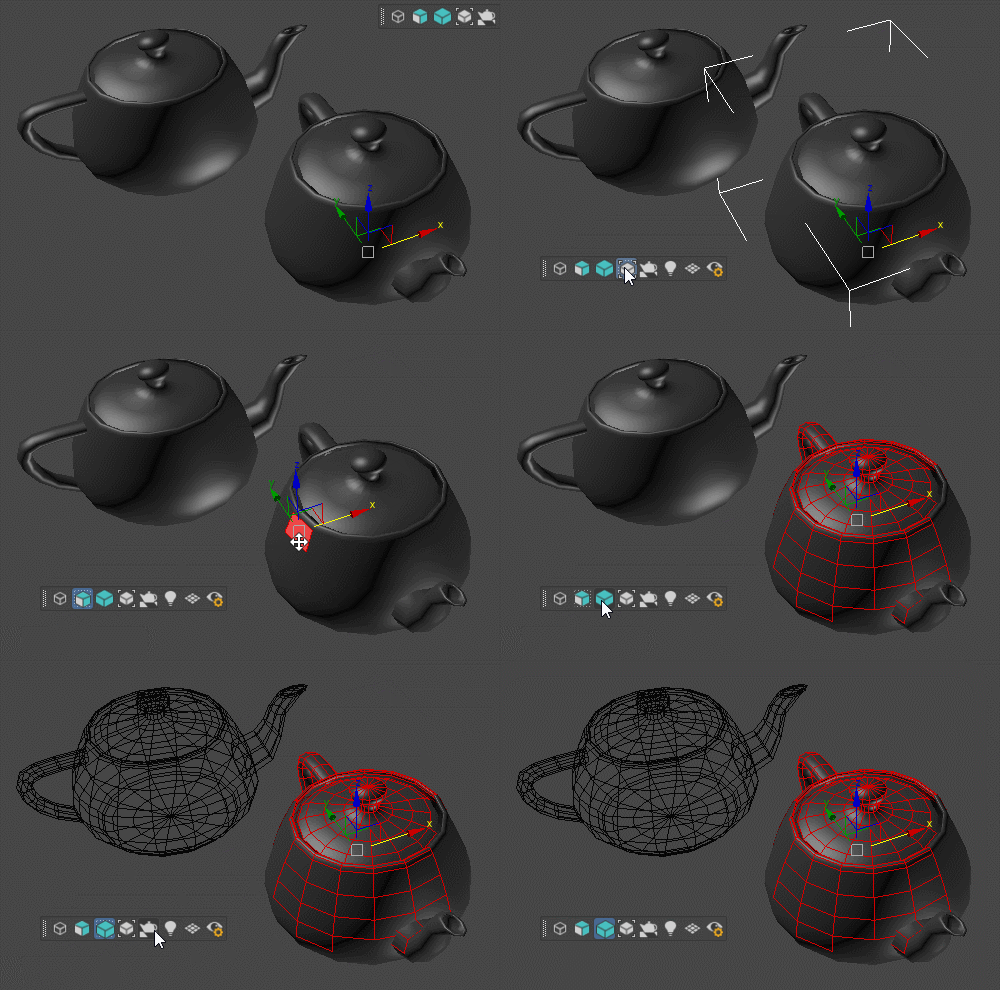
Floating toolbar with current viewport settings.

Viewport Toolbar

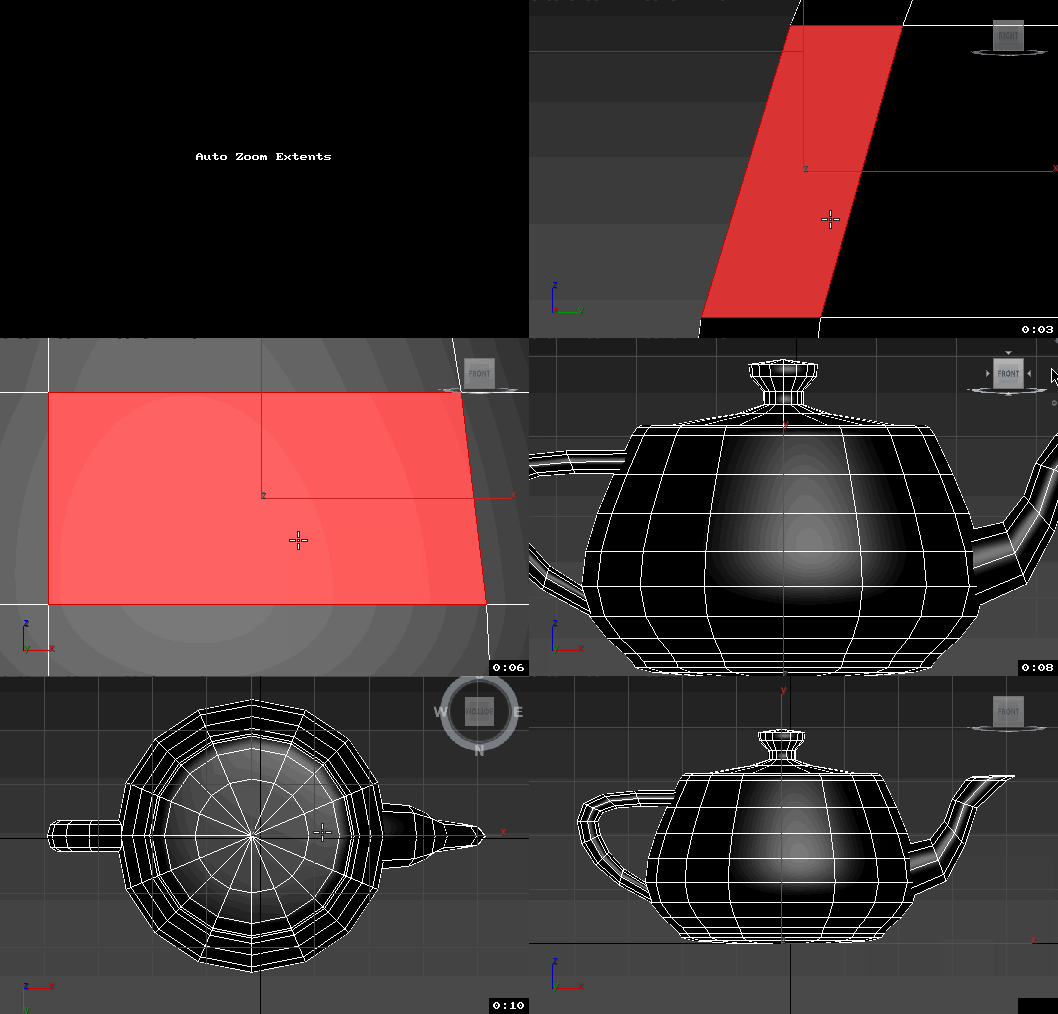
Views Rotation + Auto Zoom Extents

7 votes

Assign these scripts to buttons of NumPad. Left=Num4, Right=Num6, Front=Num5, Top=Num8, Bottom=Num2.
Удобно назначить эти скрипты на кнопки NumPad таким образом, что Left=Num4, Right=Num6, Front=Num5, Top=Num8, Bottom=Num2


Now is not necessary to press the Zoom Extents Selected, when switching of view.
Теперь не надо нажимать Zoom Extents Selected когда переключаешь вид.

ViewsMan

23 votes

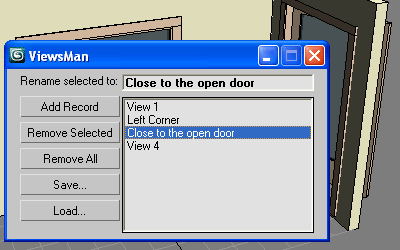
Save and restore unlimited views.
You can save views in one scene and load them in another scene.
Double click in the list to restore the saved view.

ViewsMan

The idea come from AutoCAD where you can save up to 5 views. Im not sure (never see) how exactly this feature works in AutoCAD, I just read about this in the ScriptSpot.com, and I hope this tool is useful anyway ;-)

Syndicate content