Tagged 'copy'

Editable Poly to ADD Edit Poly (vertex transformer)

8 votes

(vertex) to ADD as Modifier (vertex position) for clone Object

Folder Construction Copy

2 votes

It is a script to copy the folder structure under the specified folder to another folder.
Files contained in the folder are not copied.
This script will help you to create folder that use for render output.
For example, copy folder hierarchy of shot A to shot B.

How to Use:
Enter source folder path and destination folder path to copy data to.
And press button.

Lazy Manager

1 vote

Joker Martini has released Lazy Manager, a new tool for 3ds Max that allows users to copy and paste objects, materials, and modifiers across multiple instances of 3ds Max and includes support for sharing these assets across an entire studio of artists using a shared network location. Lazy Manager costs $10 and supports 3ds Max 2012 an upwards.

Copy_Paste_Selected_Properties

8 votes

get a node's properties, select some of them, an apply them to other objects.

CopyTo

5 votes

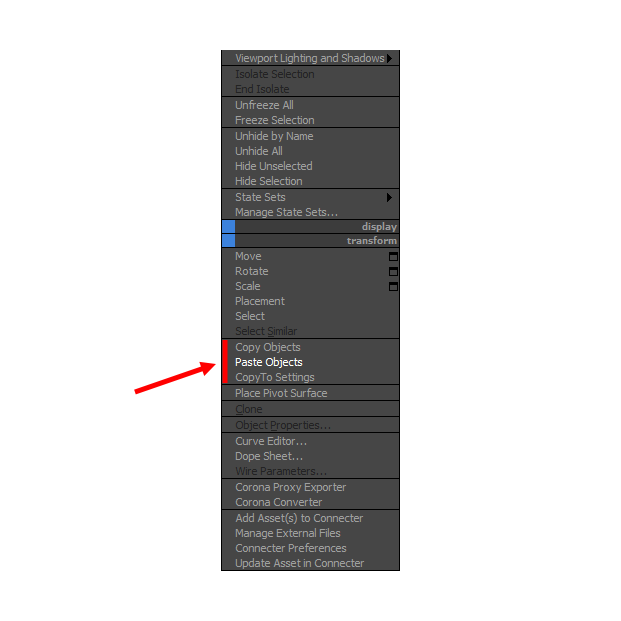
With CopyTo PRO script you can copy objects and paste them into the current scene or between open windows 3Ds Max.

QTO (Quick Tools Object) v.0.1

10 votes

This simple script, allows to accelerate the workflow in 3DSMax.
It assembles the normals tools of Selection, cloning, Hide, Freeze, Color, Rendering and Convert object in an only window allowing a fast search. Very useful for all the uses.

Move/Clone to cursor

0 votes

Hi, this is simple script which move or clone selected objects to surface under cursor. You can bind it to any hotkey (I usualy use Alt+S and Alt+C). In this current version additional settings are avaiable only by hidden function call ObjToCursorSettings() which can be called via MaxScript Listener.

instancer

0 votes

Script makes instances of picked main object from all selected objects.
Target objects can be replaced (deleted, primary script function) or leave untouched.
New objects can copy scale or rotation from their previous versions.

Exaples:
Have some copies of some object (not instances) and want them change all same way.
- Convert them to instances, change them at once by editing just one.

Want to make instances of main object at every object's position from selection

CopyClick

12 votes

-- Copy by Click
-- V1.0

-- How it works?
-- 1. Select objects
-- 2. Execute CopybyClick
-- 3. Click to make a instance of selection
-- 4. ESC or rightclick to cancel

------------------------ THE CODE ------------------------

macroScript CopybyClick
category:"AGGTools"
buttonText:"CopybyClick"
tooltip:"Copy by Click"

(

fn CopyClick =
try
(
maxOps.cloneNodes $ cloneType:#instance newNodes:&nnl
select nnl
Sel=selection
p = point pos:Sel.center
p.pos.z = 0
ClickPos = pickPoint snap:#2D ()
ArrayFiltroGroupHead = #()

ECopy

2 votes

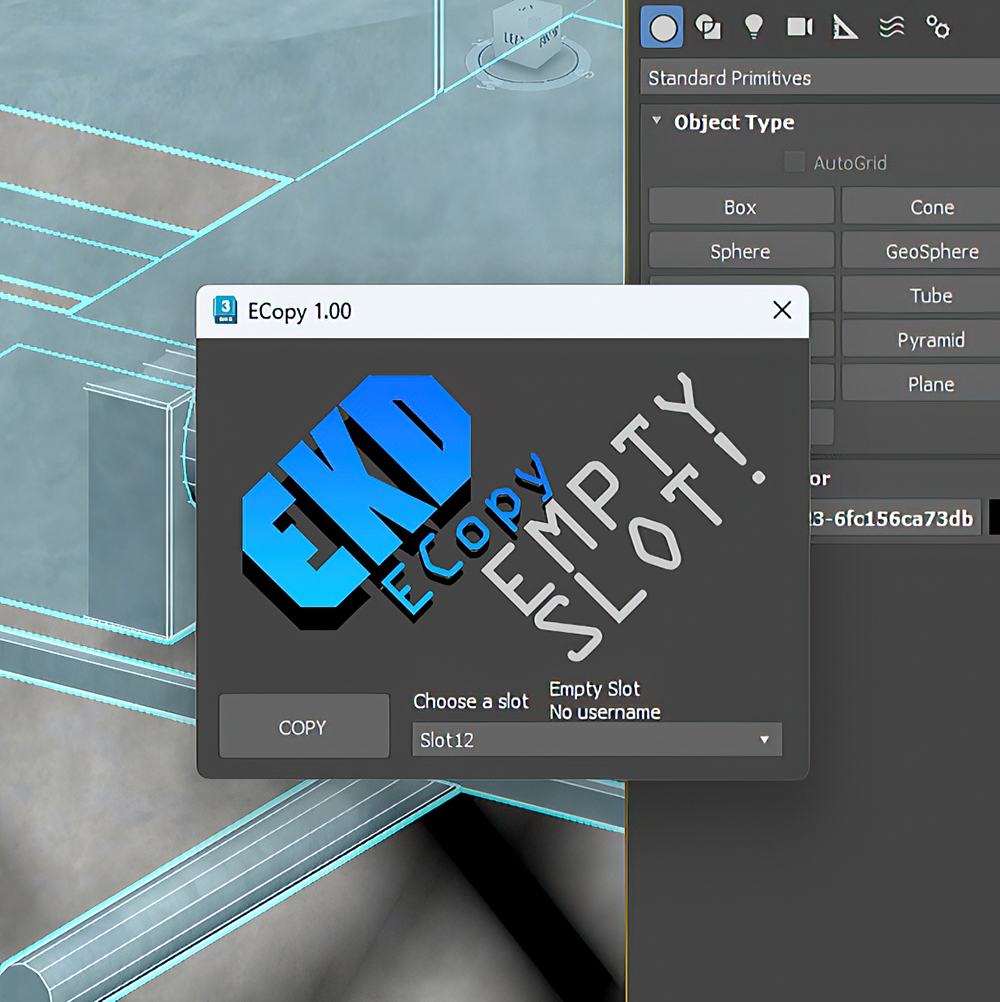
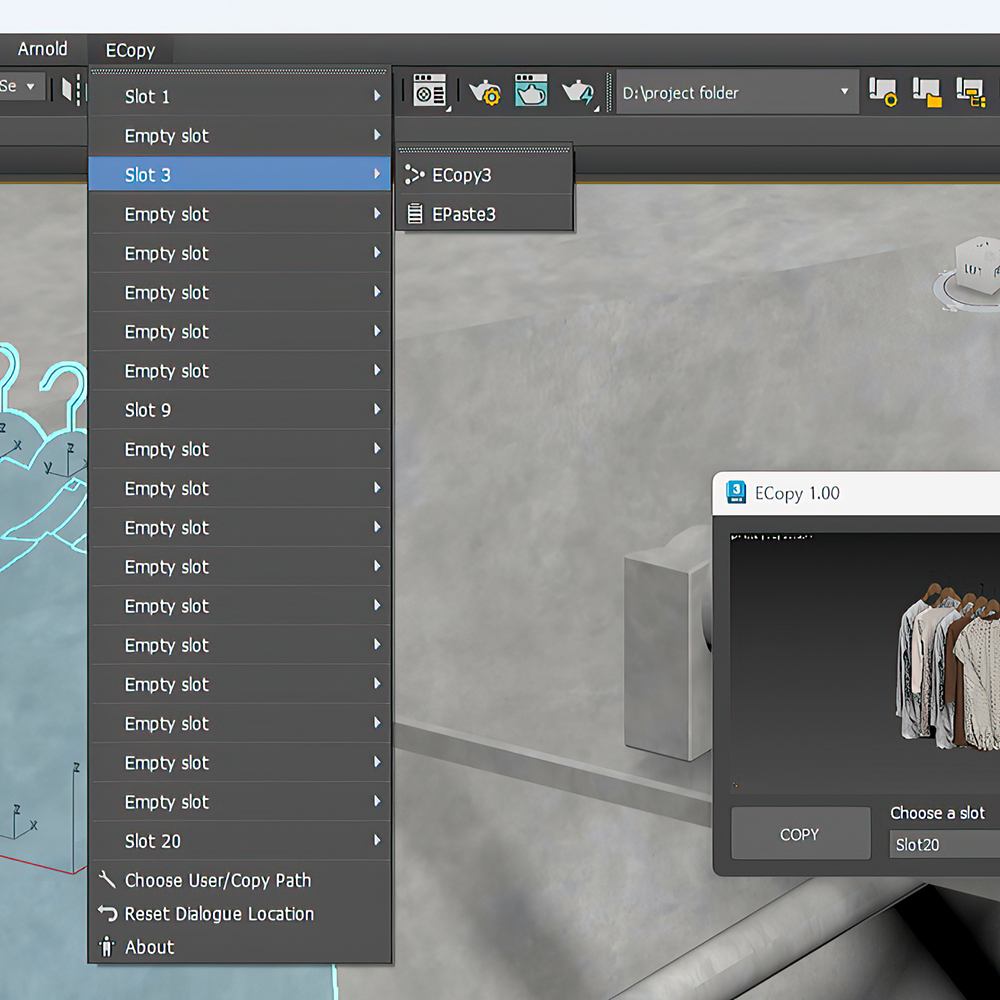
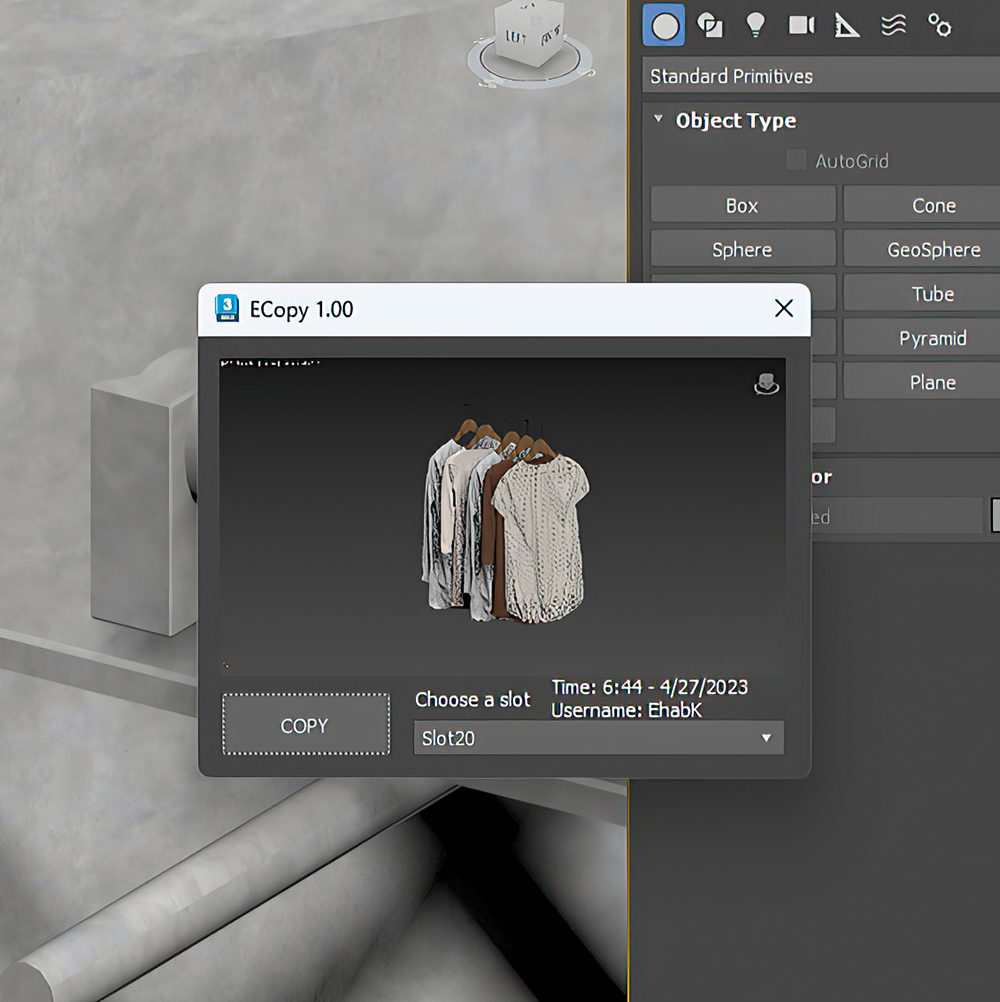
ECopy is a 3DsMax script by EKDtools.
Poster Image
Poster Image
Poster Image