Tagged 'copy'

One-Step Copy & Relink (Bitmap Path Manager)

0 votes

One-Step Copy & Relink is a workflow utility that consolidates two tedious texture-management tasks into a single operation. It scans your scene for all bitmap-based maps — standard BitmapTexture, VRayBitmap, and VRayHDRI — then copies the source files to a destination folder of your choice while simultaneously relinking the materials to a different target folder using a new file extension.

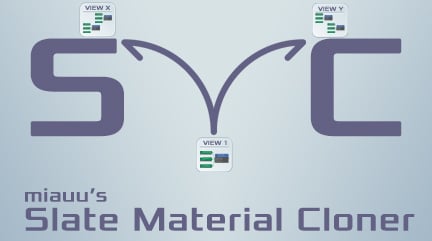
miauu's Slate Material Cloner

1 vote


Duplicurver

2 votes

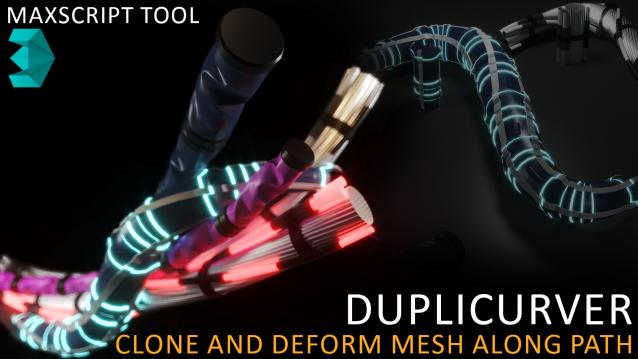
Duplicurver is a game-changing Maxscript tool that brings the power and versatility of ZBrush's IMM (Insert Multi Mesh) Curve brush directly to Autodesk 3ds Max. This tool serves as a highly beneficial asset for artists and 3D professionals, allowing them to replicate and deform meshes along a path with unprecedented ease and efficiency.

VrayMtl Copy Maps

1 vote

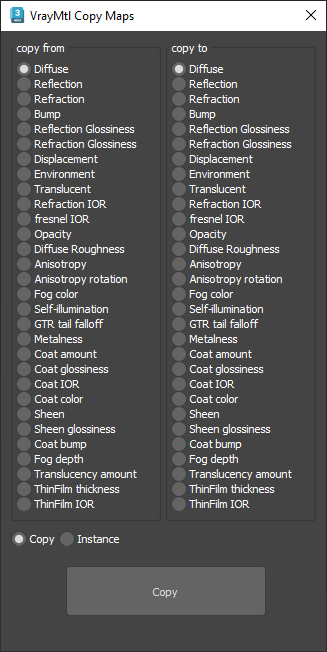
This script is intended to batch copy from slot to slot within the same material.

For example, you can copy the bump map to The displacement map or the diffuse map to the selfillumination map on multiple material at once.

You can copy the diffuse map to the bump or the Glossiness map and use my other script to add color correction with saturation  set to -100 and adjust other settings to fit your needs.

Corona Copy Material Slot

1 vote

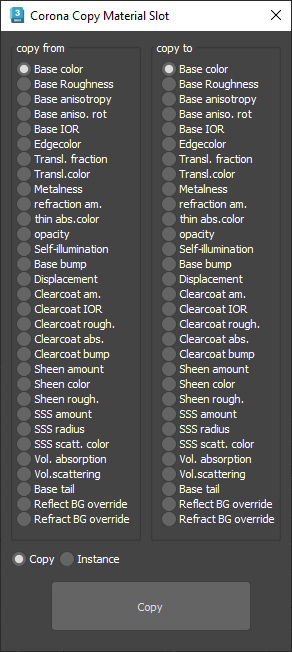
This is only for Corona Physical Materials, i might do a legacy version later..

This script is intended to batch copy from slot to slot within the same material,

For example, you can copy a bump map to a displacement map or the diffuse map to selfillumination on multiple material at once.

you can use my other script to add some color correction with a saturation set to -1, to create bump or roughness maps from your diffuse map.

ECopy

2 votes

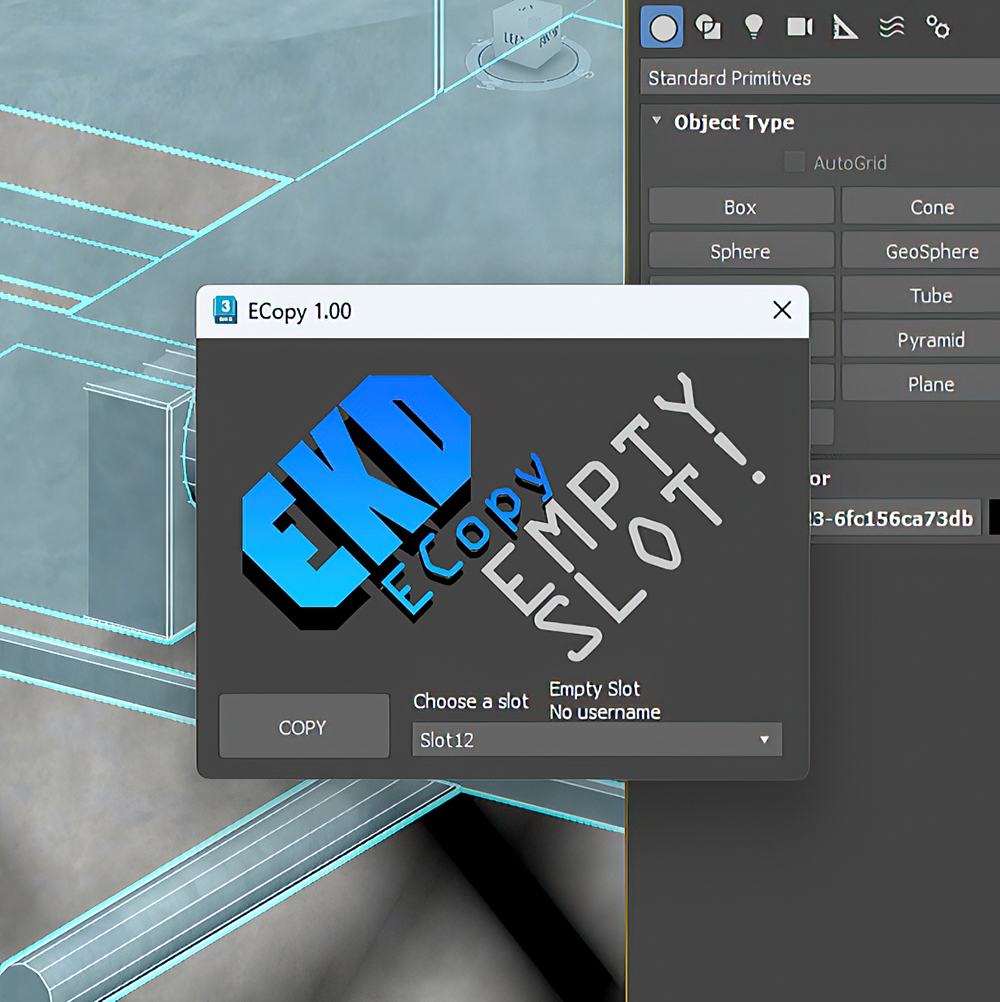
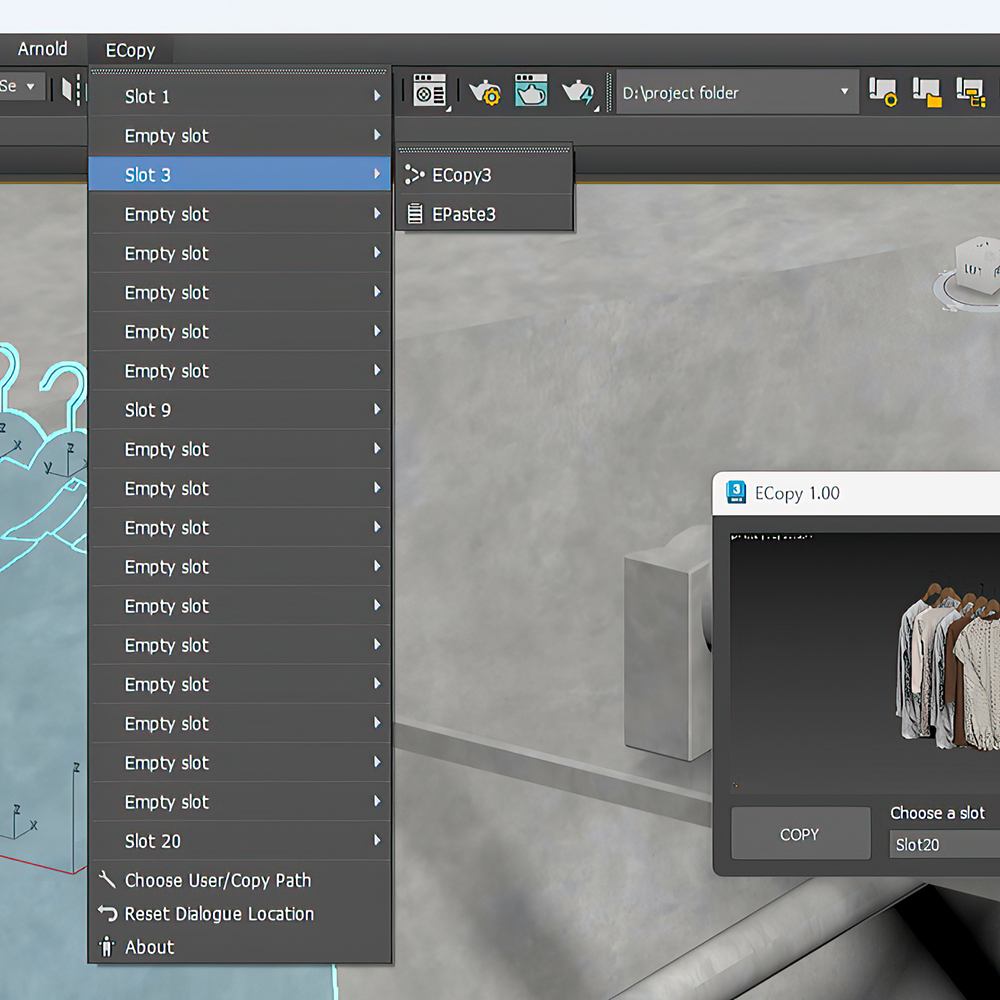
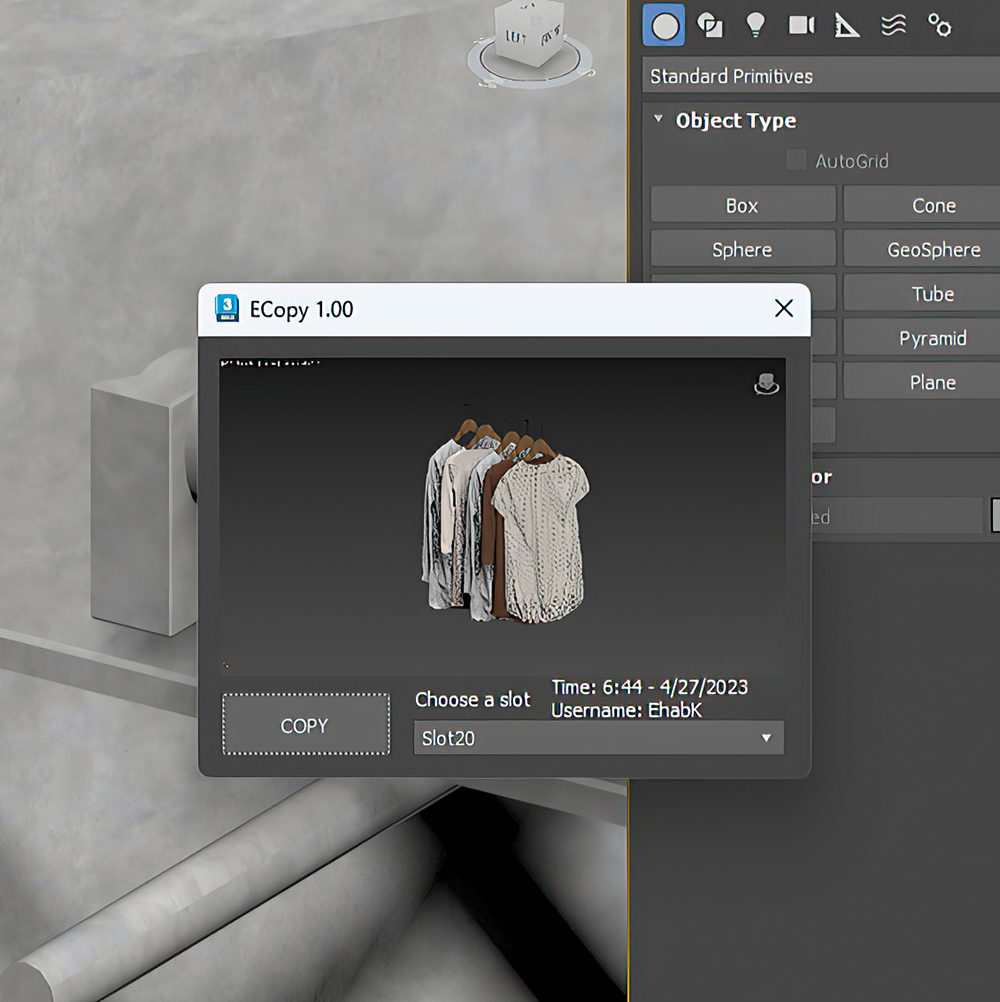
ECopy is a 3DsMax script by EKDtools.
Poster Image
Poster Image
Poster Image

Collaborative Copy Paste Update: Copy to Older Versions

1 vote


The Cross-Computer & Local Copy-Paste script for 3ds Max, is designed to streamline your workflow and enhance productivity. This script allows you to easily copy and paste elements between scenes on a local machine, as well as across different computers connected to the same file server and across different versions of 3ds Max

Copy Paste - Objects/Materials/Modifiers

3 votes

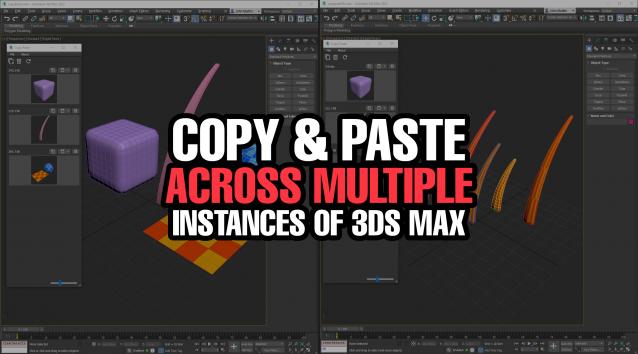
Copy Paste is a 3ds Max tool that allows teams or individuals to copy and paste objects, materials, or modifiers across multiple instances of 3ds Max. It supports sharing these copy/paste buffers in shared locations on the network or local on your computer. The tool helps to keep everyone up to date with real time updates anytime a new copy is created or modified.


MaxCopyPaste

4 votes

MaxCopyPaste Poster

"Copy-paste on steroids" with some extra features such as clipboard history, drawing and placing objects on top of your geometry, and copying objects between 3Ds Max instances. You can choose whether to duplicate materials when you paste an object. Instancing is supported now. Return the missing functionality that makes your workflow intuitive and fast. Watch the video for more details.

Move/Clone to cursor

0 votes

Hi, this is simple script which move or clone selected objects to surface under cursor. You can bind it to any hotkey (I usualy use Alt+S and Alt+C). In this current version additional settings are avaiable only by hidden function call ObjToCursorSettings() which can be called via MaxScript Listener.