Tagged 'copy'

Transformer

2 votes

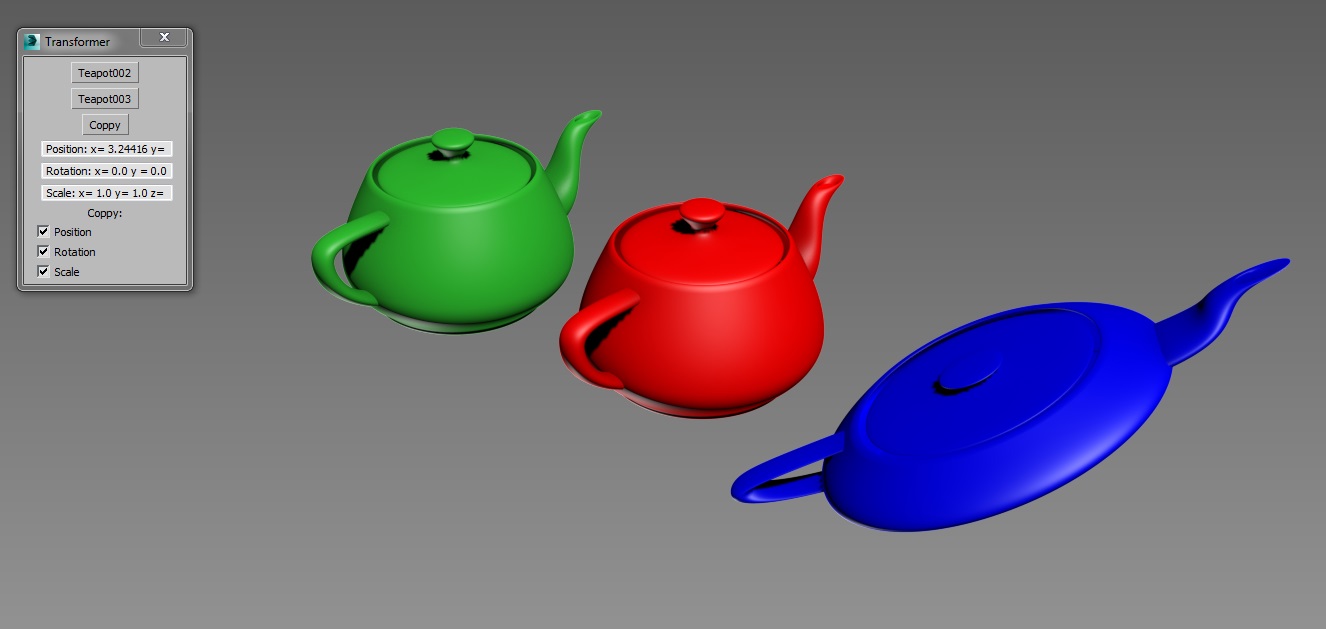
Simple tool created for copying position, rotation and scale transformations between objects.

Copy position, rotation or scale from one object and paste it to any other.

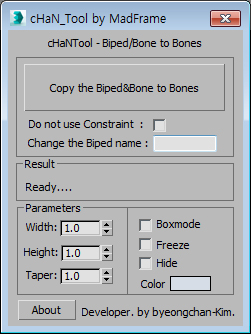
Copy the Biped&Bone to Bones

2 votes


1.Select Target(Biped or Bone)

2.[Copy the Biped&Bone to Bones] pressed button

3.The target name is automatically changed to Hep001.(If you want to enter directly  Change the Biped name)

Duplicurver

2 votes

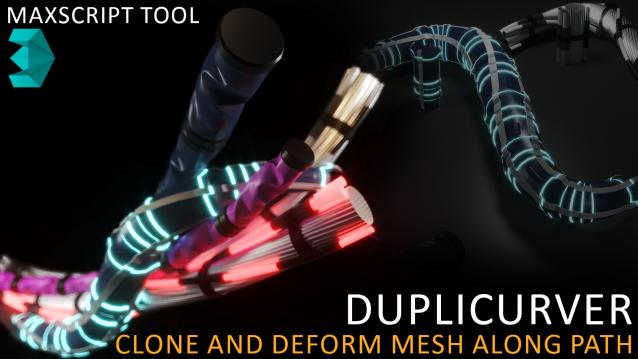
Duplicurver is a game-changing Maxscript tool that brings the power and versatility of ZBrush's IMM (Insert Multi Mesh) Curve brush directly to Autodesk 3ds Max. This tool serves as a highly beneficial asset for artists and 3D professionals, allowing them to replicate and deform meshes along a path with unprecedented ease and efficiency.

miauu's Extended Clone Tool

2 votes


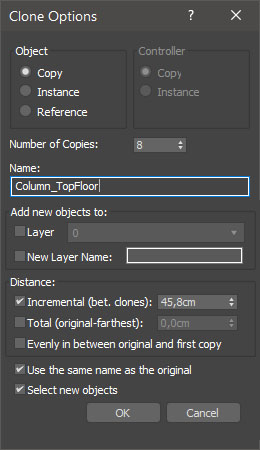
miauu's Extended Clone Tool adds new options to the standard Clone Options dialog.

The main goal - save time using these features:

- move the created objects to a new layer,

- move the created objects into existing layer

Folder Construction Copy

2 votes

It is a script to copy the folder structure under the specified folder to another folder.
Files contained in the folder are not copied.
This script will help you to create folder that use for render output.
For example, copy folder hierarchy of shot A to shot B.

How to Use:
Enter source folder path and destination folder path to copy data to.
And press button.

Collaborative Copy Paste Update: Copy to Older Versions

1 vote


The Cross-Computer & Local Copy-Paste script for 3ds Max, is designed to streamline your workflow and enhance productivity. This script allows you to easily copy and paste elements between scenes on a local machine, as well as across different computers connected to the same file server and across different versions of 3ds Max.

Corona Copy Material Slot

1 vote

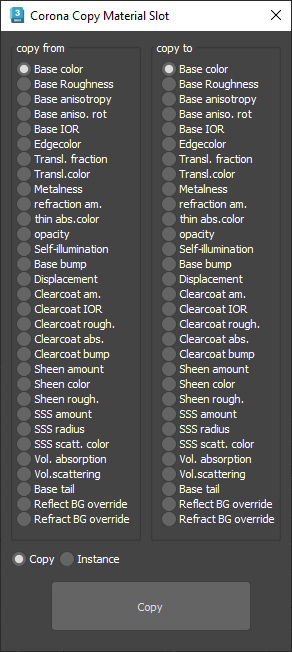
This is only for Corona Physical Materials, i might do a legacy version later..

This script is intended to batch copy from slot to slot within the same material,

For example, you can copy a bump map to a displacement map or the diffuse map to selfillumination on multiple material at once.

you can use my other script to add some color correction with a saturation set to -1, to create bump or roughness maps from your diffuse map.

VrayMtl Copy Maps

1 vote

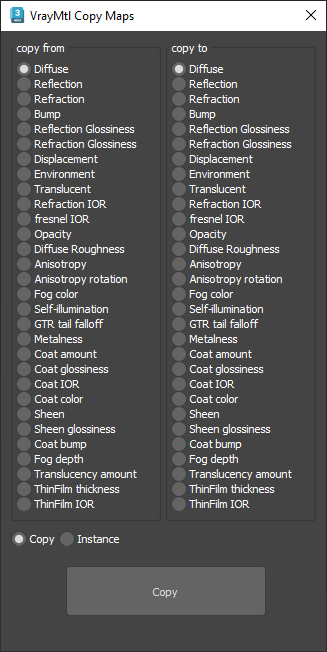
This script is intended to batch copy from slot to slot within the same material.

For example, you can copy the bump map to The displacement map or the diffuse map to the selfillumination map on multiple material at once.

You can copy the diffuse map to the bump or the Glossiness map and use my other script to add color correction with saturation  set to -100 and adjust other settings to fit your needs.

miauu's Slate Material Cloner

1 vote


Transfer Materials

1 vote

Transfer materials, object properties (standard and Vray) and modifiers between objects based on names, vertex count or transfom. Can work between multiple Max instances. Handy for transfering materials from lookdev to lighting scenes with caches.

Installation:

just drag&drop to max and the you can find the script inside ProgressiveFX category

Changelog:

v1.2

- bugfixes

- possibility to remove string from object name before copy

Syndicate content