Tagged 'modifier'

Ellipsoidal Projections

6 votes

Ellipsoidal projections of Earth WGS84 model

emptyModifier

3 votes

a simple empty modifier to add custom attributes to via maxScript. this is basically fred ruff's Modifier-Attribute Holder.ms that shipped with max 4 without the UI labels. his script wasn't included with max 6 & i don't know why. on create do( ) -- can't get easier than that!

EndResultToggle

3 votes

Yep - everyone has one and so do I :) - I have it bind to the spacebar.

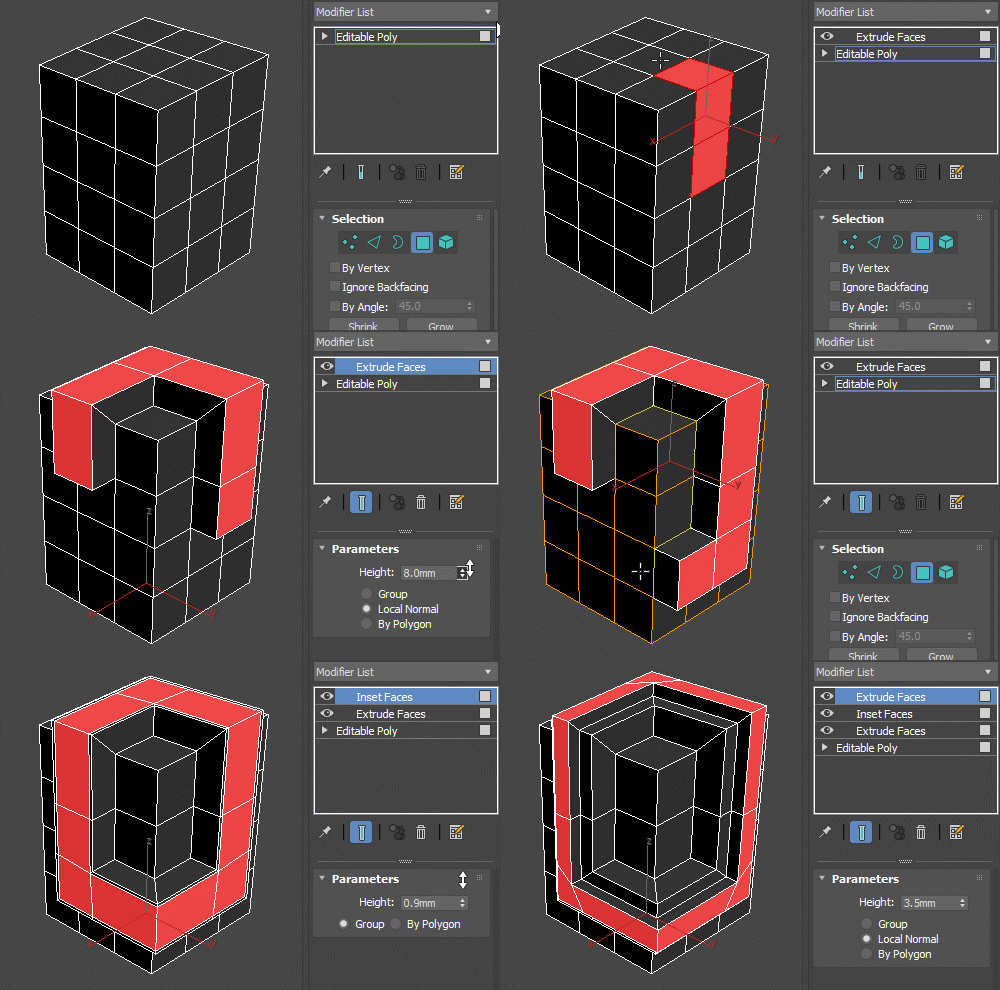
Extrude/Inset/Outline Faces Modifiers

23 votes

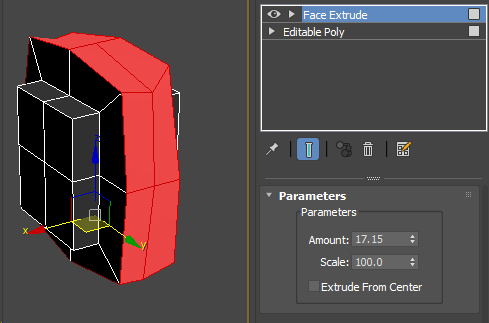
Set of simple modifiers that use the Edit Poly methods behind the scenes. Since the extrude modifier uses the poly extrude options and capabilities, it doesn't break on simple geometry like the FaceExtrude one does.

Extrude Faces Modifier

Compare with FaceExtrude:


Find Modifier Type

16 votes

Choose the type of modifier you wish to find in your scene and this tool will return to you a list of every object that has the modifier, the object's name, it's class and the layer it is currently in. You can then select whichever objects you want.

The modifier list includes every modifier that is default to max.

Findmodifier

3 votes

"Finds modifiers in your scene based on class name of modifiers. It has some defaults added to a drop down list but you can type in your own.However - first you need to know the class name of the modifier that you are looking for. "

gizmoControl

42 votes

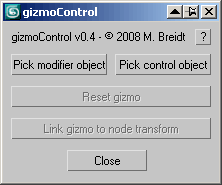
gizmoControl UI screenshot This macroscript (to be found in the "MB Tools" category after executing the .mcr) will allow you to link the transformation of a modifier gizmo to some other scene object. Afterwards, the gizmo will always be fully aligned to that other scene object, which can be freely animated by any kind of controller and linked to any other scene node. In some way this is very similar to World Space Modifiers but it works for any kind of modifier gizmo.

This tool can be very useful for creating complex modifier animations, for example animating a Slice modifier's plane along a path, attaching a UVW Map modfier to some animated helper object, transforming a Displace modifier with some other object, or having an extra node control the- symmety plane of a Symmetry modifier.

Global Meshsmooth

6 votes

You can globally set meshsmooth settings on all selected objects.

Grow Vertex Selection

2 votes

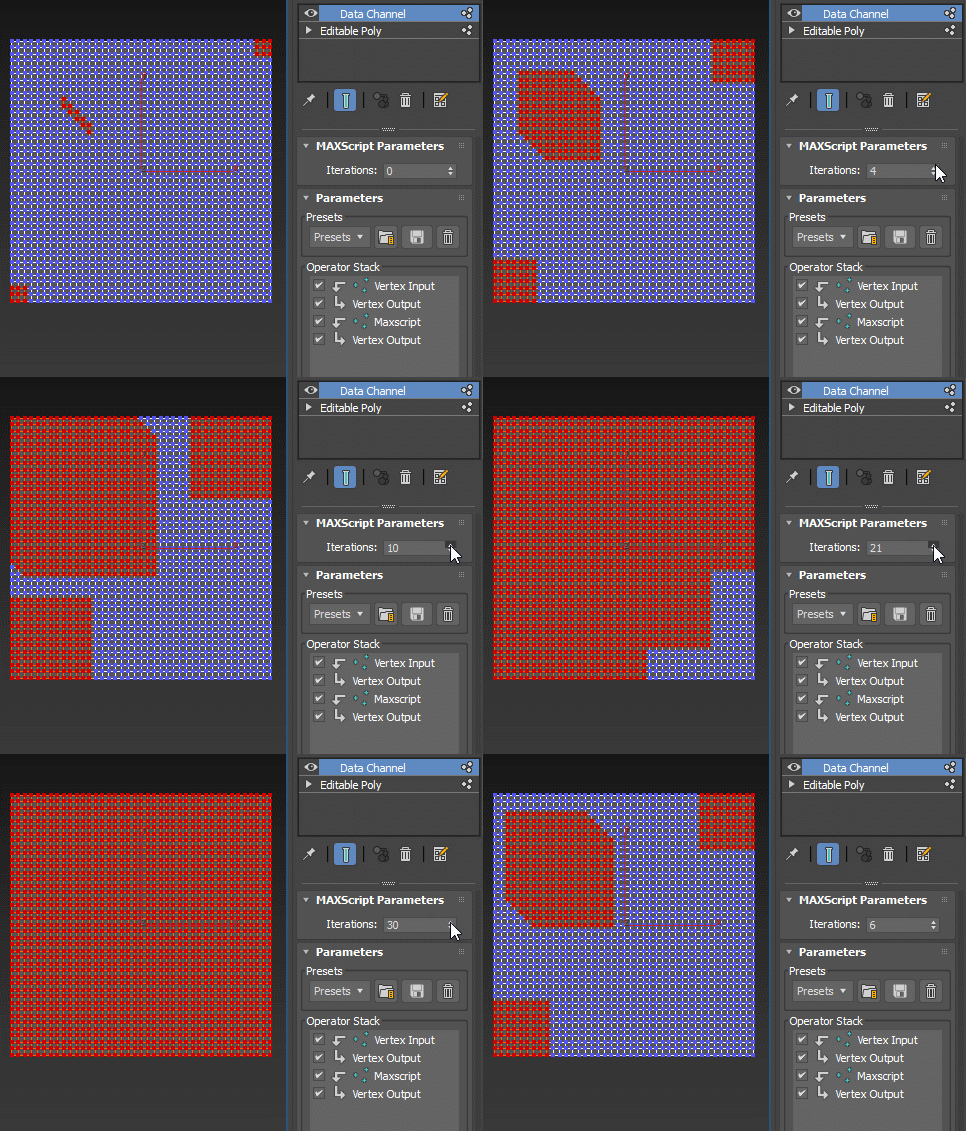
Grow selection leveraging the Data Channel modifier. For more information, refer to the original discussion.

: DataChannel GrowVertSel

This is a self-contained modifier and is applied as such, it's not a Data Channel preset.

GTVFX-SCA_addMaterialModifierToBaseObj

1 vote


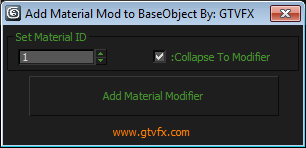
Assigns a Material Modifier to the bottom level of the Modifier Stack with an option to collapse to the modifier once

applied.

Usefule for quickly changing the MatID for an entire mesh while preserving the modifier stack.


Syndicate content