Tagged 'spline'

bf :: SplineWalkator

3 votes

No longer supported, please check : http://www.scriptspot.com/3ds-max/scripts/bf-splinewalk

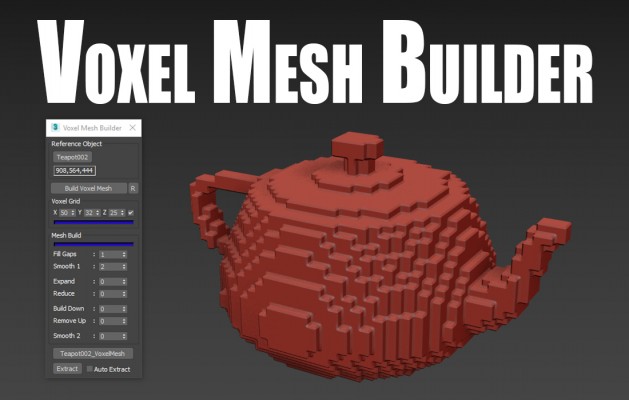
Voxel Mesh Builder

2 votes

The Voxel Mesh Builder, creates a single solid voxel mesh out of any reference object picked. Several filtering options are available to edit the mesh before extracting it. Perfectly usabel for further editing, without the need to clean the mesh first.

Features:

Bone on spline

2 votes


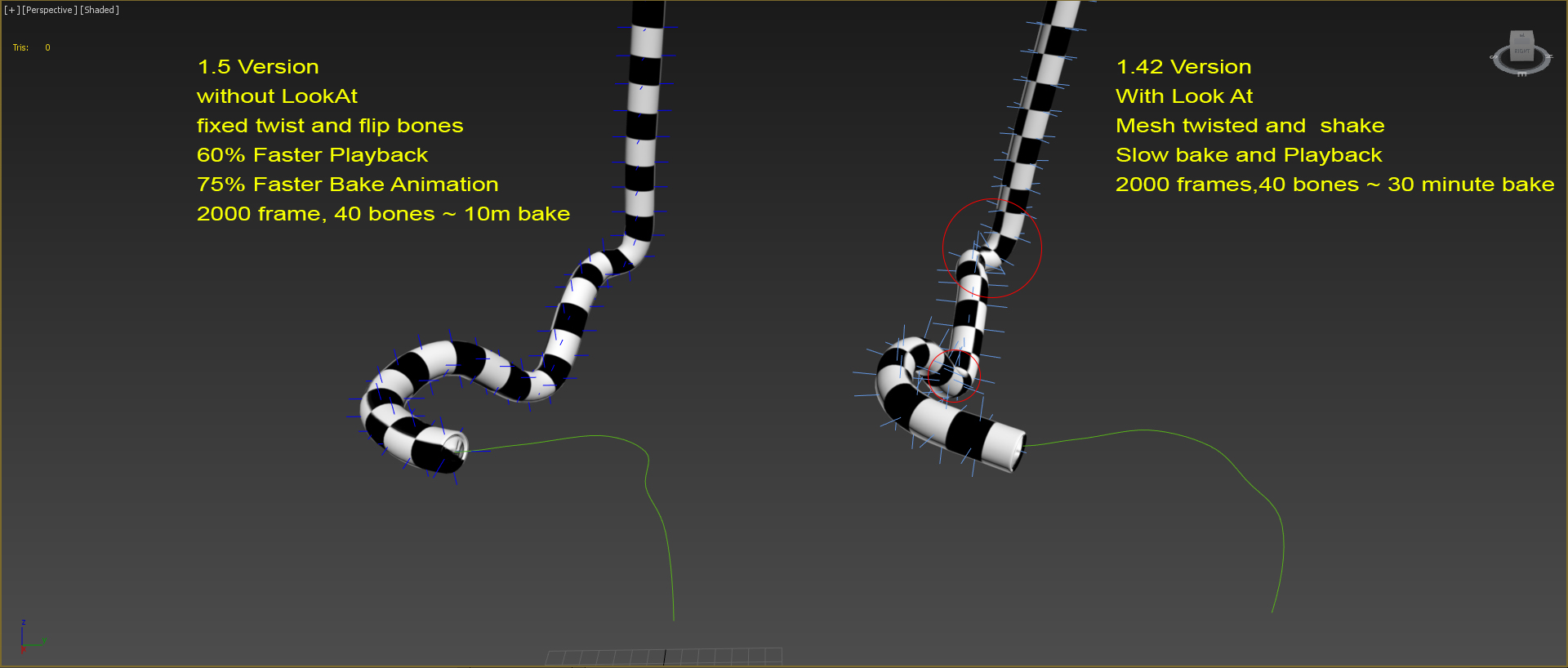
Animates bone spline. It will be useful when the animation: worm, snake, or something like that.

-- Update version 1.1
- Now you can change path every time
- Add "Update end frame"
- Minor fixes and improvements

-- Update version 1.2
- Fixed flip bones

FreehandSpline15-AsMCR

2 votes

Bobo's 'freehandspline15.ms' as a MacroScript for MAX r3.x. Contains brief explanation of how to convert UtilityScript to MacroScript.

Here's the original description: "FreehandSpline (FHS) lets you draw freeform splines with the mouse or tablet similar to drawing with a pencil. It lets you quickly create complex shapes with control over form and quality."

Shape Trimmer

2 votes

3ds Max Script for Making Trimming and Cutting Shapes Very Sample and Easy Thing to do .

The Script Required Max 2019+ to Work

2-Tangents circle

2 votes

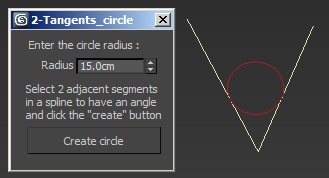
This script allows to create a circle relative to two tangent segments selected in a spline shape. 

New : Another version of the script that allows to create a 3-tangents circle has been added.

Spline Arrow

2 votes

Easily and quickly create a variety of arrow splines in 3ds Max with this spline plugin. Users can further customize the shape with the parameters exposed in the rollout. Check out the video below to see it in action.

Spline Caster

2 votes


Spline Caster is a 3ds Max plugin that gives users the power to quickly create splines projected onto the surface of any geometry in the scene. It includes two different draw modes.

Two - Click Spline Placement - Quickly create splines between a start and end point with just two clicks. Additionally tune the curviness of the splines by-dragging your cursor left-right on the screen.

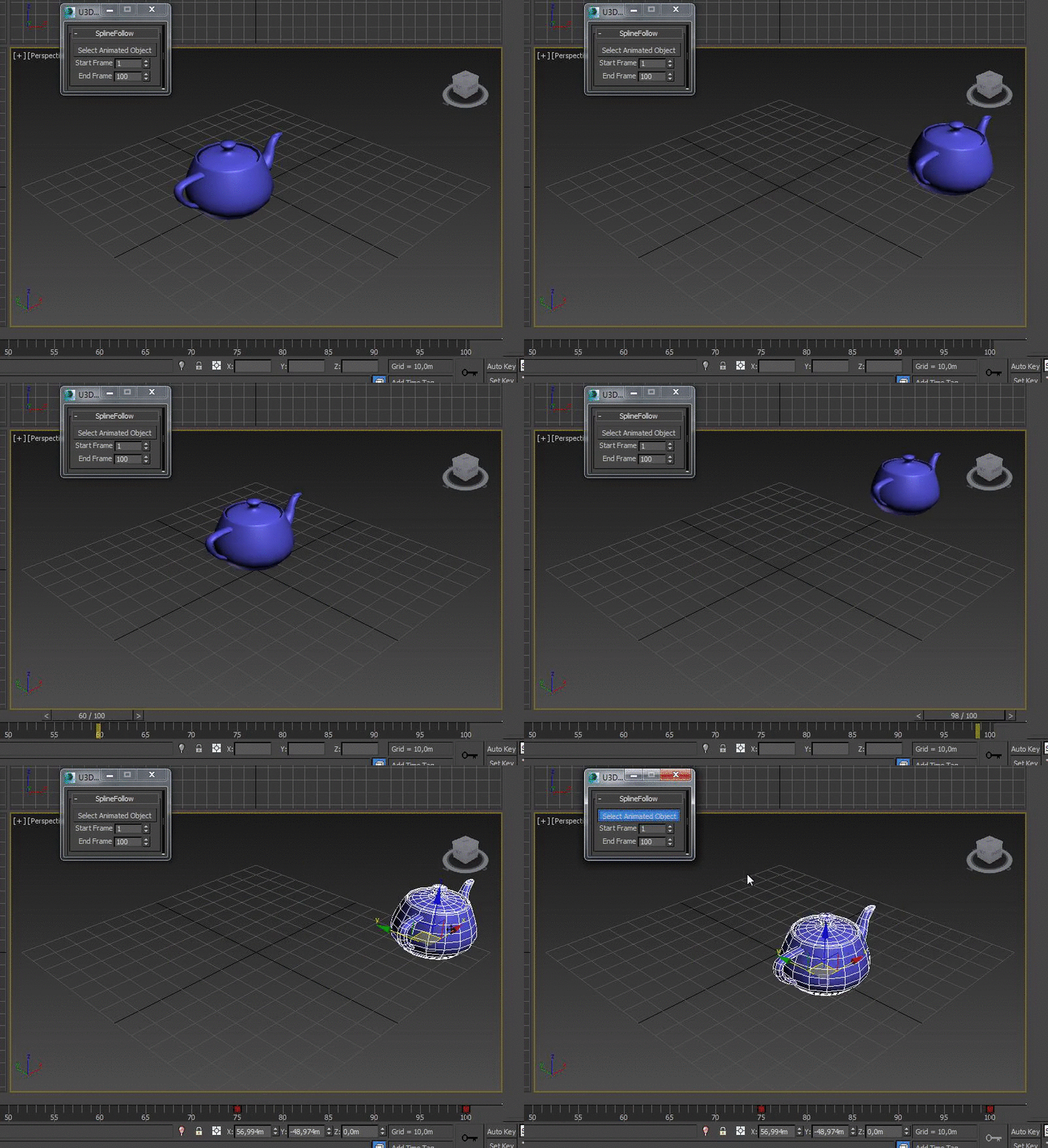
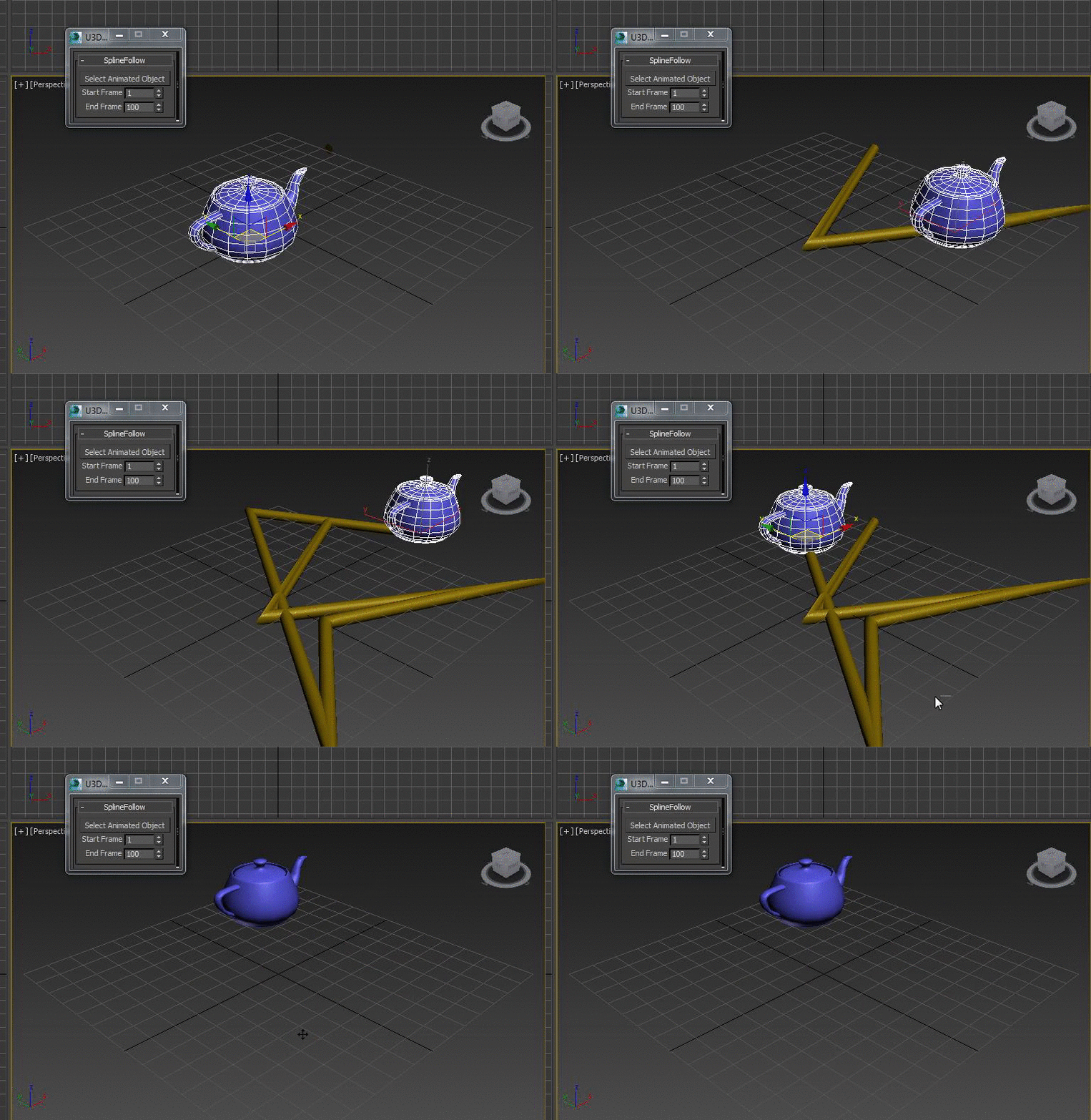
SplineFollow

1 vote


Quadro buttons - hotkeys on four buttons

1 vote

Allows 4 buttons to add many features. If you are tired of running around the keyboard as a pianist and assigning a bunch of combinations, you have the opportunity to put a script and use 4 buttons for modeling (the main functions are assigned).

It works like this: Functions for Editable Polygon, Edit Poly, And some modifiers, are assigned to 4 buttons, which work in different modes in different ways, depending on which sub category you are in (or which modifier is currently selected.)
Sory for my English

Syndicate content