Tagged 'script'

Xrefs Selection Sets

3 votes

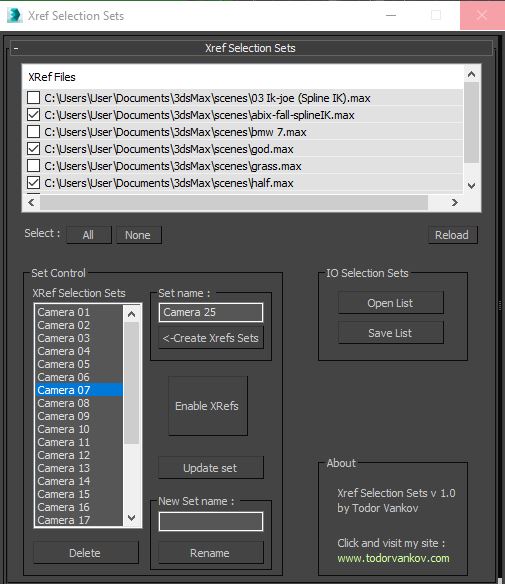
I made this script to save time when I send cameras in my renderfarm.

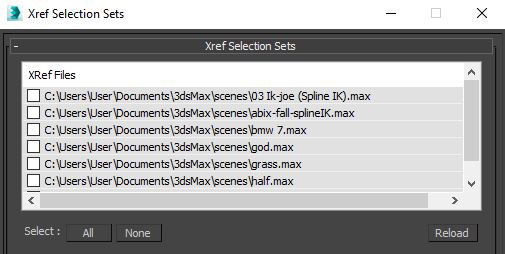
1.You can choose your XRefs in this window.

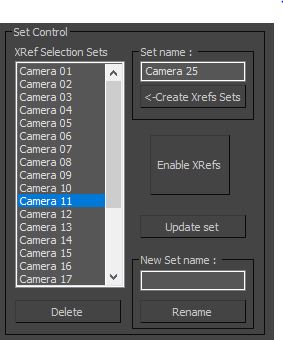
2.Create a list of XRefs selection sets for every camera in your scene.

Lock Cameras or objects

3 votes

A little script to lock/unlock the movements of the cameras or objects too.
Put into your scripts directory, and under "Customize user inteface" open the category "Maico G." and assign "Lock Camera" to a menu, shortcut or toolbar.
To use, select a camera, camera target or an object and click lock or unlock.

Model Packer

3 votes

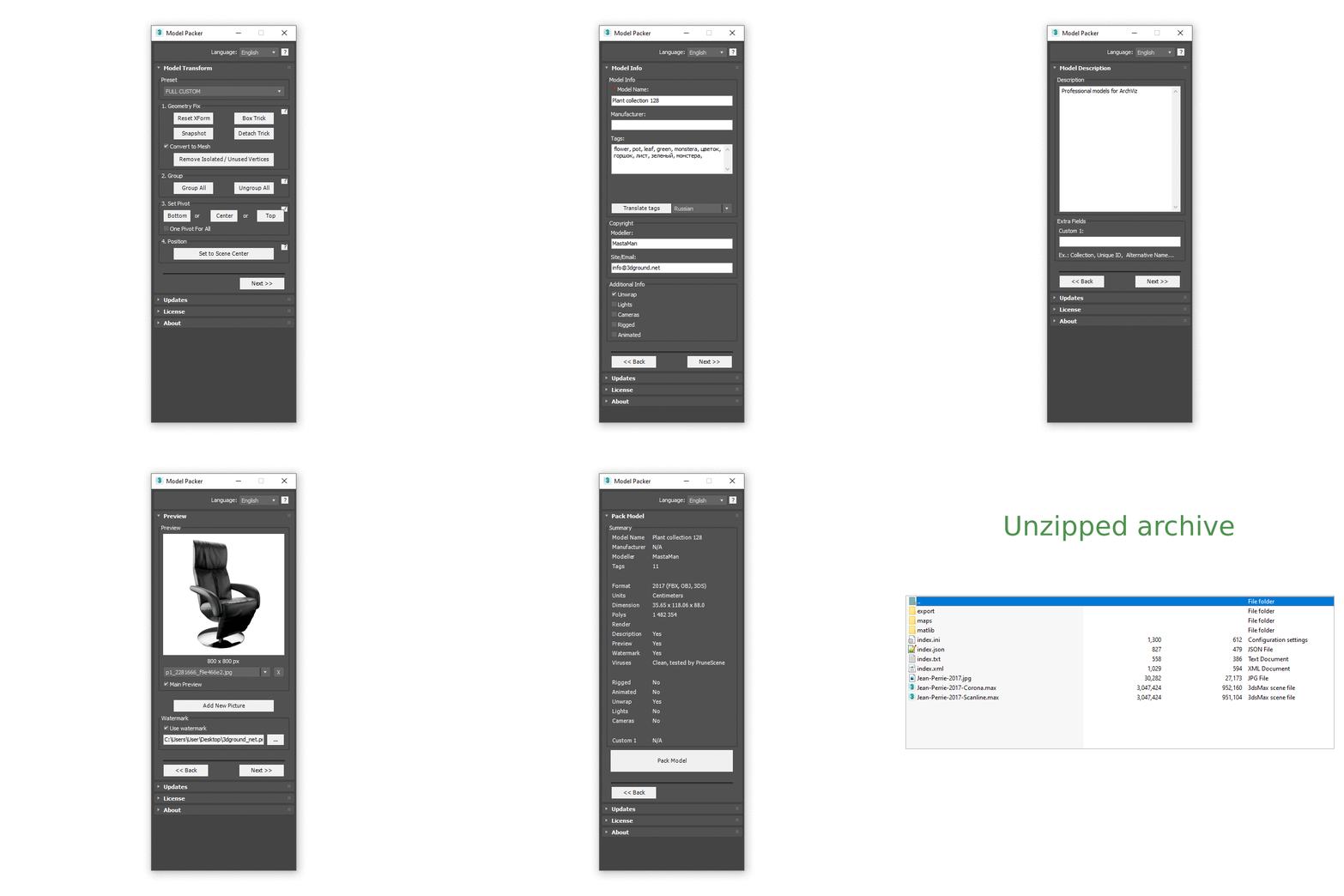
With the Model Packer, you can prepare your 3D models for uploading to 3D stocks or Asset Libraries.

Just a couple of clicks and you will create an archive with your model or scene.

Animation Trajectory Volume

3 votes

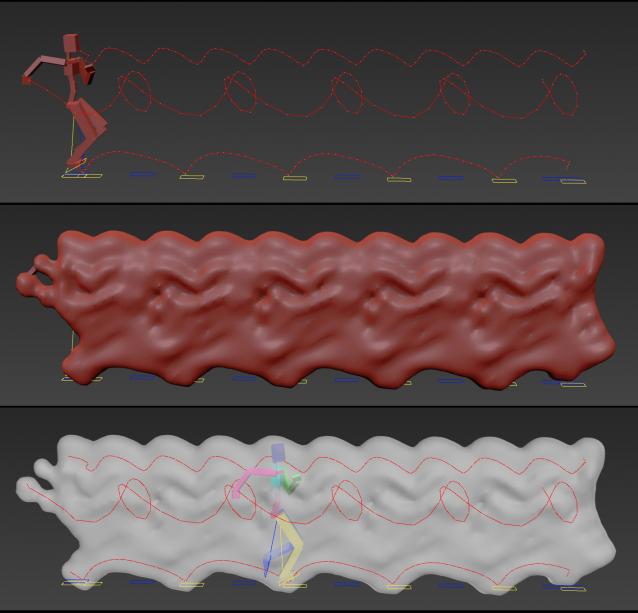
This script helps you create an aproximate mesh that covers the animated object (transforming or deforming) through the animation range.

It can come in handy:

-When trying to build an environment around your animatedcharacter for example.

-or to see how your animation flows instead of using the normal line trajectory.

-also to know the dimention that our charachter are moving in to build FumeFX container or other fx stuff.

It's based on Blob mesh so:

SnowEffect

3 votes

SnowEffect plugin poster

The plugin allows you to create a global snow effect for the whole scene. You can cover selected objects with snow with just a few clicks. SnowEffect supports V-Ray, Arnold, Corona, and scanline render natively. All other render engines will see it as standard material that you can modify or replace. You can also change the amount of snow and bump/displacement size.
Watch the trailer for more details.

Log Console Zorb

3 votes

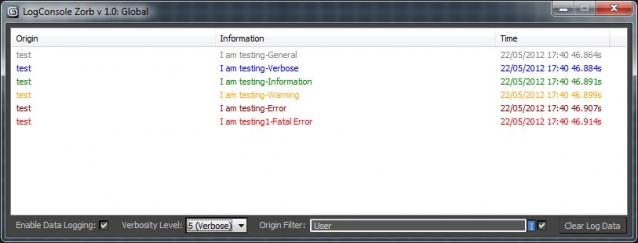
This script is a general Log Console to be used by max scripters, a great way to quicly add information logging to your script Once installed you will have access to the LogConsole by creating an instance (you can create as many as you want) by using something like:

foo = ZorbConsole title:"Log A"

You may open the log by using: foo.showme() And write to the log with the AddLog function like so:

foo.AddLog #("test", "I am testing-General", 0)

The Information may then be filtered by verbosity or by the information origin (handy to add what function is sending the log info)

Shape Vertex Aligner

2 votes

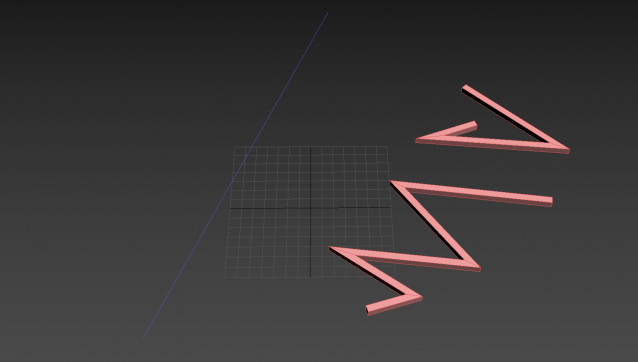
3dsMax Script for aligning shape vertices by 2 or 4 points

  • By 2 Points each vertex will be aligned depending on its segment direction.

  • By 4 Points - the first 2 Points will determine the direction.

  • with Alt Execute the vertex will be aligned perpendicularly.

Vray Light Select Elements

2 votes

—-Description:
—- With One Simple Button Create One VrayLightSelect Element for each Instances Light
—- Rename RenderElement with name of light
-- Ignore Targets

Inspired by the script of "ecXimer" "Auto Render Element VRayLightSelect" I created a new function more simple, with one unique button create one render element VrayLightSelect for each Instances Lights.

Align Multiple Objects

2 votes

Align Multiple Objects - 3dsmax script

Description

Script 3ds max V-ray material library

2 votes

Hello!

Brought to mind this script VrayMatLib (V-ray material library)

Now works in all versions of 3ds max.

Checked for serviceability in version 2014, 2016, 2017.

There are instructions in written and video instruction.

Use your health!

Syndicate content