Tagged 'vertex'

Moving an Egg on 3 axes

12 votes

Hi, this is our work made for a school project, it's an easy way to move an egg with the help of a dummy.

Its rotation is actually based on another script made by Cuneyt Ozdas and the positioning is made by getting the lowest vertex on the object (egg) and adding it to the distance where a ray(previously made) collide.

I hope you understand how it works. Just take the scene example and run the script, it'll work wonders! :D (I attach a word document though, just in case :P).

Greetings,
IPMULSA

Special Thanks:
Mander
TenshiYuna
LizQuiroz

Override -Selection Mode- & -Convert Selection- in EditablePoly/UnwrapUVW

19 votes

This script override selection mode in EditablePoly/UnwrapUVW AND allow to Convert subobject selection to an another in EditablePoly and Unwrap

Hit 1 or 2/3/4/5 ==> go in vertex/edge/..() mode
Re-hit 1 or 2/3/4/5 ==> go in object mode and you can select another object!
I have added a line, with "Max modify mode", like this, if your are not in "modify panel" when you select an object and hit 1 to set vertex mode, the script go automatically in the panel "modify"

Install:
Go in Customize User Interface, Group "Main UI", Category "zOffTy Tools" and set
1 for epoly_vertex

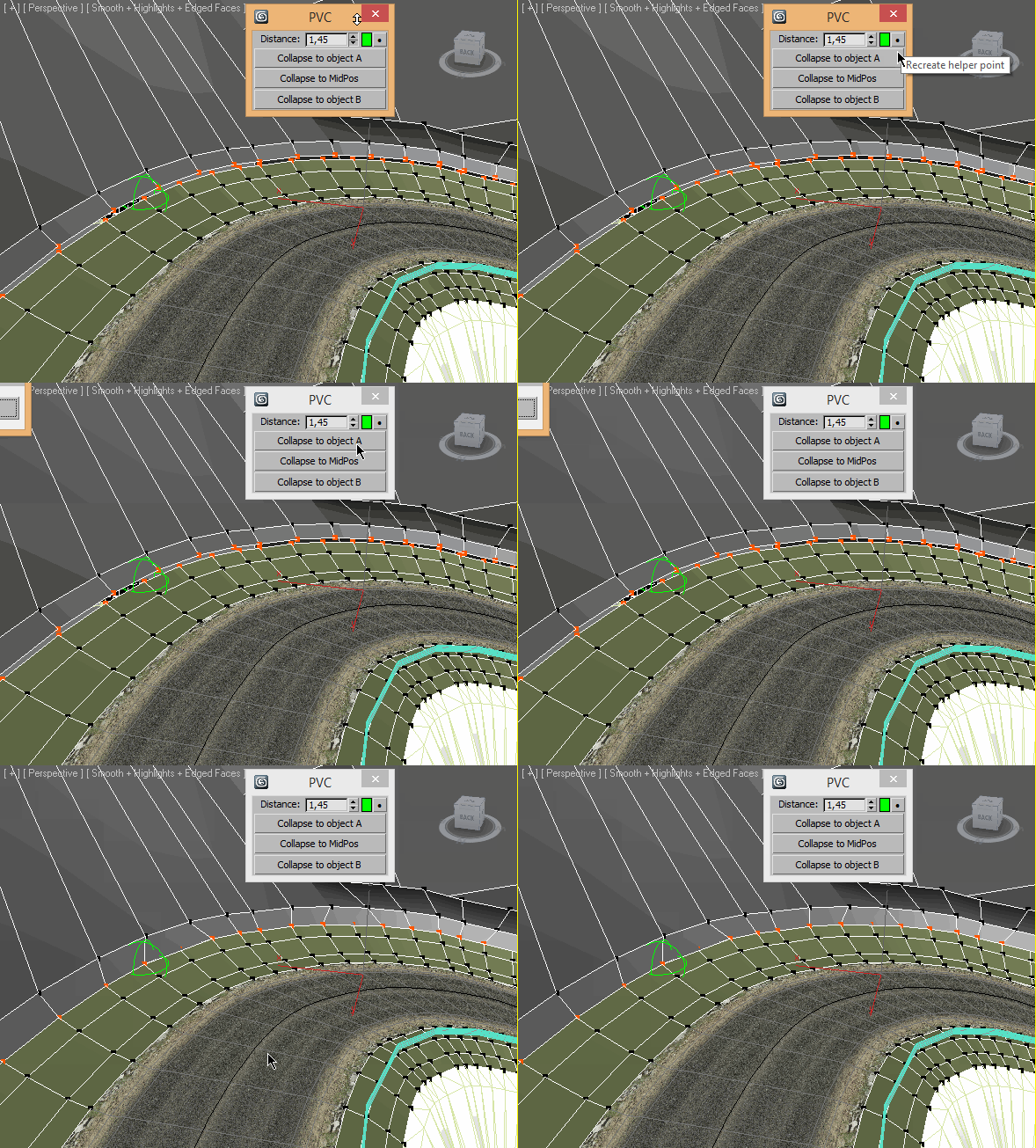
Pair Vertex Collapser

3 votes

PolyRotor

23 votes

PolyRotor is a modeling script that based on drag & drop.

PolyRotor make it possible to select vertex, edge and faces automatically.

But it should be in Editable Poly Mode.

Quad enhance

32 votes

These few scripts adds some new functions to your quad menu like hiding,selecting and isolating by objects layer or material.

Random Mesh standard object

3 votes


Refine By Distance

1 vote


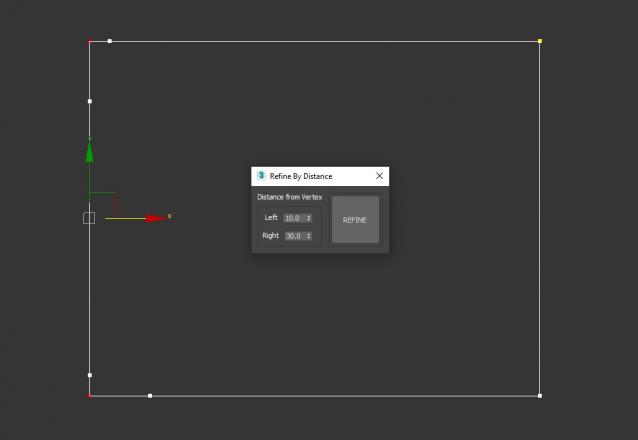
3DS Max Script to Add 2 Vertices on each Selected Vertex by Specific Distance or to All Vertices if no Vertex Selected . Left of the Vertex will be Towered the Previous Vertex . Work on Multi Selected Shapes .

Resize Splines From First

27 votes

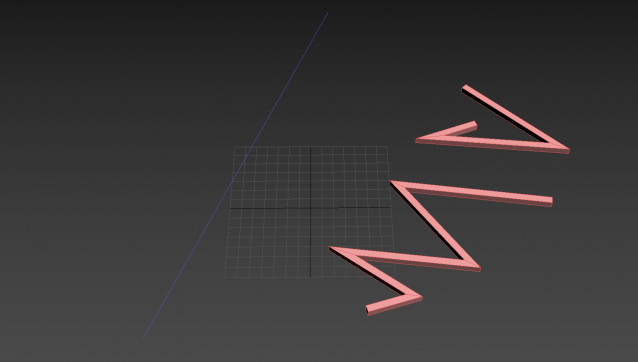
Tools that resize spline sub-objects in regard to their first vertex, one with a scaling factor, the other using a fixed size.

Shape Vertex Aligner

2 votes

3dsMax Script for aligning shape vertices by 2 or 4 points

  • By 2 Points each vertex will be aligned depending on its segment direction.

  • By 4 Points - the first 2 Points will determine the direction.

  • with Alt Execute the vertex will be aligned perpendicularly.

Skip Every N-th

61 votes

Skip every vert/edge/face. In Loop mode, you can skip edges and polygons. In Ring mode you can skip vertices,edges and polygons. To make poly loop select 3 faces(the middle one is starting face), check PolyLoop checkbox, set "Skip V-E-P" spinner to value greater then 2 and start skiping. You can't skip one face, only 2 or more. Ring mode does not have this limitation. "For Steps" spinner works only with edges. If you want to skip every 2 edges five times, set "Skip" spinner to 2 and "For Steps" spinner to 5. Instalation: Drag-n-drop SkipEveryNthVEPRingLoop.mzp to 3ds max.

Syndicate content