Tagged 'vertex'

Snap Verts

8 votes

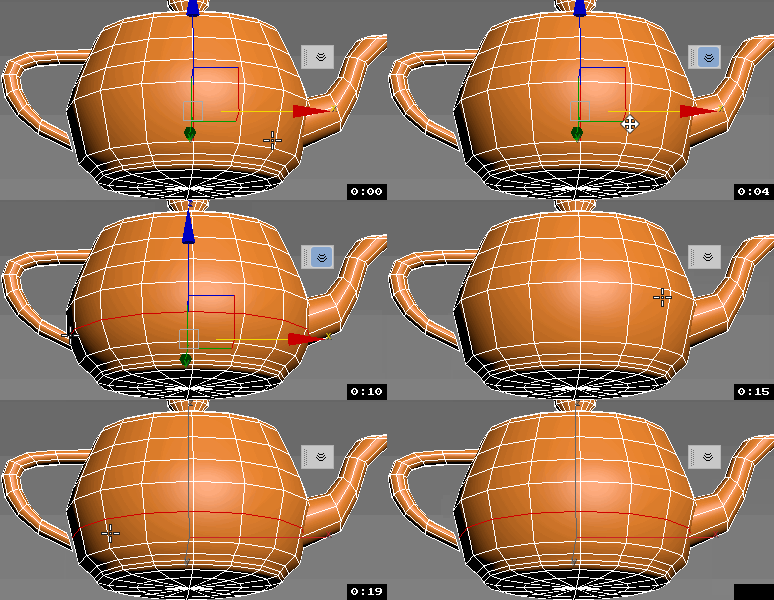
Snaps selected vertices to the closest vertices of the target object.
Works on Editable_Poly and Edit_Poly, at any level in any modifier stack.
Also works inside the same mesh (if you pick the same object as target object)

This is based on this script: http://visionlore.com/lab/snapverttovert.php

Spline FFD

19 votes

Spline FFD is a tool that allows you to move multiple vertices at once, moving the points of a spline.

New 1.1: Added mode that preserves the original distance between vertex.
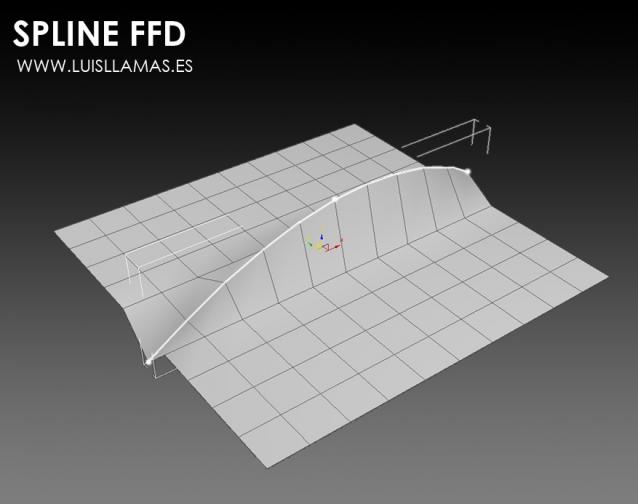
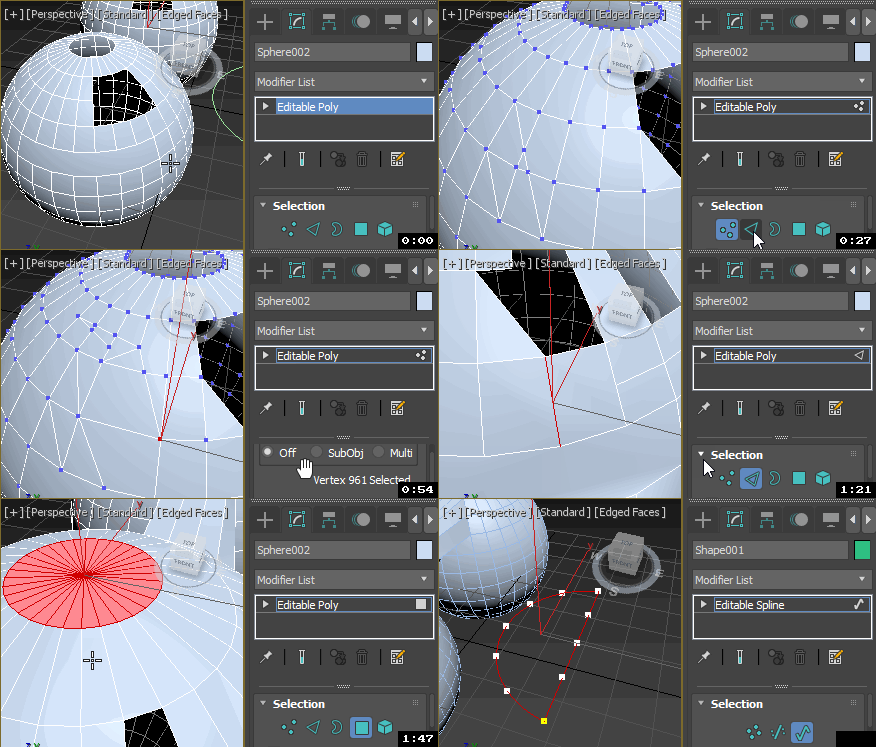
With Spline FFD you can select a number of points on a mesh and creates a spline that passes through these points. By moving the points of the spline, the original mesh vertices move properly.

SplineTools

2 votes

Simple tools for working with splines in 3dsMax.

These tools includes:

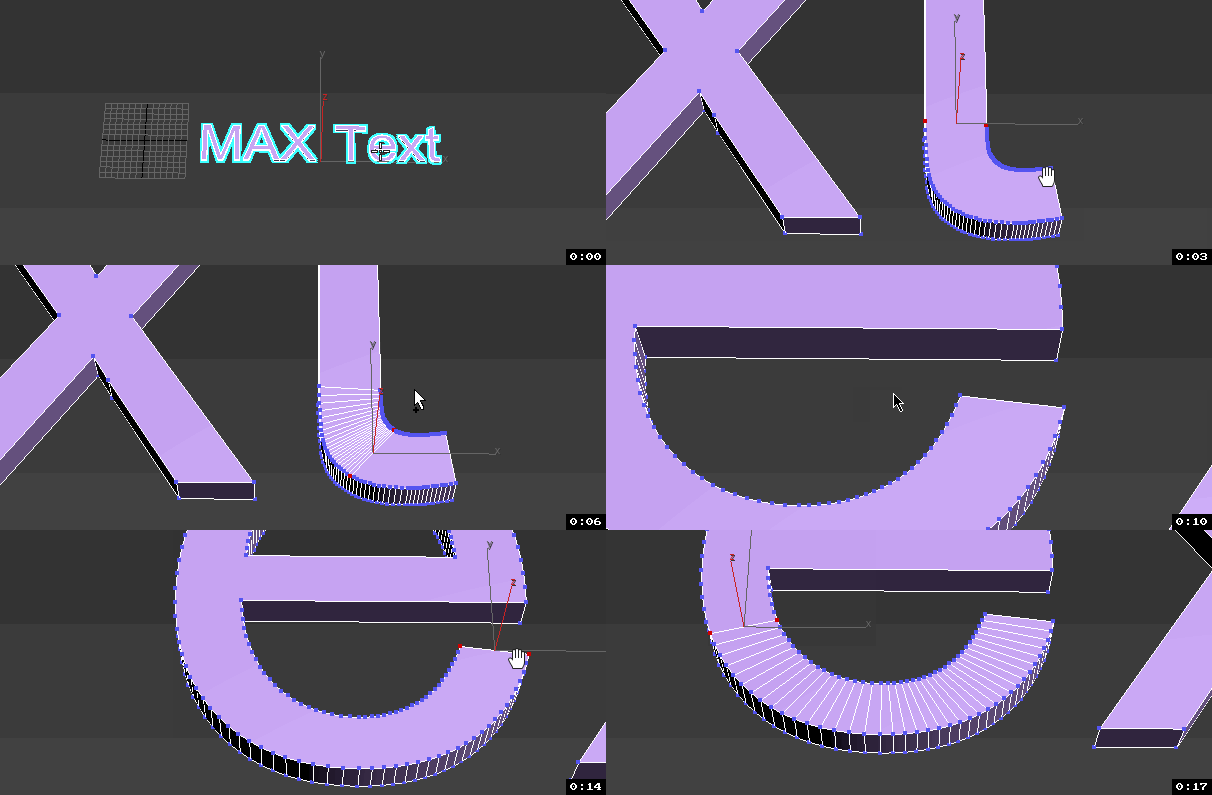
  • -Selection filtering *Select only closed *Select only open 
  • -Clean up *Convert to spline and perform overlapping points weld.
  • -Close all *Close all splines
  • -Set points to corner/smooth/bezier/bezierCorner *Sub-object level sensitive
  • -Select by length *Select and sort splines by input length
  • -Sort *Detach open splines
  • -Explode *Explode shape object to splines (not segments)
  • -VArranger *Arrange selected splines by input z values and optionaly create a surface. Used to create terrain from drawing.

SplineTools_ScriptSpot_V.2.0

Step Gap Vert/Edge/Poly Ring (like modo selection)

73 votes

Modo selections style in 3ds max. Assign a hotkey(or button), select 2 verts/edges/faces woth desired gap between them and start pressing your hotkey. :)

Instalation: Drag-n-drop StepGapVEPRingLR.mzp and StepGapVEPRingLR.mzp in 3ds max. Go to Customize - Customize User Interface. Under "miauu" category you will find "Step Gap VEP Ring Left-Right" and "Step Gap VEP Ring Right-Left"

Big thanks to Anubis for his help.

Straighten Edge

69 votes

Straighten Edge (maxscript) allows projecting and placing selected vertices/edges on the given straight line on the Editable Poly object, Edit Poly modifier, and Editable Spline & Line objects.

When the SHIFT key is pressed, vertices/edges will be straightened with axis constraints

StrTools

14 votes

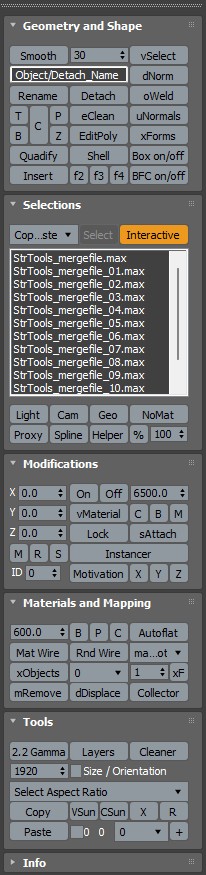
Quick tools in one place. Dockbar!

Subobjects Converter

9 votes


v3.07
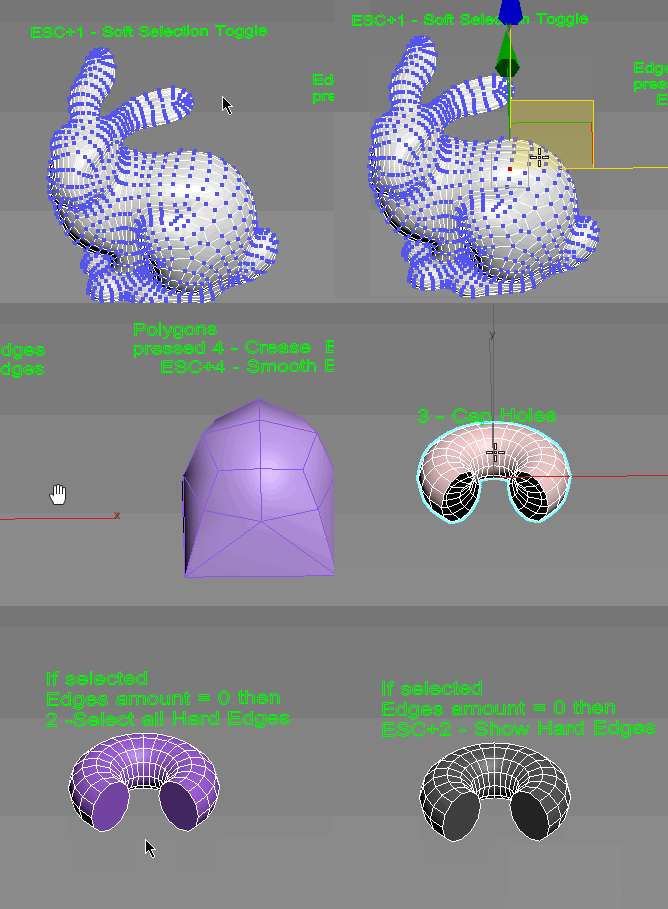
Fixed Shift+1 Shift+2

v3.01
If Esc+Key of script keyboard pressed and current subobjectlevel is 4 or 5 (Face or Element) and selected all faces then will run Smoothing Groups floater (a separate special window)
Если нажата Esc+кнопка скрипта и текущий подобъект 4 или 5 (Грани или Элементы) и все грани выделены, то будет запущен Smoothing Groups floater (отдельным специальным окошком)

Fixed bug of switch from subobject 5 to 4
Added Extended Subobjects:

SubSpline

1 vote

SubSpline 3dsmax script - banner

Total Control of Spline Subobjects


Description

SubSpline is an Advanced Subobject Selector & Material IDs Editor for spline shapes in Autodesk 3dsMax.

Easily expose on screen the vertex numbers and material IDs for all your selected shapes, with a simple toggle button.

SwapTwoVert

3 votes

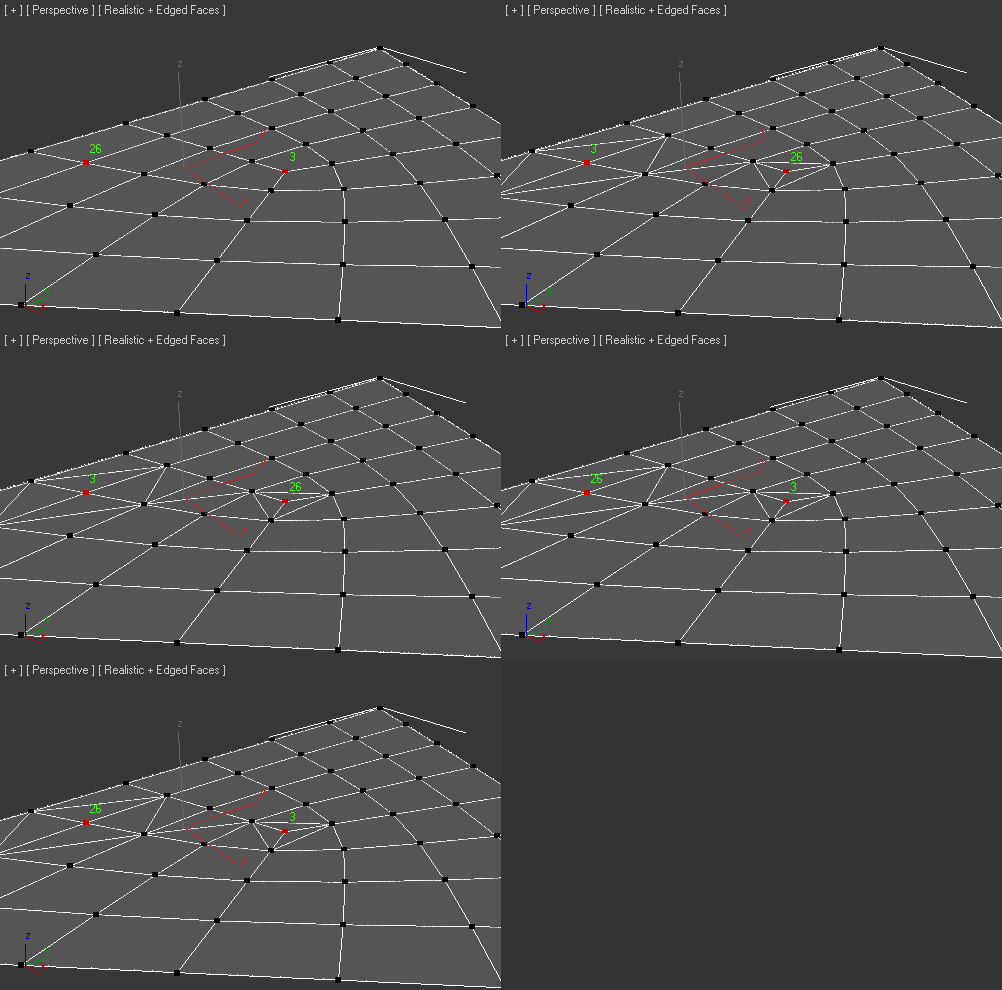
Added Fix tool if created bug-Faces

UniConnector

41 votes


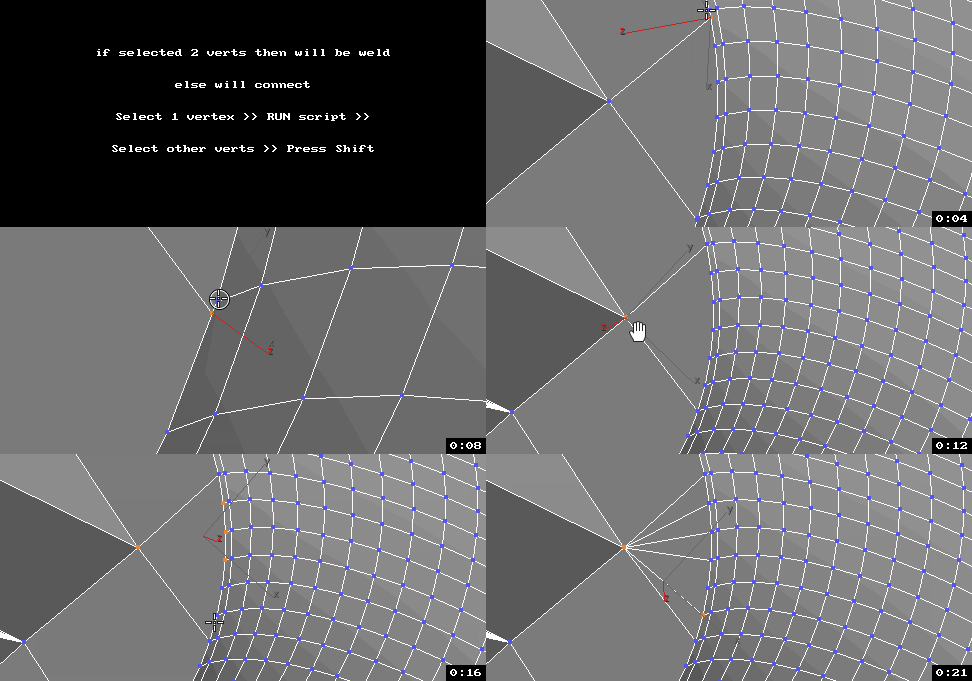
All this works by single hotkey.

Syndicate content