3ds Max | All

MCG Looper

1 vote

Requirements: Max 2016 + Ext1/2 + SP3. Max 2017/18

This MCG will blend the last few frames of your (vertex) animated mesh so that it will create a seamless loop. Works directly on your mesh as a modifier, no need for 'cloning' around. You can also adjust Start/End of animation easily.

Installation:

https://knowledge.autodesk.com/support/3ds-max/learn-explore/caas/CloudH...

Then can be found in modifier dropdown list.

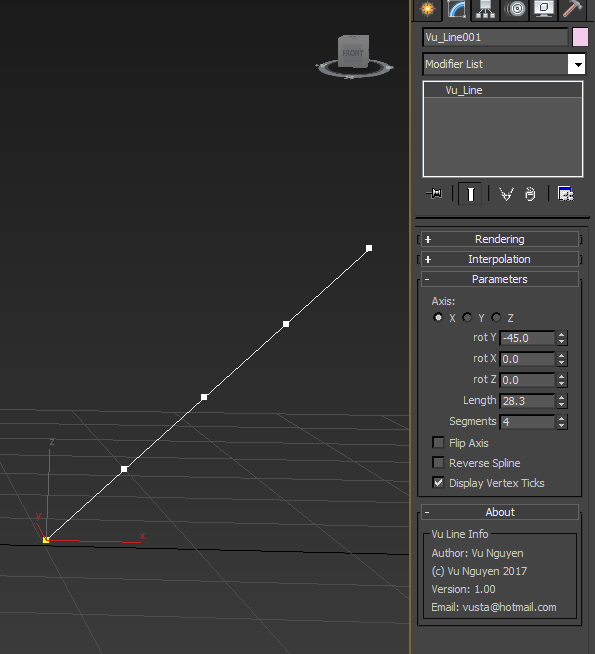
MCG Line

4 votes

Simple straight line....well it was for a simple request so no need to flame me.

Installation:

https://knowledge.autodesk.com/support/3ds-max/learn-explore/caas/CloudH...

Then can be found in Create>Shapes>Vu

https://youtu.be/0W59gOdPfHM

Poly Average Normals

36 votes

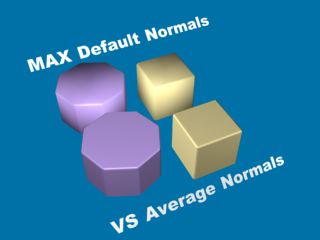
The macro script that averages all vertex normals
for faces tracked using custom (time saver) "smart selection".

Poly Average Normals

MCG Camera Shutter Rig Cloner

1 vote

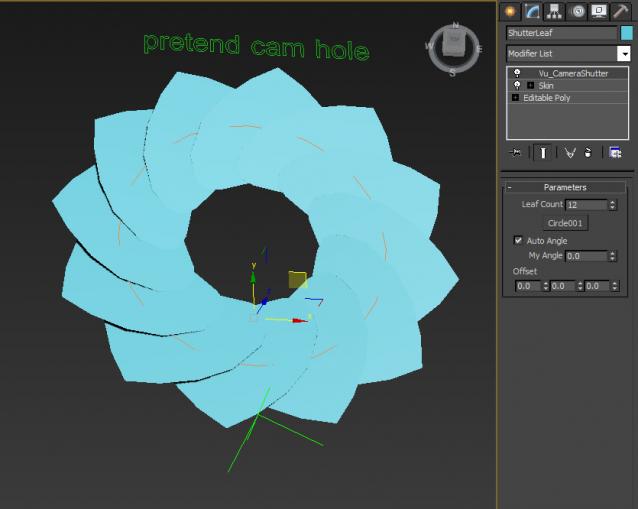
just helping out someone with another simple request...

http://forums.cgsociety.org/showthread.php?p=8330272#post8330272

Rig is extremely basic for illustration purposes.

Installation:

https://knowledge.autodesk.com/support/3ds-max/learn-explore/caas/CloudH...

Then can be found in modifier dropdown list.
MCG Disc

4 votes

don't ask...Dave Wortley requested it...

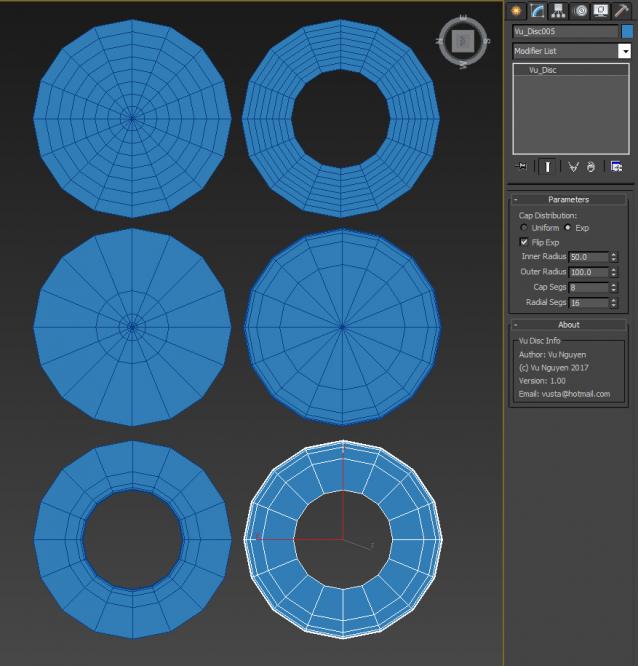
(no more fiddling with deleting faces off of a cylinder...just drag out this flat disc)

Installation:

https://knowledge.autodesk.com/support/3ds-max/learn-explore/caas/CloudH...

Then can found in Create>Geometry>Vu


Biped Selector Full

3 votes

This script makes selecting biped bones. A floating window contains an intuitive graphical selection of buttons to allow the user to quickly select any biped limb.

particle-to-spline

2 votes


MCG Pork Bun

0 votes

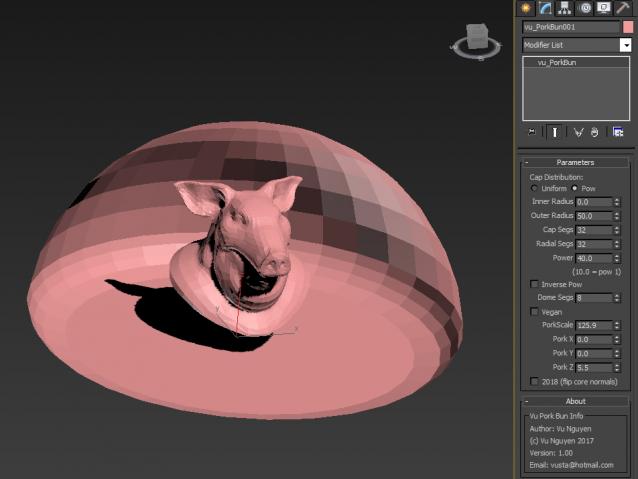
ok, so this is what Dave Wortley really wanted out of the MCG Disc..a hemisphere for lighting purposes

Installation:

https://knowledge.autodesk.com/support/3ds-max/learn-explore/caas/CloudH...

Then can be found in Create>Geometry>Vu

https://youtu.be/nNwFOAYTLPw

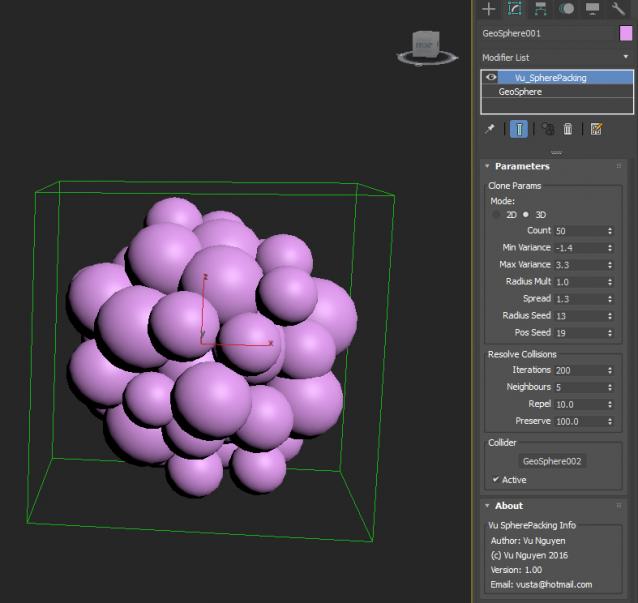
MCG Sphere Packing

0 votes

 Installation:

https://knowledge.autodesk.com/support/3ds-max/learn-explore/caas/CloudH...

Then can be found in Modifier Dropdown List

ver 1.02: Self Contract option (see Circle Packing)

Raytrace Map Remover

12 votes

A simple script to remove the raytrace maps (Actually - replace them with empty bitmaps) from the scene's material library. This is for people using Vray/Mental ray as raytrace maps may (and will) slow down rendering times considerably

Syndicate content