3ds Max | All

Delete Random Elements

2 votes

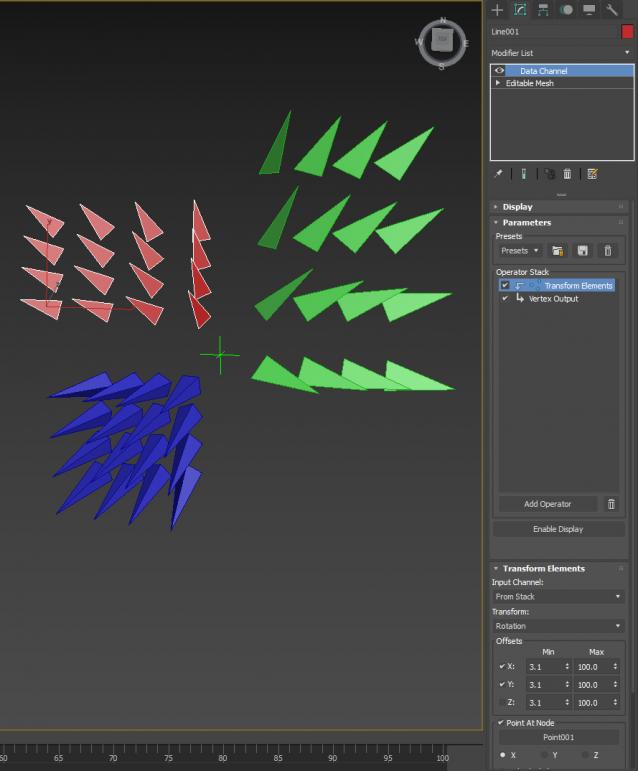
Modifier which deletes random mesh elements by percentage.

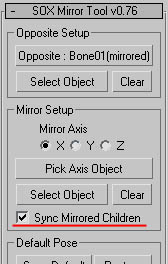
SOX Mirror Tool

19 votes

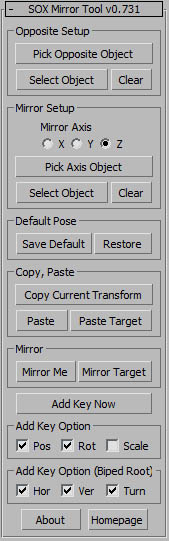
v0.771 - 'Sync Mirrored Children' feature : https://www.youtube.com/watch?v=M63O84NVOPo&feature=youtu.be

Z Manager

2 votes

SORRY, BUT THIS SCRIPT IS CURRENTLY NOT AVAILABLE.

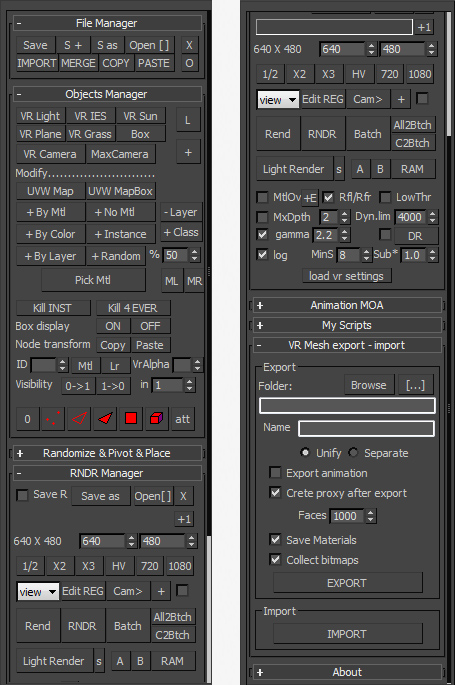
This is a 3dsMax manager tool, preferably for Vray users, very useful for editing architectural models created with other software (eg. ArchiCAD) and fast scene setup. Very useful tools for Selection, Rendering, Incremental Rendering, Copy/Paste objects from other scenes, Material Replacer, Animation with Moving Objects, Exporting/Importing Vray Proxy with material and so on...

Autodesk Material Converter - obsolete

5 votes

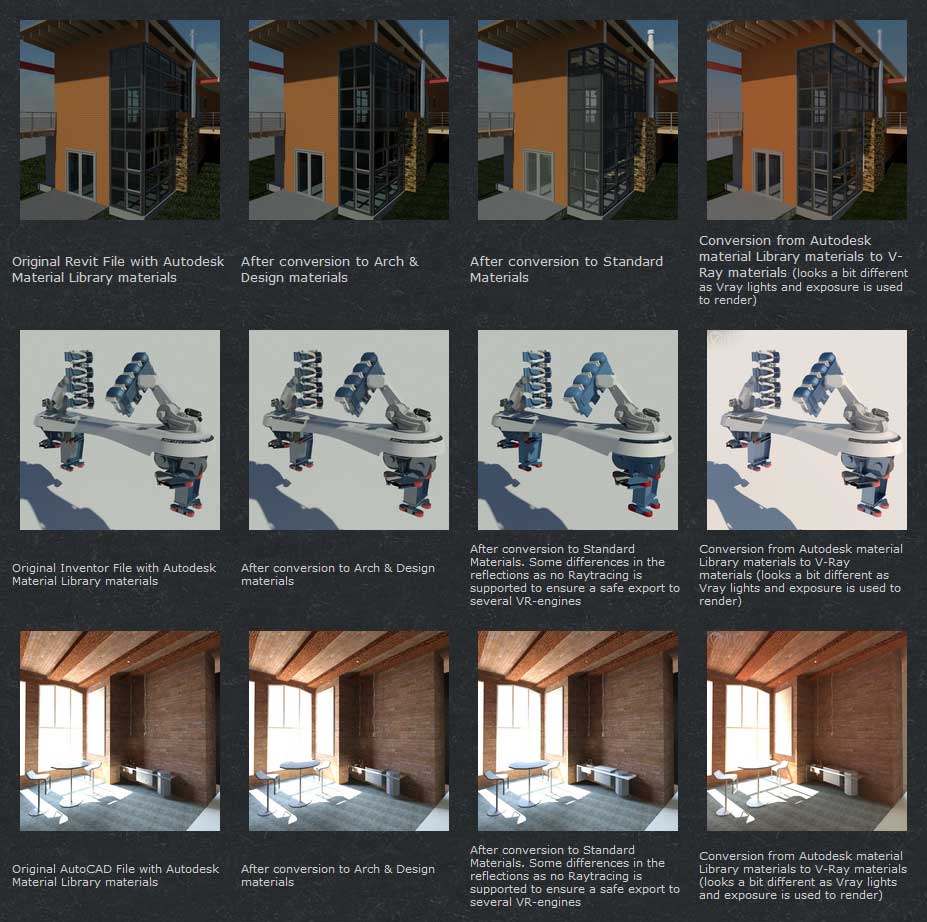
The Autodesk Material Converter is a commercial script for all 3ds Max and 3ds Max Design users starting from release 2011 and up who need optimized materials for mental ray, V-Ray or VR applications. With one click all Autodesk Material Library materials are converted into Arch & Design or V-Ray materials. Conversion to Standard materials takes only two clicks

The major adavantage will be an increase in rendering speed (on average 35%) plus it will give you the flexibility you need for your material fine tuning. and of course you don't want to manually convert materials which are coming in from AutoCAD, Revit and Inventor into 3ds Max (Design)

Most VR applications need Standard materials to work with. The conversion to Standard works from Arch & Design or Vray materials

In addition to material conversion the script checks if there are double materials inside the scene. If they are there, they will be changed into instances, keeping the number of materials as low as can be.

New features in v2.5!

  • conversion from Arch&Design to V-Ray and back...it's there!
  • conversion of all Autodesk maps
  • conversion of some V-Ray specific maps or MentalRay specific maps

Facial Animation Widget

1 vote

When animating characters you will most likely want your skinned mesh to be frozen for that the animator does not unwillingly move it or select it all the time. But then you won't have access to the morpher modifier to do your facial animation. If you don't have time to build a Face UI this tiny script might come in handy. It creates a button on your head controller (for example) to get access to your morpher modifier.

FFD 2 Quad

13 votes

10/31: Added a vertex normal projection option by pressing alt while clicking, fixed some small issues. Hope you find this useful, Happy Halloween everyone

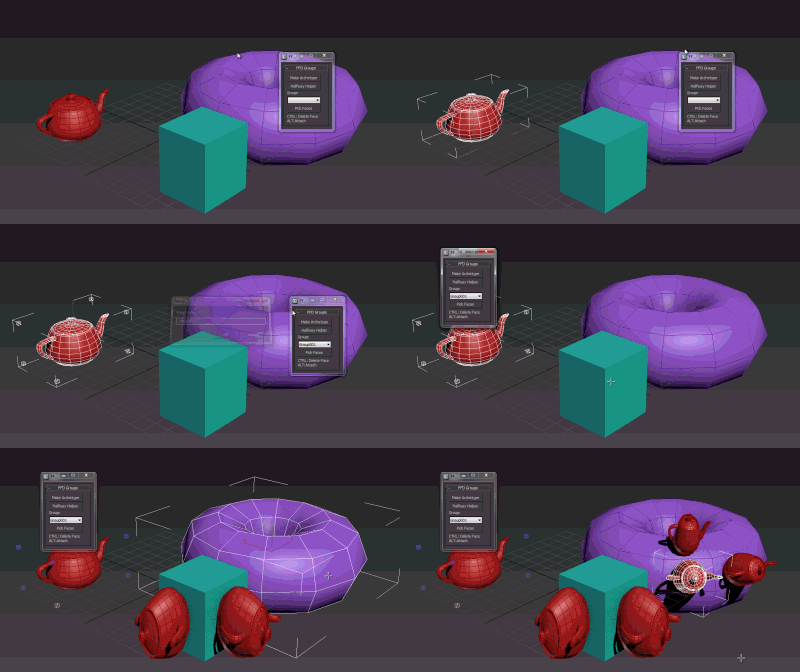
about: the script sets up an 2x2x2_FFD modifier (FFD group button). It lets you automatically build new geometry by cloning and aligning the the orginal object to a quad of an Editable_Poly (place group). It also adds the 'Archetype Holder' modifier which lets you set up simple rules to run the script based on MatID's in an edit_poly.

DCP LookAway

0 votes

Why would you want to Look Away ? well, if you're 1 of 299 Spartans protecting Leonidas....you'd want to point your spear outwards away from Leo...madness ? Thiiiiiiiis isssss Sparta !!!

Audioflow SplineSync

111 votes

Superflow

----------------------------------------------------------------------------------------------------------------------------------------------------------------

V-MOTION - Audioflow SplineSync // 3-Dimensional Audio-Synchronized Spline Generator

----------------------------------------------------------------------------------------------------------------------------------------------------------------

Developed by Ian Clemmer http://www.ianclemmer.com

Lele's Vray Tools

155 votes

A set of tools to aid in the daily VRay work.

Updated to install with Max 2014.

WARNING: there is NO guarantee than any of the tools will work as intended, that they won't break your scenes in dramatic fashion, or skin your cat while you aren't looking.
This update comes purely because i needed the Physcam Autofocus for a personal test, and noticed they didn't install or run.
Having lost the source code for the encrypted parts, all i could do was to patch fix the (very ugly, with hindsight) installer and individual script launchers.
At least the autofocus routines still work in vray 3.0.
Feel free to let me know of issues, but also know that without a complete rewrite (quite unlikely), the fixes won't be forthcoming.

Updated for VRay 1.5 SP2.

The installer from V. 1.4ss - SP2 onward now has an option to automatically add the scripts to a ctrl+shift+alt quadmenu.
Notice it should append the scripts to whatever is already in the quadmenu (nothing, by default).
Please report any odd behavior, or undesired effect: it's a first attempt at the code, and may contain issues.

Anything to Physcam v.1.4: converts max standard cameras and viewports to VRay Physical Cameras, along with FoV animation.V.1.4 corrects a bug with camera views conversion, copies across clipping planes' ranges , and allows for individual camera naming at creation, rather than later by hand.

Matrix-Weighted Exposimeter V. 1.21 : very similar in principle to that of dSLR, it allows for different weighting of each slice/square in which the image is divided, as well as allowing a different range of pixel brightnesses to be chosen for the exposure (akin to real world lens filters).
Entirely customisable for behaviour.Now with auto-white balance and preset manager!

From V. 1.16 it supports exposure / White Balance animation through the script.
Please note this is not meant to be a frame by frame tool: doing so will result in flickering (like for standard dSLRs) and will likey lead to max crashes due to maxscript memory heap overload.
Keep previews small, Nth frame at around 1 second, and go in and refine by hand activating "Auto Key" from the max interface and exposing the problematic areas.

The Sample Rate calculator, new with 1.19, is an early attempt at DMC AA optimisation.
It will render a sample pass with whatever DMC AA (ONLY!) settings you have, analise the sample rate, and guestimate a new threshold value (AA noise threshold only) so that the BIAS setting may be met (+- 2.5%).
The BIAS indicates the pixel brightness average in the sample pass (where ~0 is min sampling, and ~1 is max sampling).
V.1.21 fixes the inconsistencies in vray versions when using QMC (now brute force) as a method for exposure GI.

Select Object By Material Name

66 votes

Select Object By Name

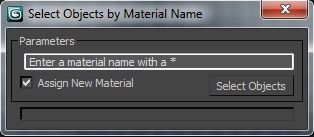
Select Objects By Material Name

Syndicate content