3ds Max | All

DCP DustMap

1 vote


DCM - Data Channel Modifier

Produces a map for dust that settles on top of whatever faces that are top facing (world).

Extract preset to:

C:\Users\xxx\AppData\Local\Autodesk\3dsMax\2017 - 64bit\ENU\en-US\plugcfg\DataChannelPresets

Then in your DCM, load it as a Preset.

Of course, if you want your Dust 'fixed', simply change the Vector to Local instead of World...or if dust

is coming from a direction (rickety door in an old ghost town) then use Node Look At

DCP Rim Map

1 vote

When you have no backlights, fake it with Rim Map. Extract preset to: C:\Users\xxx\AppData\Local\Autodesk\3dsMax\2017 - 64bit\ENU\en-US\plugcfg\DataChannelPresets Then in your DCM, load Vu_RimMap as a Preset.

It is of course camera dependent, so make sure you pick a camera in the Vector Node.

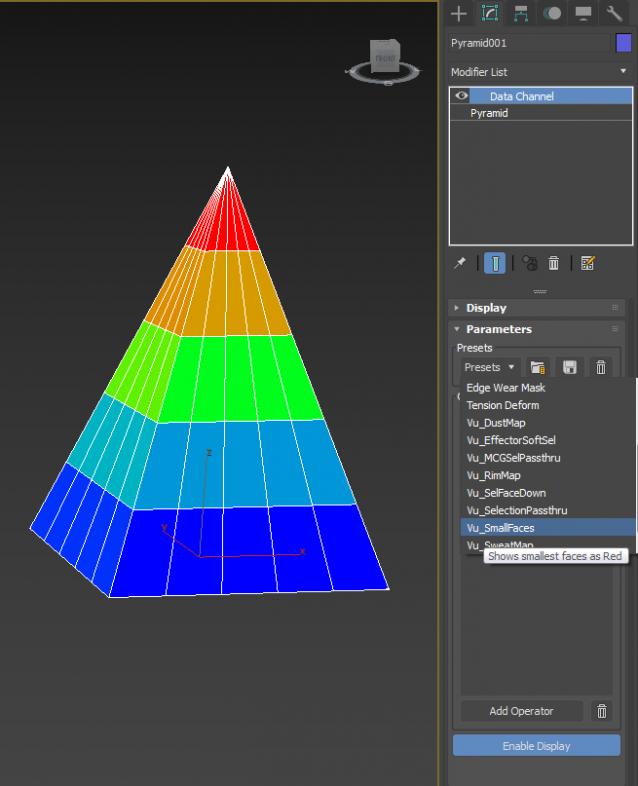
DCP Show Small Faces

0 votes

a little DCP to show small faces (...or big)

Biped (.bip) Animation Batch Retargeting & FBX export

4 votes

This script was made to retarget animations so that changes could be made to the biped's proportions throughout production.

I made this for making my life easier between Max and Unity (though it could be used in any max-based pipeline). Unfortunately Unity has no native retargeting, unless your team is using Mecanim.

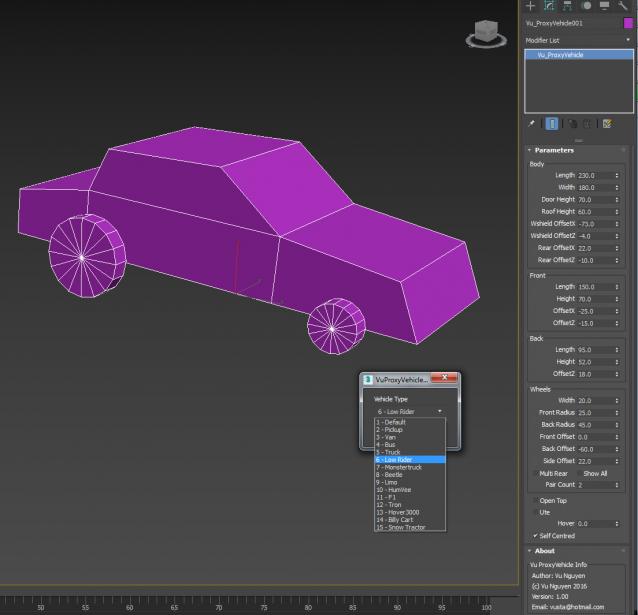
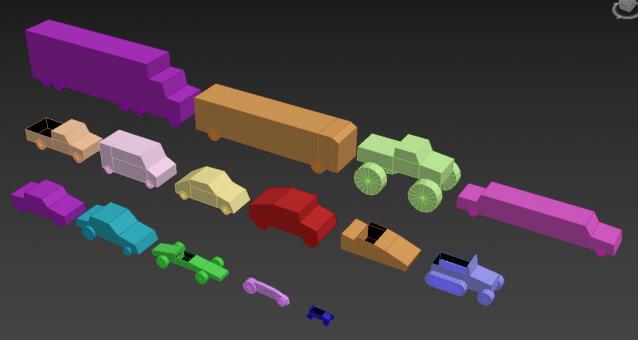
MCG Proxy Vehicle

1 vote

Naturally, only use for Previs... Drag Vu_ProxyVehiclePresets.ms into viewport for Presets, will set your currently selected vehicles.

UVW Randomizer

2 votes


INTRODUCTION

Randomizer is a plugin to create UVW maps in several objects at the same time with the intention of randomize the position and rotation of them. It can be useful in the creation of objects with the same material but different pattern like tiled floors.

Vu_mcgRope

8 votes

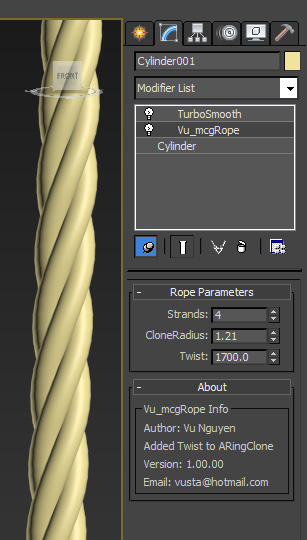
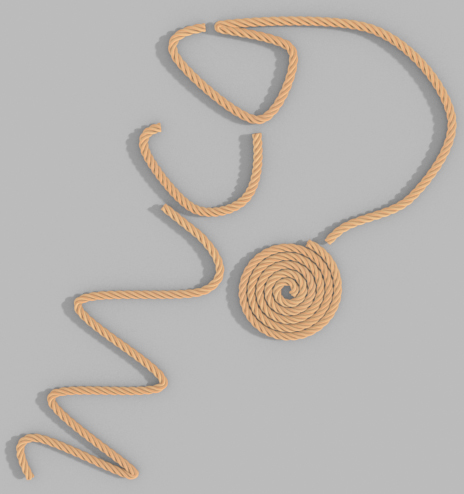
I modified the ARingClone mcg to have a twist with it and end up with a rope maker. Basically, you create 1 really tall cylinder, apply Vu_mcgRope modifier to it and define how many strands of rope and the amount of twist. Apply a PathDeform to your rope to shape it with a spline.

That's it. Any questions...I'm just trying my hands on MCG for the first time. It's free, of course. Vu. [email protected]

Scene Explorer Delete Extension

0 votes

This script allows deleting selected nodes and layers in the Scene Explorer. The default delete option of 3ds Max only deletes empty layers and nodes without childs. With this tool, deleting a selected parent node or layer implies deleting all its children hierarchy.

When you drag this script into the viewport of Max, it’s added to the “Barreira” category of the Customize User Interface panel. Then, you can create a button to execute the script easily.

zmTools

Guilloche

11 votes

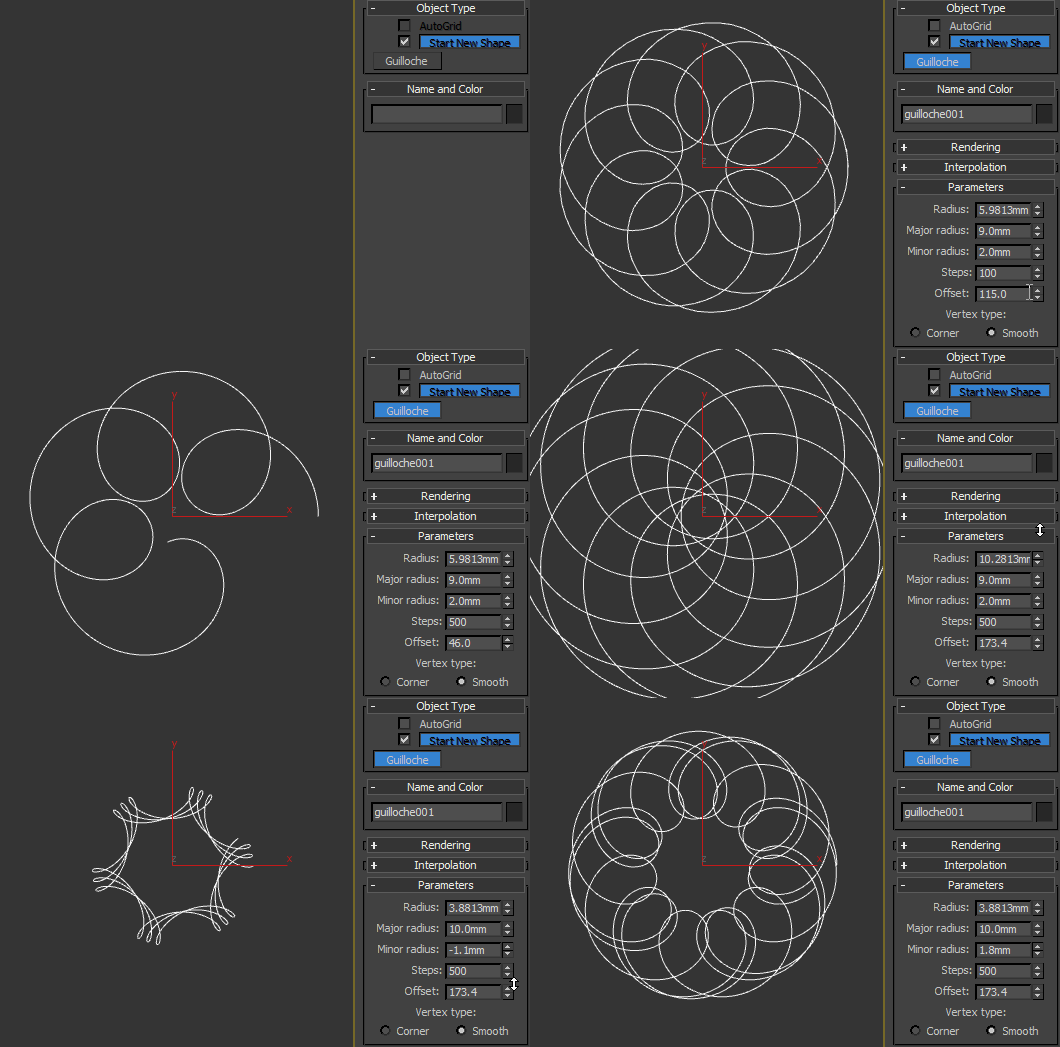
Procedural guilloché pattern.

MCG AnimHandle

0 votes

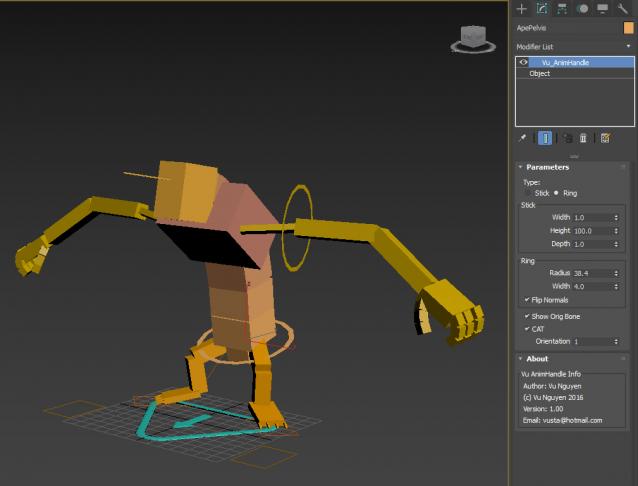
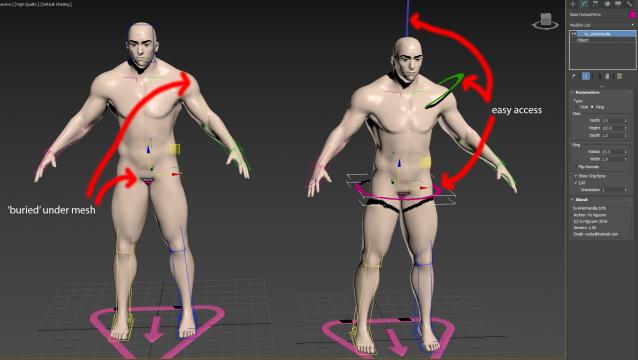
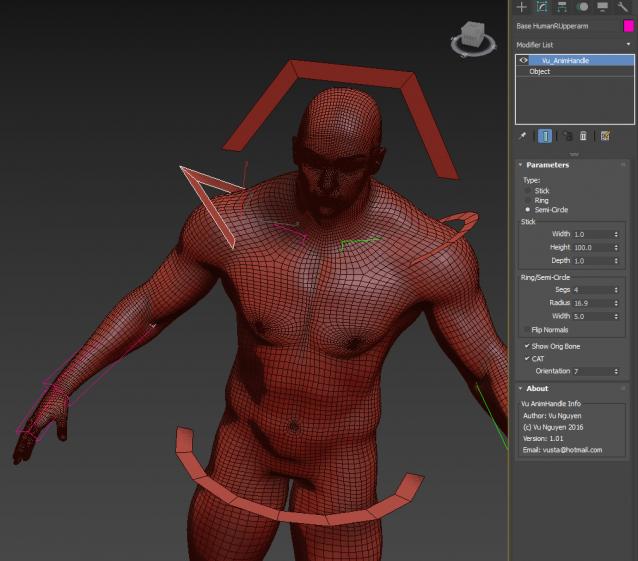
Use for easy access to bones that are 'buried' inside your mesh...

Naturally, do NOT use on Skinwrap objects as the vert count is altered.

ver 1.01: Semi-circle option, can get further different shapes by reducing the Segs of a Ring/Semi-Circle

Syndicate content