Tagged 'Scripts'

Spherocam HDR point-cloud data importer

8 votes

Spherocam HDR point-cloud data importer, will let you import XYZ point-cloud data created with the Spherocam HDR spherical panorama camera.

Super Material PRO

56 votes


Motion Graphics Tools

29 votes

A Max Script with a bunch of commonly used tools for working with motion
graphics and standard materials in Max.


Ak-Add selection to skin

5 votes

1- place your mesh, place your bones and etc...
2- select the bons/objects you want to be involved in skin
3- run the script(via hotkey or quad menue etc.) and click on your mesh(it doesn't need skin to be applied )

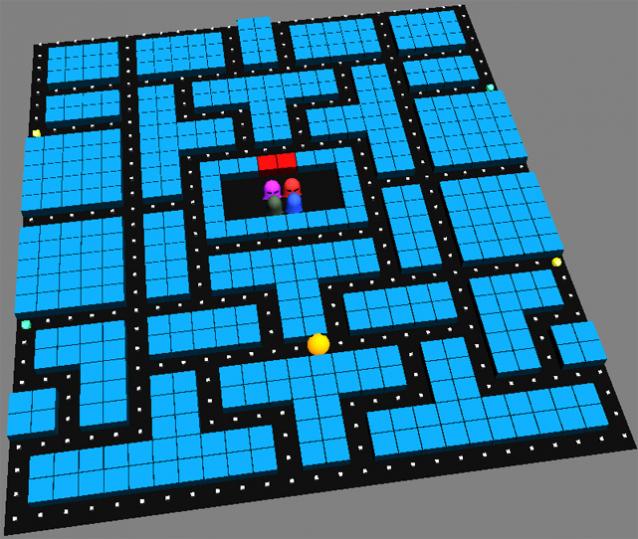
Pacmax

2 votes

UVW to Editable Splines

15 votes

Just a simple script that duplicates what you see in UVW editor in to Max viewport (editable Spline), usefull for ai exports for example.

hide object's layer by one click

30 votes

with this script you can hide object's layer by one click like in autocad, it scans your mouse position so you simply move your mouse over the object an clik to hide appertain layer also display currently "mouse over" objects name and layer in status bar

i hope you will like it :)

p.s. excuse my bad english

UV Layout

7 votes

Great tool for mapping objects.

Slot machine

6 votes


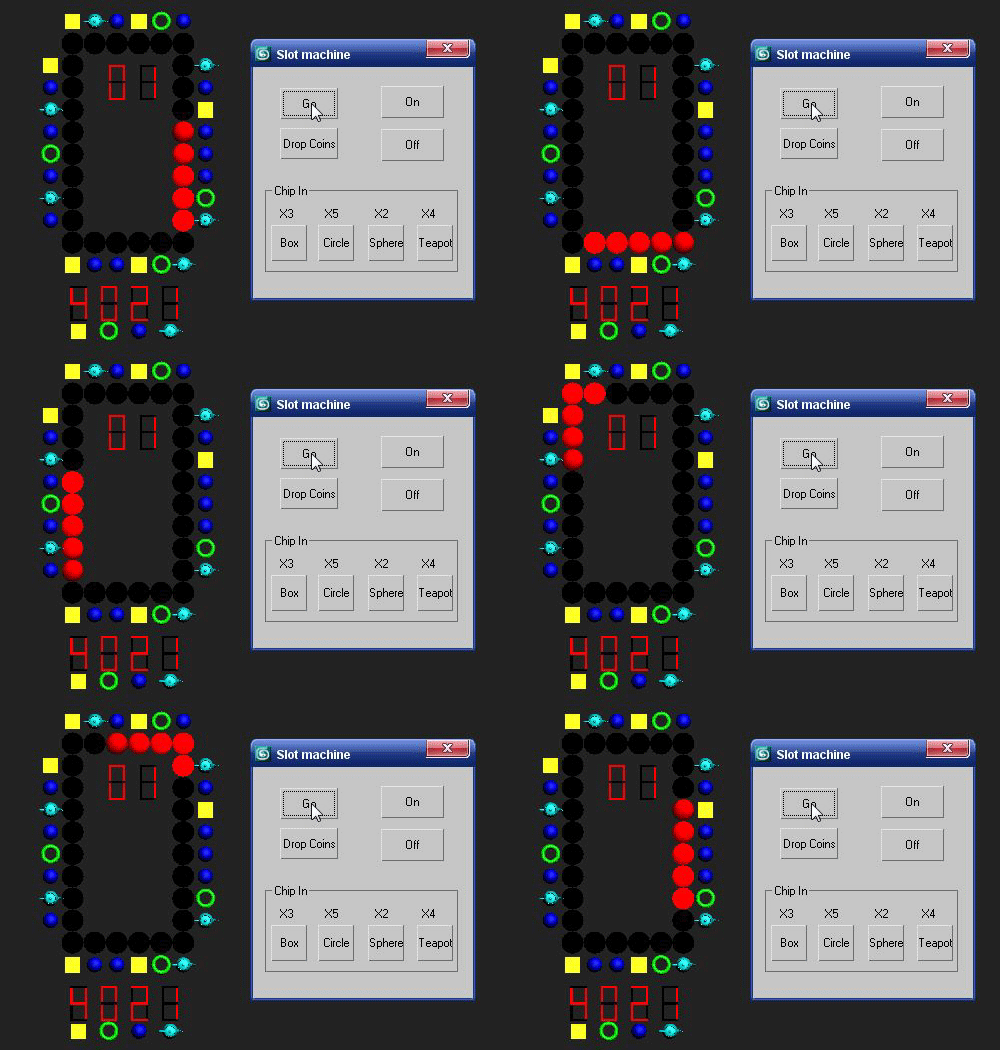
Reset 3ds max, goto MAXScript--Run MAXScript--Select this script and run.
Please play on "Smooth + Highlights" mode.
Enjoy it :)

EasyAlign

1 vote

EasyAlign uses 2 methods , Distributing and Spacing , to align selected objects.
The first and second objects of selection are 2 sides for align.
Put the file in "Scripts\Startup" , then restart 3DS MAX. You can use it from Utilities drop list.

Syndicate content