Tagged 'id'

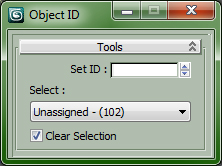
Set and Select ObjectID

0 votes

All is in the Title...

Drag in Viewport to install ObjectID Macro, Drag again to Uninstall.


Customize > Customize User Interface...

Category : "CopScripts"

id_changer

7 votes

Selecting or applying material ID's with one click!

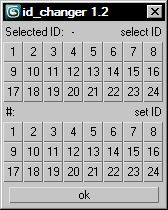
Rollout with button grid for selecting or setting material ID's of selected polys up to ID 24. Works with editable poly only. Displays selected poly's material ID if they're same.
Ctrl + click add specific IDs. Alt + click deselects specific IDs.

Examples:
Want to set some specific material ID up to 24 to selected polys? One click.
Want to select polys with same material ID's of selected poly? One click.

Material Toolbox

1 vote

Manage the Material assignment, Material ID number, and Wirecolor of scene objects.

Feature List:

+ Easily Select all objects with shared Material, Mat ID, or Wirecolor

+ Interactive Clipboard to store Materials, Mat ID's, or Wirecolors

Wire Colorizer

22 votes

This tool will allow you to assign a wirecolor to a selection through a customizable palette.
You can save and reload.


Multi/Sub material&ID Assistant

3 votes

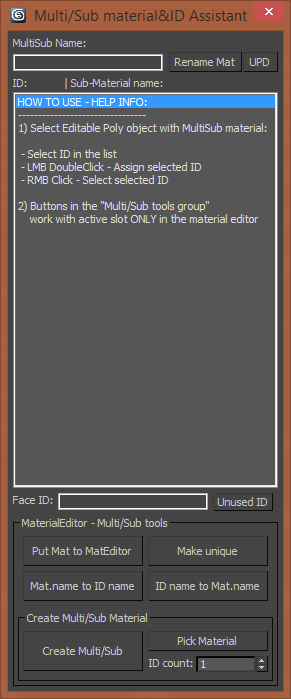
Hello! It's a simple script which allows to assign material IDs in different way. The script works with Editable poly only and with one object. So this script for those guys whose work a lot with multi/Sub materials. Many thanks!

main window

GTVFX-SCA_createMultiMatteElementsForScene

1 vote


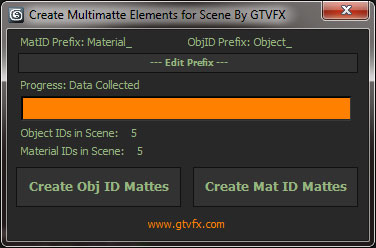
Analyzes your scene and collects all unique Object IDs and Material IDs.

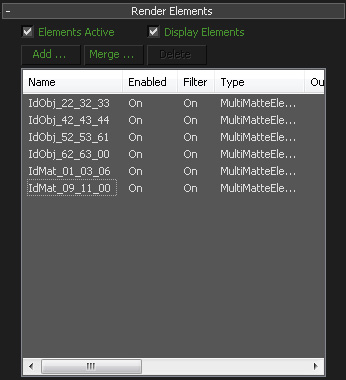
Will create Multmatte Elements from the IDs with a logical naming convention.


 Updates:

2014-11-14:

Fixed a bug that would crash the tool when a VRaySky was being used in the scene.

2014-05-03:

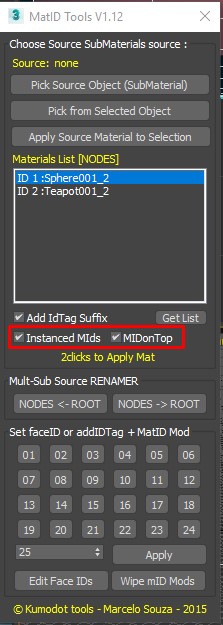
MatIDTools

4 votes

IDs Finder

1 vote

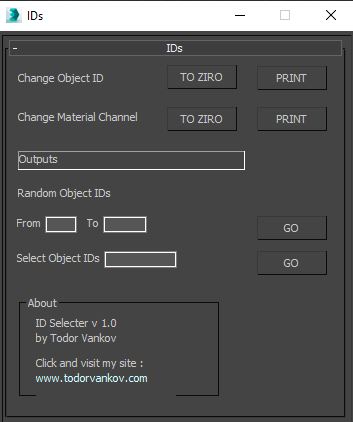
With this script you can Find what kind of object and material IDs you have in your scene.

- the Buttons „to zero" reset all material and object IDs
- random object ID
- select the objects with one special ID

Script category: “#todorScripts”

You can see an example here, how to install my script per Drag and Drop:

Randomize Spline Material IDs

0 votes

Randomize the material IDs for the segments in your spline shapes.

Set random material IDs for the selected splines, either using the existing IDs or specifying a range of IDs.

Compatible with 3dsMax 2012 and higher.

ID Birlestirici (ID Combiner)

0 votes

Syndicate content