Tagged 'render'

GTVFX-SCA_createLightSelectElements_perLight

2 votes

Creates a VRay Light Select Element for each light in your scene.

Elements are named with prefix of the nameTag variable. You can change this variable if necessary for your pipeline. To do so you will need to open the script and modify the variable within the struct.

Default nameTag = "lgt_"

GTVFX-SCA_createLightSelectElements_ByLayer

1 vote


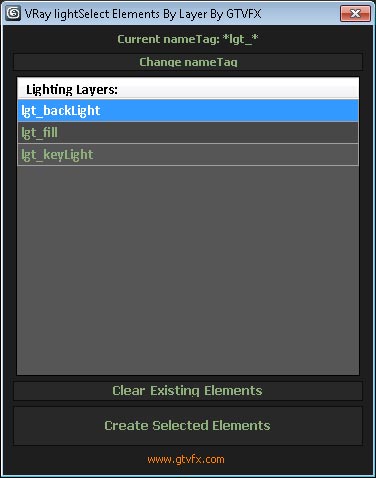
Manages the creation of VRay Light Select Elements based on a layer naming convention.

All lights on a layer will be included in that Light Select Element.

Layers are found by matching the pattern of the nameTag variable. You can change this variable if necessary for your pipeline by using the slender button at the top of the dialog.

Default nameTag = "*lgt_*"  (fe: lgt_sun, lgt_key, etc...)


 Updates:

RegionRenderPRO

6 votes

This tool allows you to render a scene using region-render and see results directly in the viewport. The idea was taken from Softimage XSI.

GTVFX_Toolbox

12 votes


 Updates:

===================================================================================

08/16/2014:

v2.34

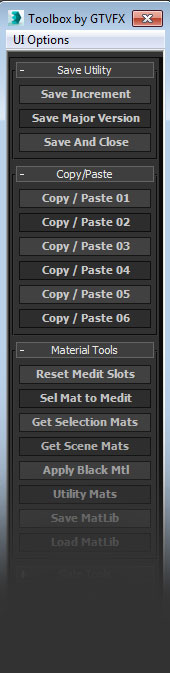
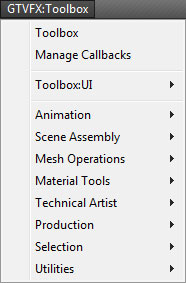
Some minor bug fixes to the Toolbox. Added additional tools to the system menu.

05/23/2014:

v2.32

Fixed a bug that prevented the system menu from generating.


04/20/2014:

v2.31

Pictor ver 2.0.0

6 votes

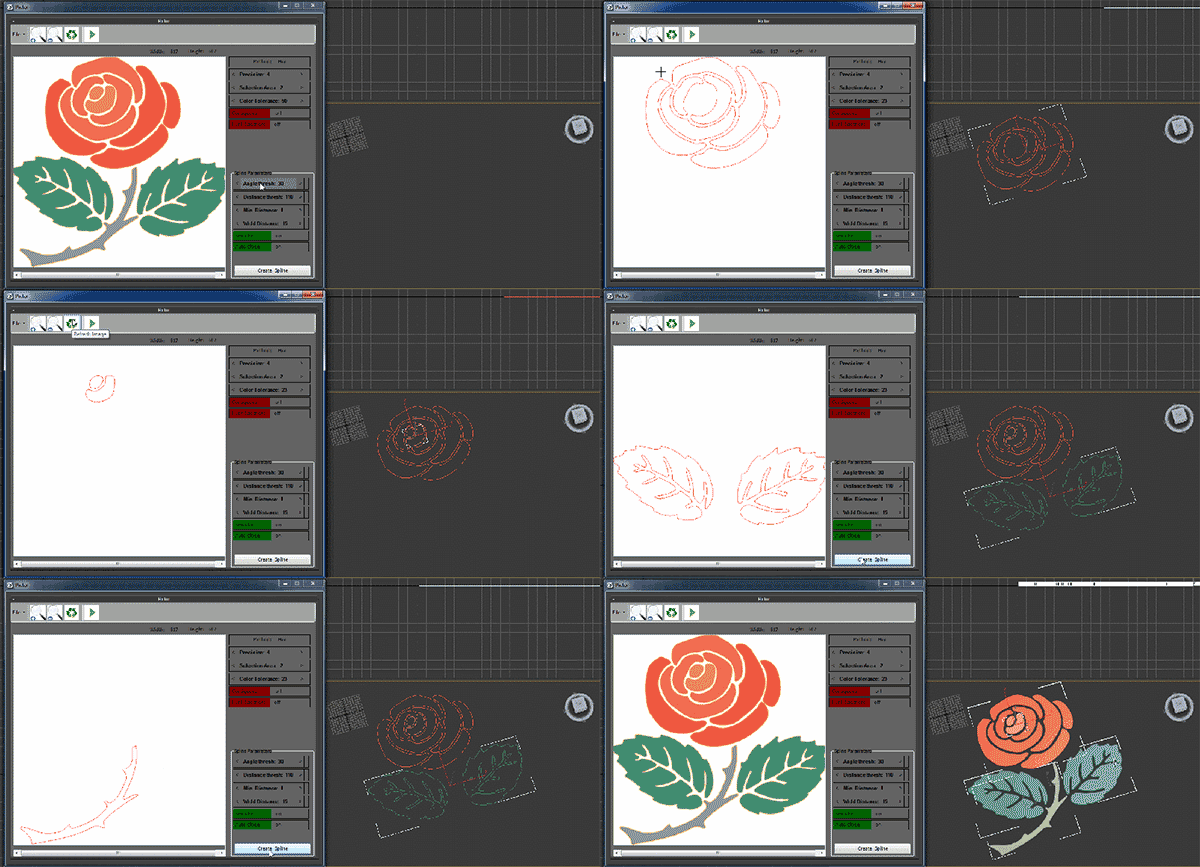
Pictor plugin is creating three-dimensional objects from two dimensional images. This plug-in works with Max and has the ability to read and convert images to three-dimensional files. General features of the software are as follows

Z Manager

2 votes

SORRY, BUT THIS SCRIPT IS CURRENTLY NOT AVAILABLE.

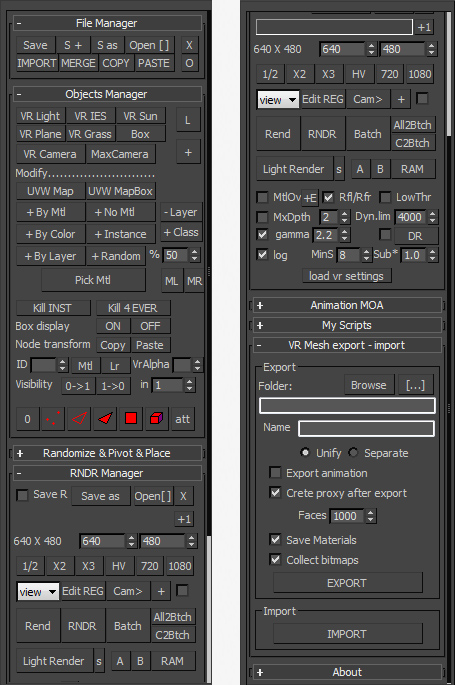
This is a 3dsMax manager tool, preferably for Vray users, very useful for editing architectural models created with other software (eg. ArchiCAD) and fast scene setup. Very useful tools for Selection, Rendering, Incremental Rendering, Copy/Paste objects from other scenes, Material Replacer, Animation with Moving Objects, Exporting/Importing Vray Proxy with material and so on...

Sprite Tools

4 votes

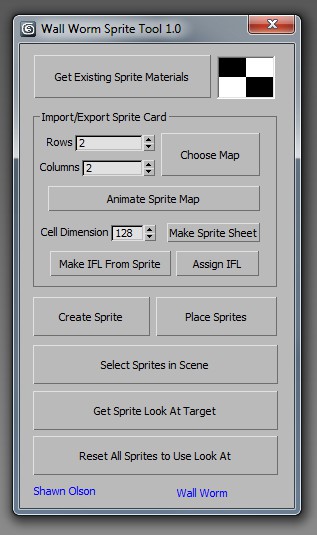
Sprite Tools is a free MAXScript that you can run inside 3ds Max. I primarily wrote this to accomodate some features I will be adding to Wall Worm in the near future.

What Are Sprite Tools

Sprite Tools consist of several functions:

◦ Convert sprite card bitmaps to animated bitmap nodes
◦ Convert animated bitmap nodes into IFL files
◦ Convert animated textures or IFL files into sprite cards
◦ Place Sprites into a 3ds Max scene which are always facing a look at target

sprite tools

MailRenderCam

1 vote

Script MailRenderCam v2.2.2 for 3dsmax 2011 (also works in 3dsmax 8, 9, 2008, 2009, 2010). Should work in 2012 and 2013 too.
Opens max-files one-by-one and render every camera (if no cameras in scene then render perspective view).
It is possible to archive the results by WinRAR and send to e-mail by The Bat!,
after working script may turn PC off or to standby mode.
Script shows detailed info about all actions in the MAXScript Listener.

Render Elements to folders

1 vote

This script will place your Render Element files in named subfolders according to where the main pass is stored.

Example:

Render path is set to - c:\blabla\bla.png

There are 3 render elements set, like: specular, shadows, zdepth etc.

path for render elements will look like:

c:\blabla\specular\bla_specular.png
c:\blabla\shadows\bla_shadows.png
c:\blabla\zdetph\bla_zdepth.png

In v2.0 multiple render Elements error corrected.

noMissingUV

1 vote

Do you ever get the "Missing Map Coordinates" window popping up while you're trying to render?

We all do.

This script will add simple UV's to all Editable Poly and Editable Mesh objects that either lack UV's or have corrupted UV's.

Please, use caution when using this script. It may screw everything up. So, save a copy of your scene before use.