ScriptSpot is a diverse online community of artists and developers who come together to find and share scripts that empower their creativity with 3ds Max. Our users come from all parts of the world and work in everything from visual effects to gaming, architecture, students or hobbyists.
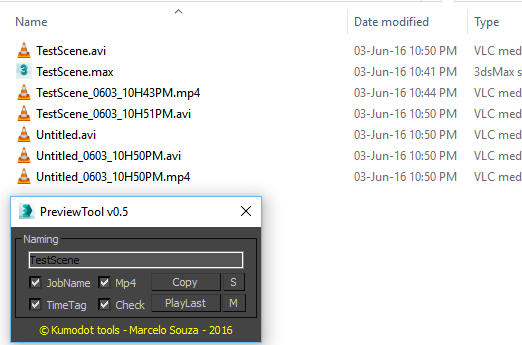
I need to create previews on a daily basis. I am tired of copying the preview file manually and rename it. So. I did a very simple Tool to Auto-Copy and AutoRename the Preview files to the same place where my scene is. This works for me, but maybe not for you. It´s very simple to edit the script for your needs. But i plan to add new features like Folder setup in the future...
Submitted by Jordan Walsh on Thu, 2007-08-16 19:10
13
votes
Very simple little script. Put this next to your "open material editor" button and you can now open a pre cleaned material editor. Saves you waiting for big maps to load if you have some chunky materials in your editor.
Submitted by Muthu Krishnan.S on Sat, 2009-06-06 07:17
9
votes
QUICK WALK THROUGH V 1.0.0. is for architectural visualization. In this version the script can detect 7 PivotDoors (PivotDoor01 to PivotDoor07) and 7 CasementWindows (CasementWindow01 to CasementWindow07). Using Keyboard Camera can be rotated in the x-axis also. Mouse can be used while Auto Key is on.
With this useful and funny script, you can isolate in a ListBox, the category object in Geometry, Shape, Light, Helper, Camera and Space Warp in the viewport. We can select, rename and count the items in the scene. Useful in many work situation.
Enables quickly select hands and fingers of Biped.
to install extract files from archive to :
C:\Program Files\Autodesk\3dsMax8\Scripts\BipedHandController\resources
Create folders BipedHandController\resources

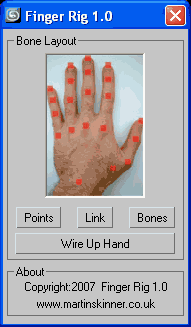 Finger Rig v1.0.ms - Maxscript that helps you quickly build a simple


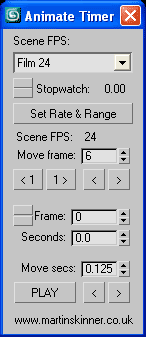 Animation Timer v1.7.ms
