Tagged 'camera'

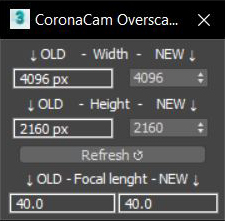
CoronaCam Overscan

1 vote

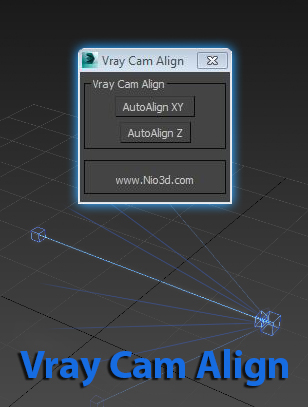
Vray Cam Align

1 vote

GuideLines
Description:
Vray Cam Align will align your VrayCam target height with the selected camera height.
The "AutoAlign XY" button will do the above and also find the general direction of
the cam,and align the target to the appropriate axis.

enjoy:)

Fstorm camera from view

1 vote

f storm camera from view, creates fstorm camera, and a standard one from view then switches from standard camer to fstorm.. you can do this manually but we got scripts..

.mcr file, find under fstorm category add to toolbar or .ms file drag and drop onto max viewport, or open .ms file and drag drop the selected content onto the toolbar and it will create a button for you

jCamera

0 votes

This script optimize an scene´s object to render

Viewport Bookmarks

5 votes


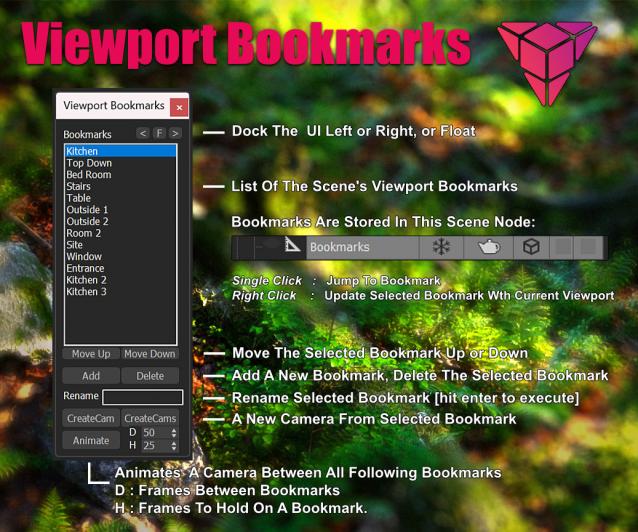
This is a tool for bookmarking viewport positions. It's especially useful in large scenes.

Features
- Add and remove viewport position bookmarks, and name them.
- Switch between bookmarks by clicking on the bookmark name.
- The window is dockable
- Cameras can be created from the bookmark, based on the active renderer (Arnold, Vray, Corona, etc.)
- The data is stored persistent in a scene node, which can easily be transferred between scenes:

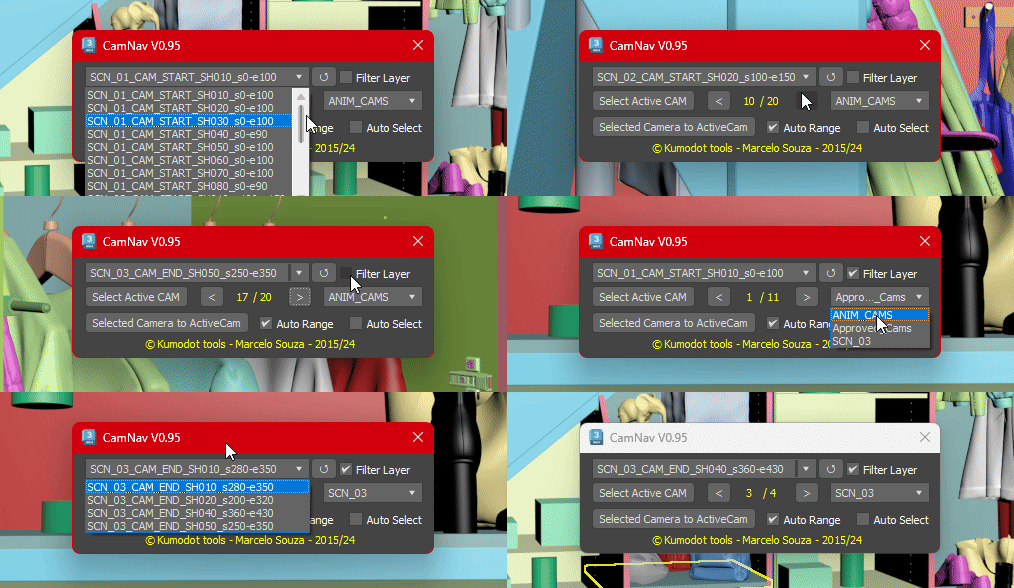
Camera List Navigator

3 votes

This Simple script just helps you navigate through all cameras you have on your Max scene with a few clicks.
0.95 Features are :

miauu's Fit Camera to Objects

0 votes

Camera Toggler

4 votes

This is a simple camera toggle that i just made. There are a lot out there i Know, but i had to make my own. works on all Maxs i guess.

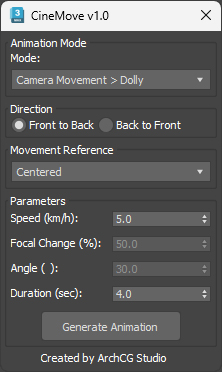
CineMove

0 votes

Oversize Render

0 votes

OversizeRender

OversizeRender is a MAXScript tool for 3ds Max designed to help users easily set up and manage "oversize" or "over-scan" rendering. This technique involves rendering an image larger than the final intended dimensions, providing extra pixels around the edges. This is commonly used for:

Syndicate content