Tagged 'camera'

VRay Camera Manager

5 votes

Viewport Bookmarks

5 votes


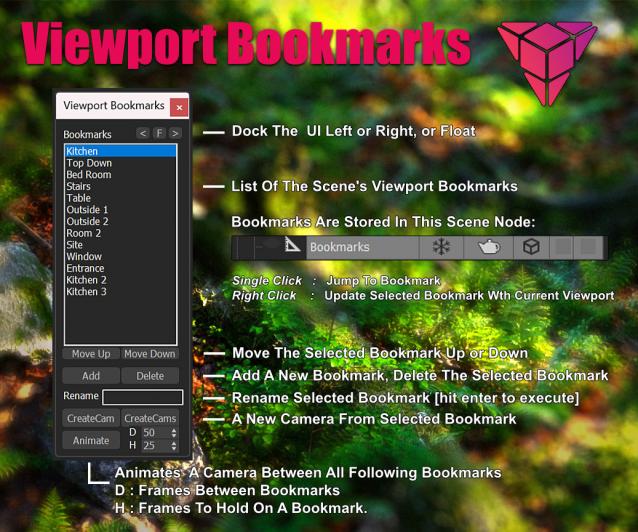
This is a tool for bookmarking viewport positions. It's especially useful in large scenes.

Features
- Add and remove viewport position bookmarks, and name them.
- Switch between bookmarks by clicking on the bookmark name.
- The window is dockable
- Cameras can be created from the bookmark, based on the active renderer (Arnold, Vray, Corona, etc.)
- The data is stored persistent in a scene node, which can easily be transferred between scenes:

Create Camera from View

5 votes

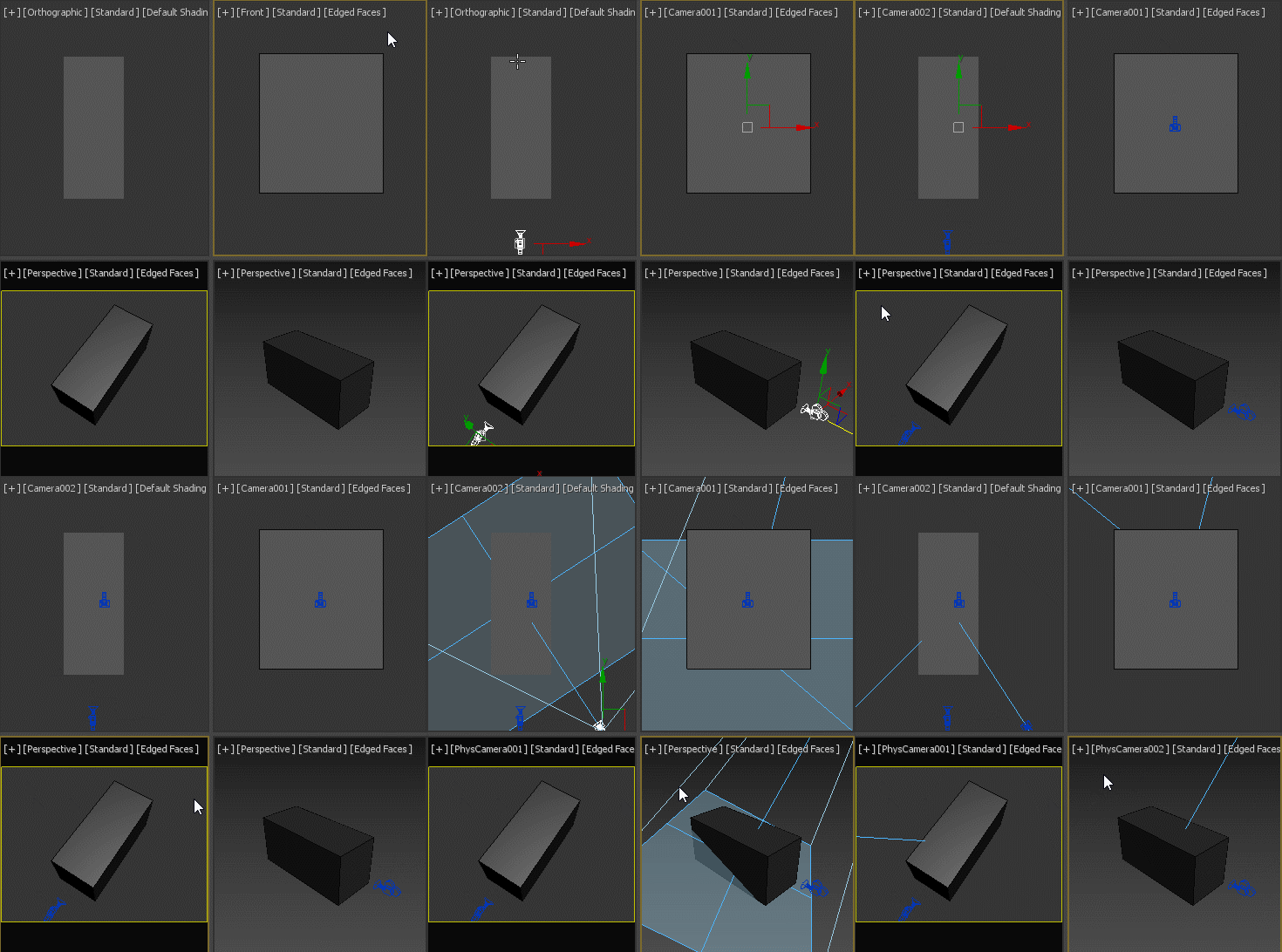
If no camera is selected, creates a new camera from any view type, no matter if it's perspective view, ortho view or front/back/left/right/top/bottom. If a camera is selected, aligns that camera to current perspective view. Intended to replace the macro assigned to Ctrl+C by default.

Camera Toggler

4 votes

This is a simple camera toggle that i just made. There are a lot out there i Know, but i had to make my own. works on all Maxs i guess.

CamLister

4 votes

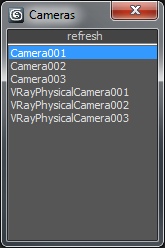
A very simple Camera Lister which allows to select and assign cameras by clicking it in the list.

Leftclick: Select the camera
Rightclick: Assign to current active Viewport

Very simple one but still my most used Script for daily work ;)

Quick Vray Camera for 3dsMax2016 and Vray 3.xx

4 votes

Very simply script which allows the creation of  "hidden" Vray Physical Camera in 3dsMax2016 with Vray 3.xx

qvc

In the last release of Vray 3.2 for 3dsMax, the Vray Camera does not appear; VRay uses the physical camera of 3dsmax. If you write in maxscript: " vrayCreateVRayPhysicalCamera() " we can create the "hidden" Vray physical camera.

Quick Vray Camera, facilitates the work for us.

VRay Camera SLR Setup

4 votes

With this tool you can easily set up the basic parameters of VRayPhysicalCamera
(Aperture [f-stop], shutter speed and film speed [iso]) to mimic real SLR cameras.

renderStacks

4 votes

Render Pass Manager for 3dsMax

We offer a free non-commercial version.

It is a render pass/generic task manager for 3dsMax. If you have used RPManager, LPass Manager, Prism, StateSet, Scene State. It is something like that. But, it is aiming to be a lot smarter, faster and more stable.

Lock Cameras or objects

3 votes

A little script to lock/unlock the movements of the cameras or objects too.
Put into your scripts directory, and under "Customize user inteface" open the category "Maico G." and assign "Lock Camera" to a menu, shortcut or toolbar.
To use, select a camera, camera target or an object and click lock or unlock.

Maxwell Camera Offset

3 votes

Update 1.1: Added exposre dialog for adjusting parameters without changing camera exposure, and support for render regions in the offset viewport.

I have a new script that displays the Maxwell camera offset in the viewport. You can switch it on and see a masked region of the viewport (make sure safe frames are turned on) and move the camera, pan, zoom, etc. with it on.

offset ui preview

Syndicate content