Tagged 'viewport'

UIMod

52 votes

UImod is a new UI for modifiers that is displayed in overlay of your active viewport in 3ds Max.

You can make a button from the modifierstack of your selection. This will save all the modifiers on this object and all the values of the properties of the modifiers. You can see this in the video where I change some checkboxes and values of modifiers.

Right clicking on the button gives you the properties of the button. You can change the name and folor of the button. More options will be coming soon.


Change Viewport Statistic

6 votes

With this script you can change the Viewport Statistic fast and easy without going to the Viewport Configuration Dialog.

Script idea: Eric Chadwick

Preview Maker

5 votes

Preview Maker

Preview Maker

Simple script to create good animation preview from 3ds Max viewport.

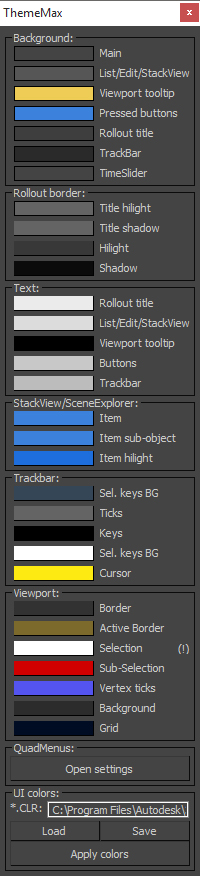
ThemeMax

4 votes

Hi, Do you like to customize 3dsmax UI colors? So if yes you'll like this script. :)

Viewport Overlay Grid

3 votes

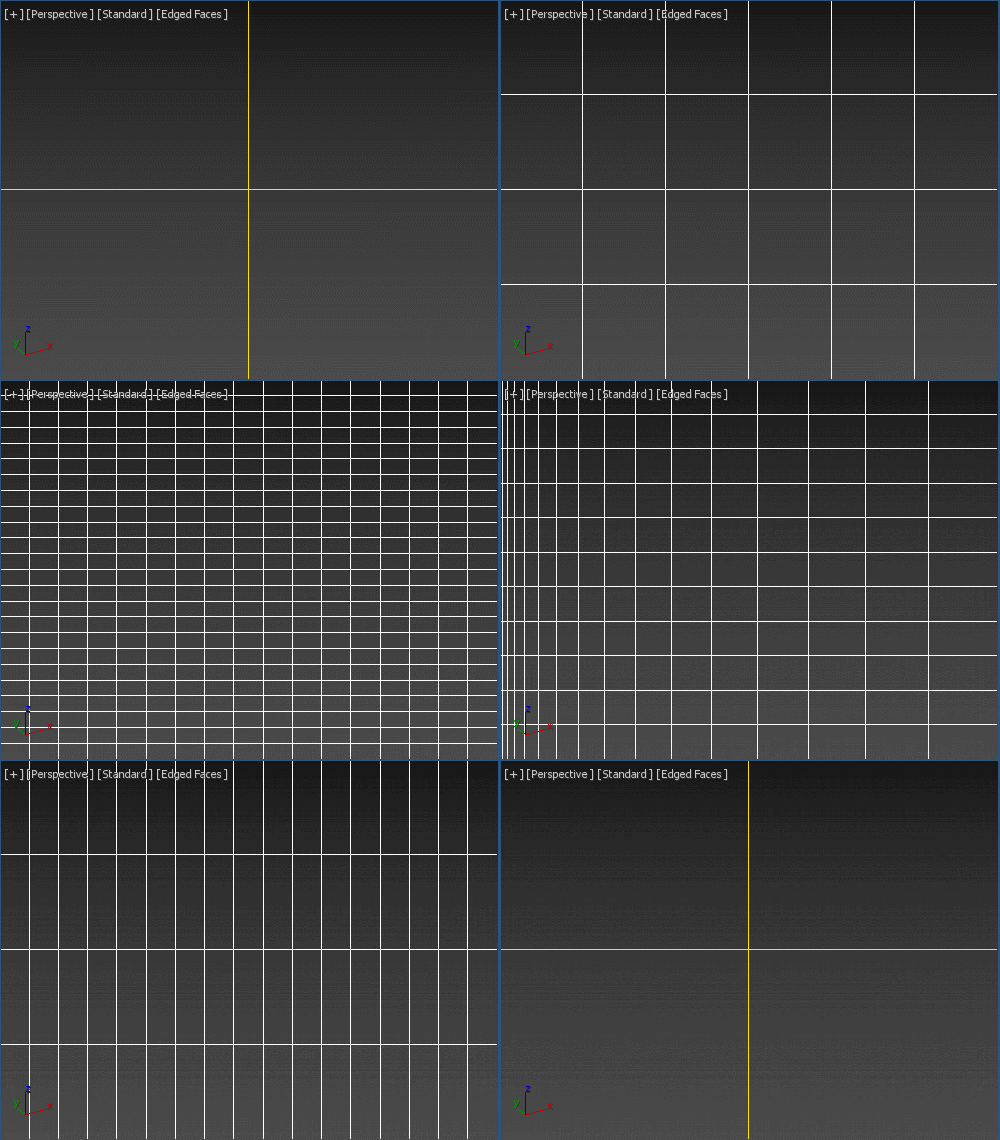
Shows an overlay grid with a variable number of horizontal/vertical subdivisions over the active viewport. Safe frames are supported as well. To be able to click-through, freeze its object. Original idea: Changsoo Eun

Viewport Grid Overlay

GradientView

33 votes

Custom viewport backgrounds just the way you want them.
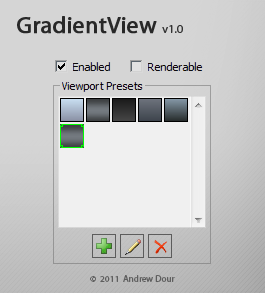
• Create your own custom gradients; no images needed.

• Loads automatically at startup and with each new file.

• Great for office/studio workflows: Doesn't save the BG image to the file, so you won't get missing asset warnings.

• Comes with presets for Mudbox, Zbrush, Modo, and Maya

1 Click AO Render

3 votes

Grab Viewport (with alpha channel)

19 votes

The script that grab the active viewport and include an alpha channel was requested in cgtalk forum.

So, this is my attempt. Note that the script is not very fast. Test it and if you like it - use it. :)

ver.1.1 - can take a screenshot that's larger than the viewport resolution. - idea by Bigjohn

AutoPivot

0 votes


AutoPivot is a useful script for 3ds Max created to help you move easly object's pivot.

Description:

It includes two separate scripts that move the pivot to its center or to lowest point.
Unlike the standard 3ds command that uses the Selection Bracket, AutoPivot calculates the center of mass and moves the pivot accordingly.

Main features:

RegionRenderPRO

6 votes

This tool allows you to render a scene using region-render and see results directly in the viewport. The idea was taken from Softimage XSI.

Syndicate content