Tagged 'viewport'

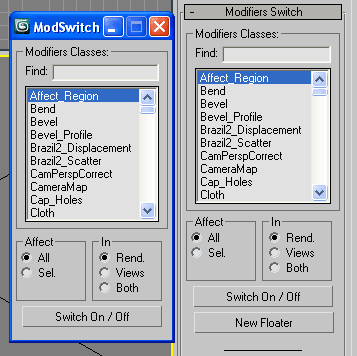
Modifiers Switch

30 votes

Turn On/Off in Renderer, Views or both, all or selected modifiers by class.
Modifiers Switch 2

Version 2.0

  • added option to switch both (in rend. + views)
  • also added a button to launch the tool in a new floatable dialog

Create Camera from View

5 votes

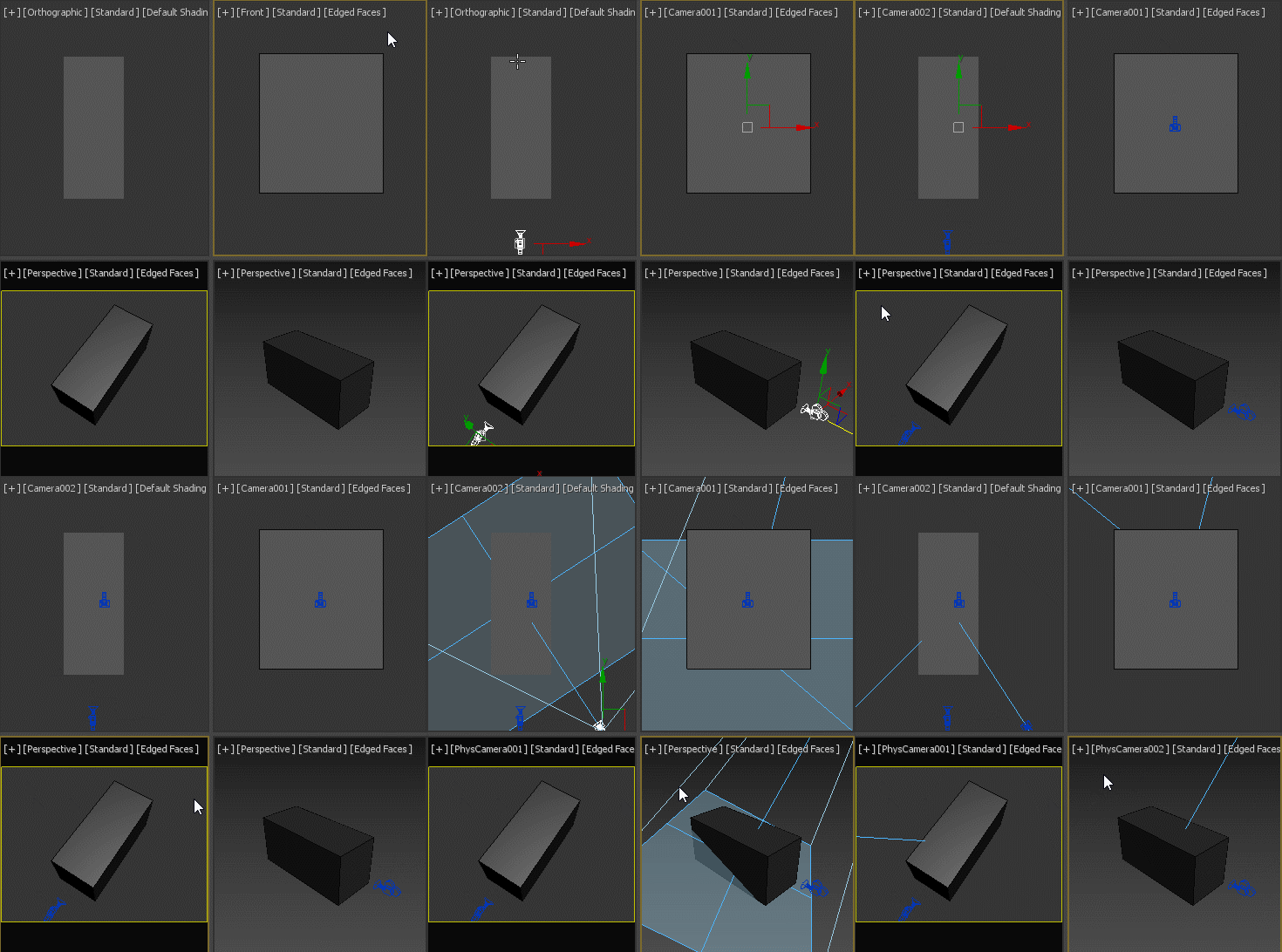
If no camera is selected, creates a new camera from any view type, no matter if it's perspective view, ortho view or front/back/left/right/top/bottom. If a camera is selected, aligns that camera to current perspective view. Intended to replace the macro assigned to Ctrl+C by default.

VPL "viewport layouts"

22 votes

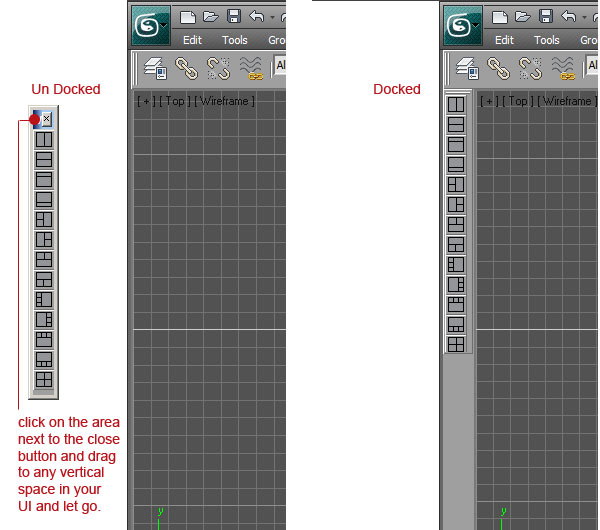
This is an update to ViewPort Controls Mini and renamed to VPL 2.0 I found with the introduction of the view cube. The other feathures of "ViewPort Controls Mini" were redundant. So I striped it down to just the viewport layout selections in a dock-able buttons bar.

VPL Use: Only use VPL from the 4 viewport state. Not the (alt+W) maximized viewport state.

Max viewport performance enhancer

0 votes

**HOTFIX 2019.1.1 FIXT THIS ISSUE, NO NEED FOR THIS SCRIPT**

This script was made to fix the poor performance of the 3ds max 2019.1 viewport.
It accomplishes this by adding a mesh select to every geometry object in the scene. By doing so you will see a improvement by about 1000% depended on which graphics card is in the system.

*forest pack is not supported, you will need to manually delete the modifier from the forrest pack

made by www.jenshaerssens.com commissioned by www.BELLY.BE

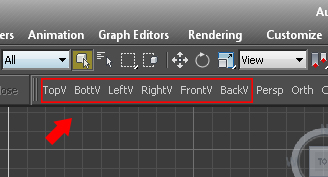
"View and Zoom Extents Selected" macro buttons

0 votes

Simple macro buttons to set active view and run "Zoom Extents Selected" command. (If no object selected, "Zoom Extents" instead.) So you don't lose track of objects while switching views.


Grab ViewPort Plus Alpha

9 votes

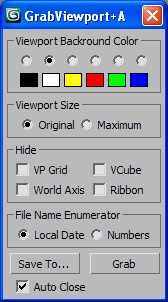
GrabVPA

Grab the active viewport with embedded alpha channel

Viewport Switcher

23 votes


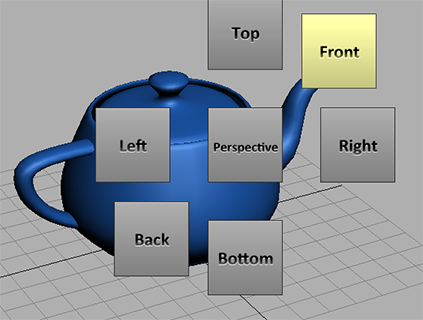
Assign the macroscript to a hotkey. Space bar for example. A menu will appear around your cursor that allows you to quickly switch to different views.

For the installation simply drag and drop the mzp file to the viewport. Go to Customize/Customize User Interface/ Keyboard. And under the group Norman3D select Viewport Swtich and assign it to a hotkey.


EDIT: Fixed an issue in the script that would cause an error on 3dsMax 2010

VRay VFB Viewport Loader

4 votes

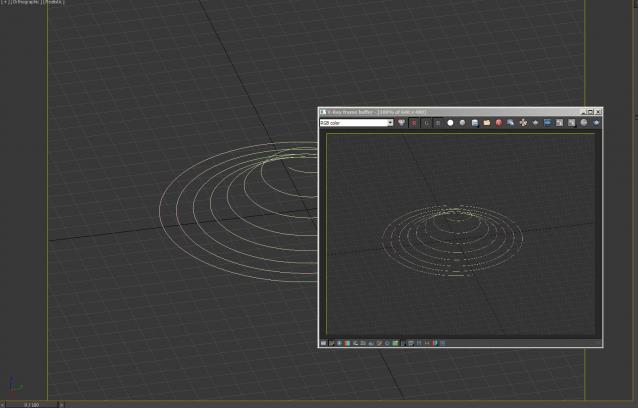
This will load grab your current viewport and put it as a background for your VRay. Really useful for when you want to do a region render in the VFB but don't know where to draw your region. It's clever enough to crop to your safe-frames, and resize to your render size, upscaling to large resolutions won't give you the best quality but should hopefully help!

Remove background image

1 vote

>>> obsolete since max2013 <<<

Allow to easily remove a background image assigned to the viewport (alt +b key)

   (by default in max, you can only check/unchek "display background")

AutoCam

9 votes

Creates a camera and animates it automatically, based on the objects you have selected in the scene.

Syndicate content