Tagged 'max'

Selected Verts Boundary

3 votes

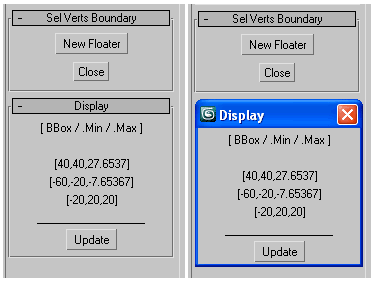
a mini utility show the boundingbox of selected vertices,
as well their Min/Max boundary in world space coordinates.

GUI

measure single selected node (selection[1])
works with any geometry node that has .mesh value
allows one floater rollout at a time

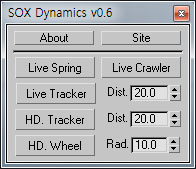
SOX Dynamics

3 votes

Sorry, The management of the tool will stop temporarily.


Skip Every N-th

61 votes

Skip every vert/edge/face. In Loop mode, you can skip edges and polygons. In Ring mode you can skip vertices,edges and polygons. To make poly loop select 3 faces(the middle one is starting face), check PolyLoop checkbox, set "Skip V-E-P" spinner to value greater then 2 and start skiping. You can't skip one face, only 2 or more. Ring mode does not have this limitation. "For Steps" spinner works only with edges. If you want to skip every 2 edges five times, set "Skip" spinner to 2 and "For Steps" spinner to 5. Instalation: Drag-n-drop SkipEveryNthVEPRingLoop.mzp to 3ds max.

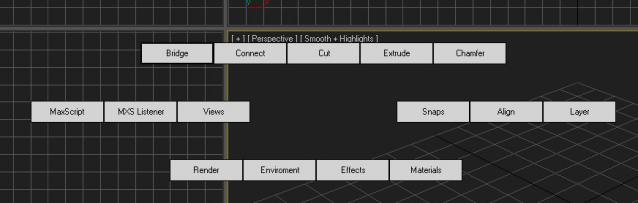
3DS Max Hot Box

201 votes

After being inspired by the video I saw of a Max hot box here on Script Spot I decided to work on my own. So here is the first version, its only a beta so some bugs or problems are to be expected. I am giving it out early as I want to get as much feedback as possible  I am currently debating whether to follow the Maya route or do something a bit different. 

NukeOps

39 votes

A set of functions wrapped into a minimalist single-click button to help 3ds Max and Nuke artists to bring the 3ds Max 3d scene assets into Nuke's powerful 3d compositing scene.

This tool allows:

1) Copy cameras and any other objects (as points) and their animation into clipboard for an easy Copy+Paste action inside Nuke.

2) Generate .chan files from selected cameras and any other objects (as points) and save them either many at once or one at a time to selected destination.

ScriptSpotter

201 votes


This is a little tool to get the scripspot rss feed directly in max, displayed on the viewport. It of course only shows max related stuff, updates every 7 minutes and thats about it for descriptions.
have phun

Slate - View Selected

21 votes

This free MaxScript instantly displays the material of the selected object (or objects) in a new view in the Slate Material Editor. Currently, Slate does not have a quick and easy way to do this. Slate View Selected allows you to create multiple views as well. You can close the script dialog box and the script will continue to run until you re-run the script where you can stop it. In the dialog box you can also set a "display max" so that if you select a large number of objects, Slate won't waste time collecting and displaying all the materials used by objects in the selection.

Maxscript basics #3 - building a scripted GUI

19 votes

Quick tutorial demonstrating how to build a GUI in maxscript

Maxscript basics #2 - loops, strings etc.

20 votes

Another introductory basic maxscript tutorial

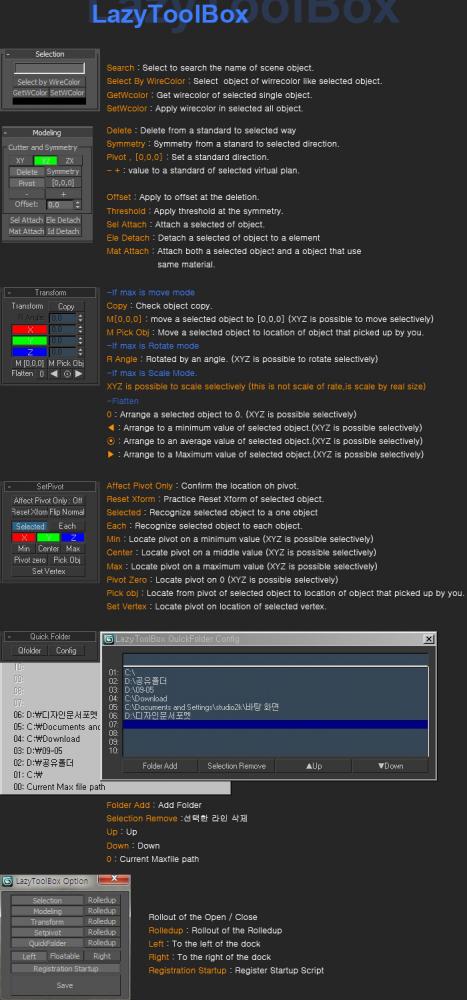
Lazytoolbox

15 votes

 Choose Install Location window, select the folder to use version of the Max!

Syndicate content