Tagged '3dsmax'

Obj-Selector of obj without a UVWMap modifier

18 votes

This short script allows the user to automatically select all
objects in a scene that do not have a 'UVW Map' modifier applied to them.
This is useful especially for users who work with imported data from AutoCAD. The imported data contains uvw information, but in most cases the uvw coordinates need an overwork. This script makes it easier to isolate those objects in the scene.

Simply drag and drop the script into your 3ds max viewport after the import process is finished, et voilà.

Wirecolor to Material

0 votes

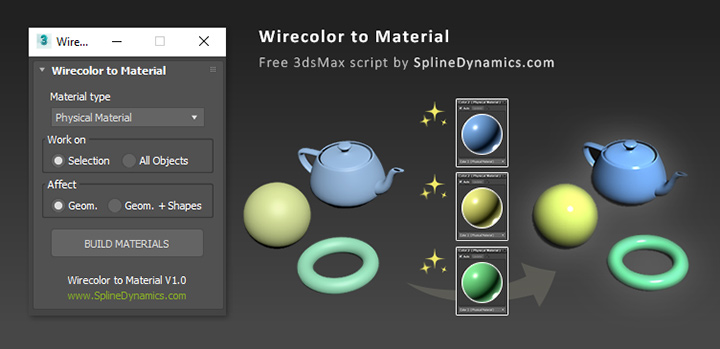
Wirecolor to Material

Description

Automatically create and assign materials from objects’ wirecolor.

Duplicurver

2 votes

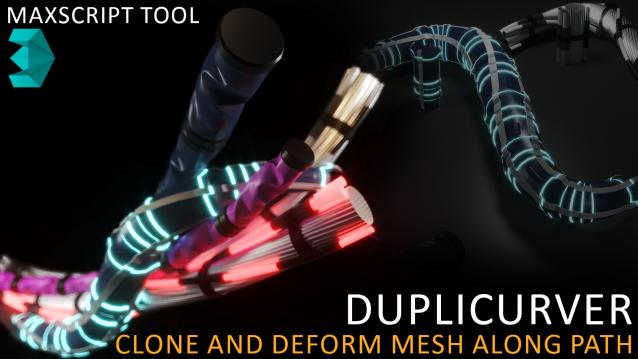
Duplicurver is a game-changing Maxscript tool that brings the power and versatility of ZBrush's IMM (Insert Multi Mesh) Curve brush directly to Autodesk 3ds Max. This tool serves as a highly beneficial asset for artists and 3D professionals, allowing them to replicate and deform meshes along a path with unprecedented ease and efficiency.

3DS Max - Plugin - [UPDATE] - CopyPaste V1.5

1 vote

This is an update for the CopyPaste plugin. This plugin allows you to copy and paste geometry between opened 3DS Max files, of course, in the same file too. This version includes a few additional features. The most important one is the ability to copy and paste using a base point. Also, there is a button that allows you to clear the cache file to save space on the hard drive. And, lastly, a Status section that gives you feedback whenever you perform an action. Please check the demo video for an in-depth explanation.

Puzzle2D

2 votes

This MAXScript will help you to build puzzle of editable_spline objects in 3dsMax.


Spline Refiner

0 votes

Spline Refiner 3dsmax script - banner

Smart Spline Subdivision


Description

Spline Refiner is a 3dsMax productivity tool to fine-tune your spline shapes incredibly fast, in a simple and efficient way.

Shape Trimmer

2 votes

3ds Max Script for Making Trimming and Cutting Shapes Very Sample and Easy Thing to do .

The Script Required Max 2019+ to Work

3DS Max Plugin - Multiple Sections

1 vote

In this video, I will present you with a new plugin I created for 3DS Max that allows the user to create multiple 2D sections on the 3 axes. The script has many options to control this operation, like the number of sections, the spacing between sections, offsetting the start of the operation, flipping the axis so that, for example, if you choose the Z axis, flipping means the creation of the sections will begin from top to bottom, also you have the option to Weld the vertices.

Local Pivot Align

2 votes

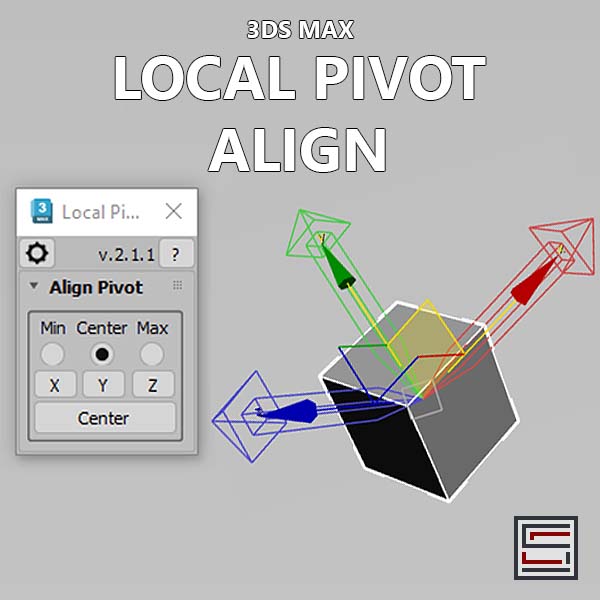
Description: This script aligns the local pivot using an object's bounding box min/max extremes. 

World-Space to Local Animation

1 vote

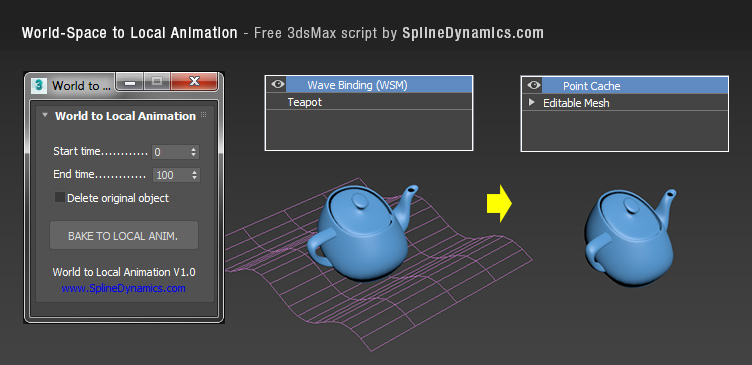
Bakes an objest's World-Space/Space Warp animation to a copy, using local Point Cache modifier. Then you can apply local modifers on top to continue animating the object's deformation locally.

Note: this is a preliminary version. It saves always a temporary .xml file for the Point Cache, wich you can rename, relocate and reload, to preserve it. In future versions, this could be set at the script’s UI by the user.

Compatible with 3dsMax 2012 and higher.