Tagged '3dsmax'

Custom Align

4 votes

This script is intended to align objects with a given spacing. You can randomnize position and scale and choose between object center or object base, you can also align to min and max, this is especially useful for randomizing books on shelves or any similar task like populating supermarket shelves or if you have to evenly space any objects.

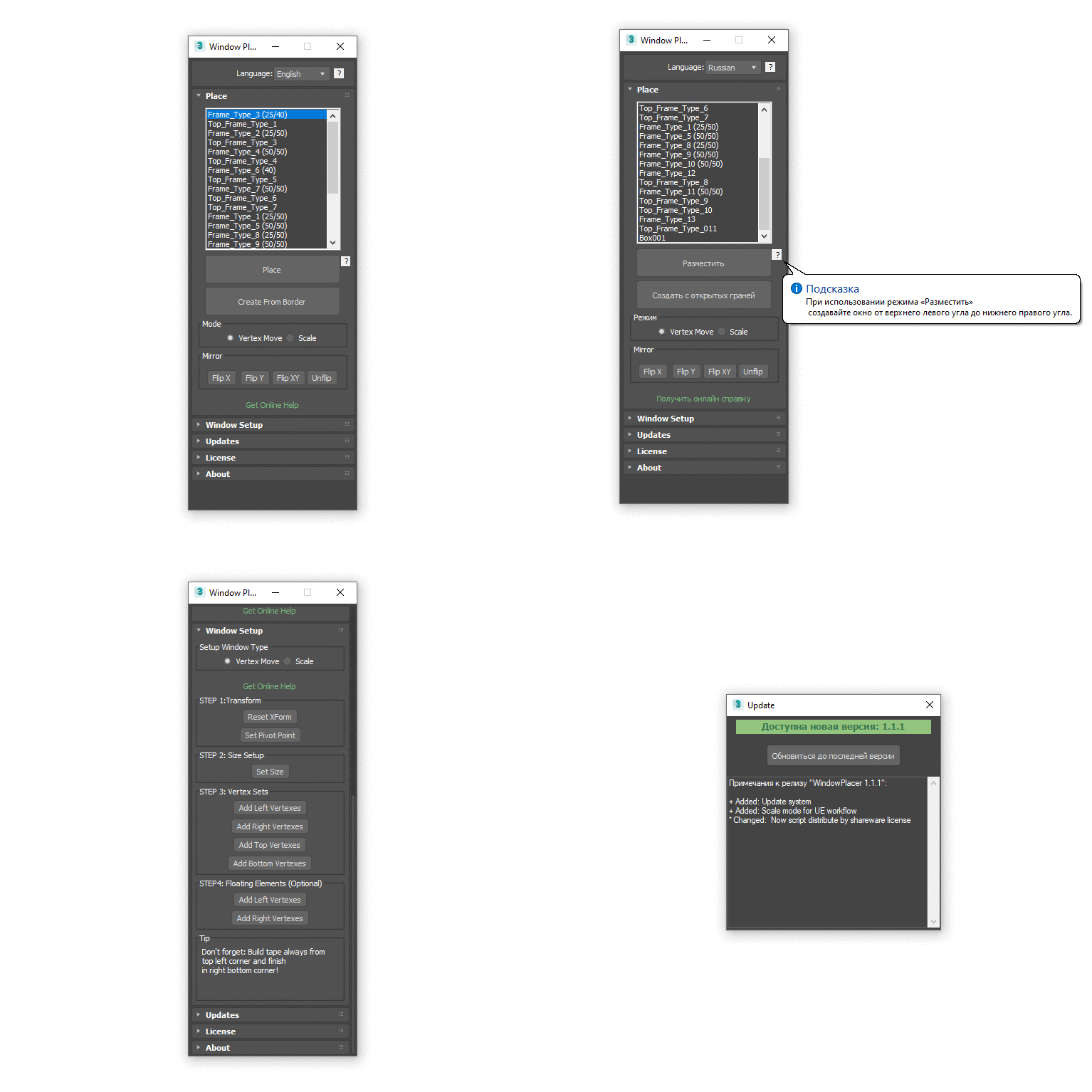
Window Placer

4 votes

Populate Material Editor

2 votes


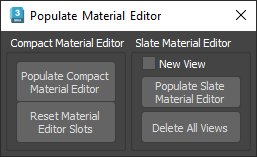
This script will, load selected objects materials in the chosen material editor ( slate or compact ),

there is also a "Reset Material Editor Slots" button, that clears the material editor and replace each slot by a new material of the current renderer, it works for Vray, Corona, Arnold, F-storm and Octane, else it will create some 3dsmax physical material instead.

Camera Clipping Pro

0 votes

Camera Clippping Pro 3dsMax plugin by SplineDynamics

DESCRIPTION

Camera Clipping Pro adds special controls to the camera for driving clipping planes using objects in the scene and auto-adjusting the focal length to retain the same framming while you move the camera closer or further away from the target.

Bake Splines Animation

0 votes

Bakes the animation of one or more selected shapes to vertex animation, with a series of options.

Set: animation range (start/end), sample rate, action over original shapes (hide/delete/none).

Support for: modifiers animation / hierarchy animation / transform (position/rotation/scale) animation.
Pending support for space warp animation.

Compatible with 3dsMax 2012 and higher.

Quick Clouds Generator

1 vote

QUICK CLOUDS GENERATOR is a script that is efficient in automatically creating sun/ sky & clouds in 3dsMax. It can be applied flexibly in Archviz projects while saving a lot of time for 3D Artist.

.: Compatible with 3dsMax 2018 & higher

.: Compatible with V-Ray 6 & Corona Renderer 9 & higher

.: Compatible with System Units: Millimeters, Centimeters, Meters, Inches & Feet

.: Version: 2.0

.: Author: Wuan Hyu

If you have any comments or questions, please don't hesitate to contact us via email: [email protected]

We will respond as soon as possible.

---

3DS Max - Plugin - ZoomExtSelFix

0 votes

This plugin is intended to replace the built-in Zoom Extents Selected. The reason is that the built-in feature doesn't work the way it should in many cases as you'll see in the video and instead of zooming in on the selected object, it zooms out to show the whole scene.

Obj-Selector of obj without materials

16 votes

This short script allows the user to automatically select all objects in a scene that do not have a material or do have a 'Global Architectural' material applied to them.
This is useful especially for users who work with imported data from AutoCAD.

Simply drag and drop the script into your 3ds max viewport after the import process is finished, et voilà.

Model Packer

3 votes

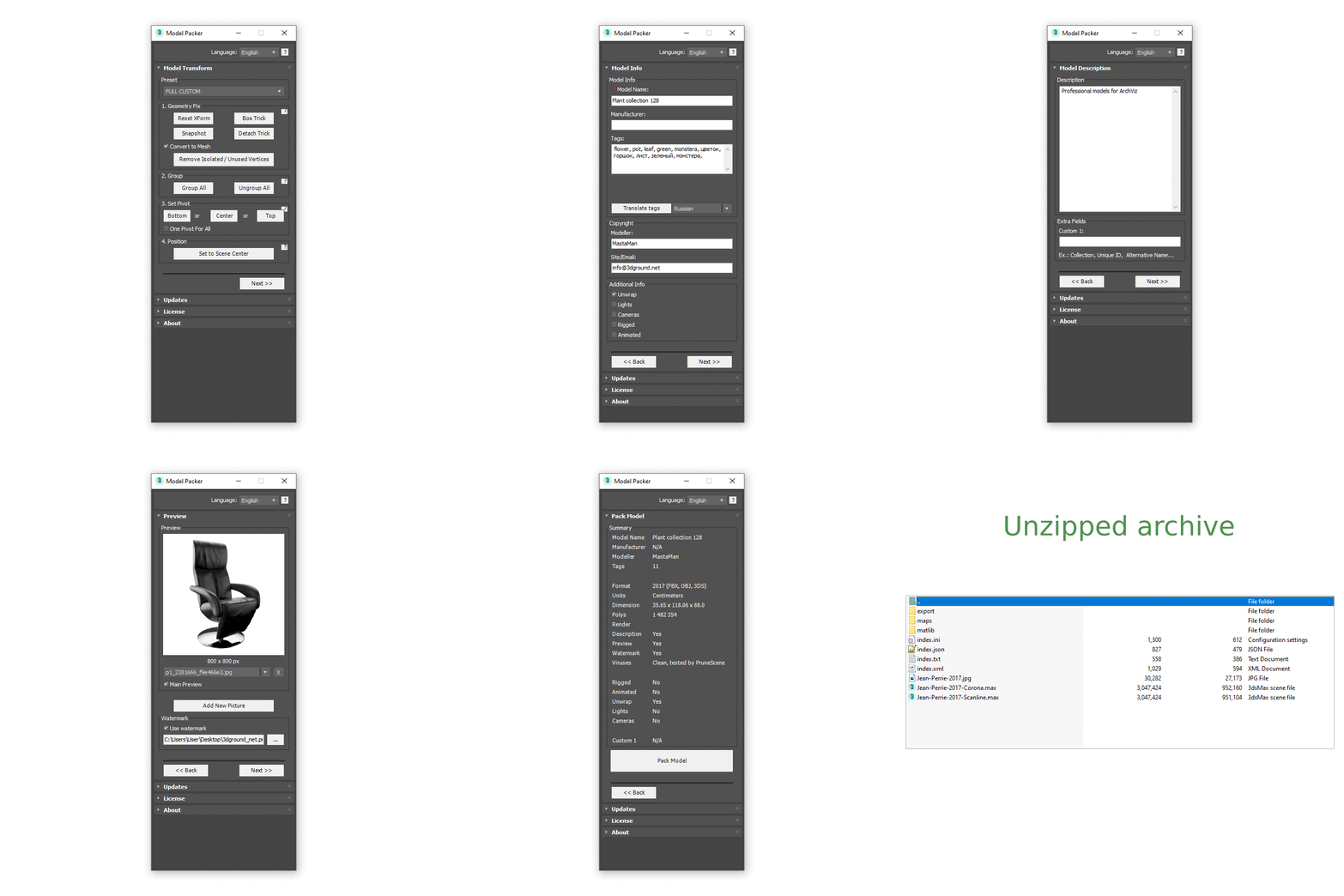
With the Model Packer, you can prepare your 3D models for uploading to 3D stocks or Asset Libraries.

Just a couple of clicks and you will create an archive with your model or scene.

3DS Max Plugin Update - Lights Switch V2.0

1 vote

This is an update for the plugin I wrote 6 years ago, called Lights Switch.
The reason behind the update was an e-mail from a user who had a small issue with a scene full of Cororna lights, where the script managed to turn all lights OFF, but for some reason failed to turn them ON again.
After inspecting the script, I recognized the bug and fixed it.

Basically, the script, when clicked, will go through all lights in the scene, and if any light is ON it will turn it OFF. On the other hand, if the script sees that all lights are OFF it will turn them all ON again.