Tagged '3dsmax'

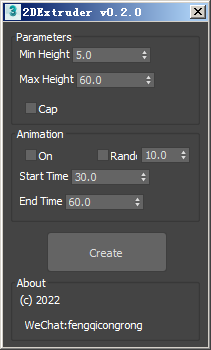
2Dextruder

1 vote

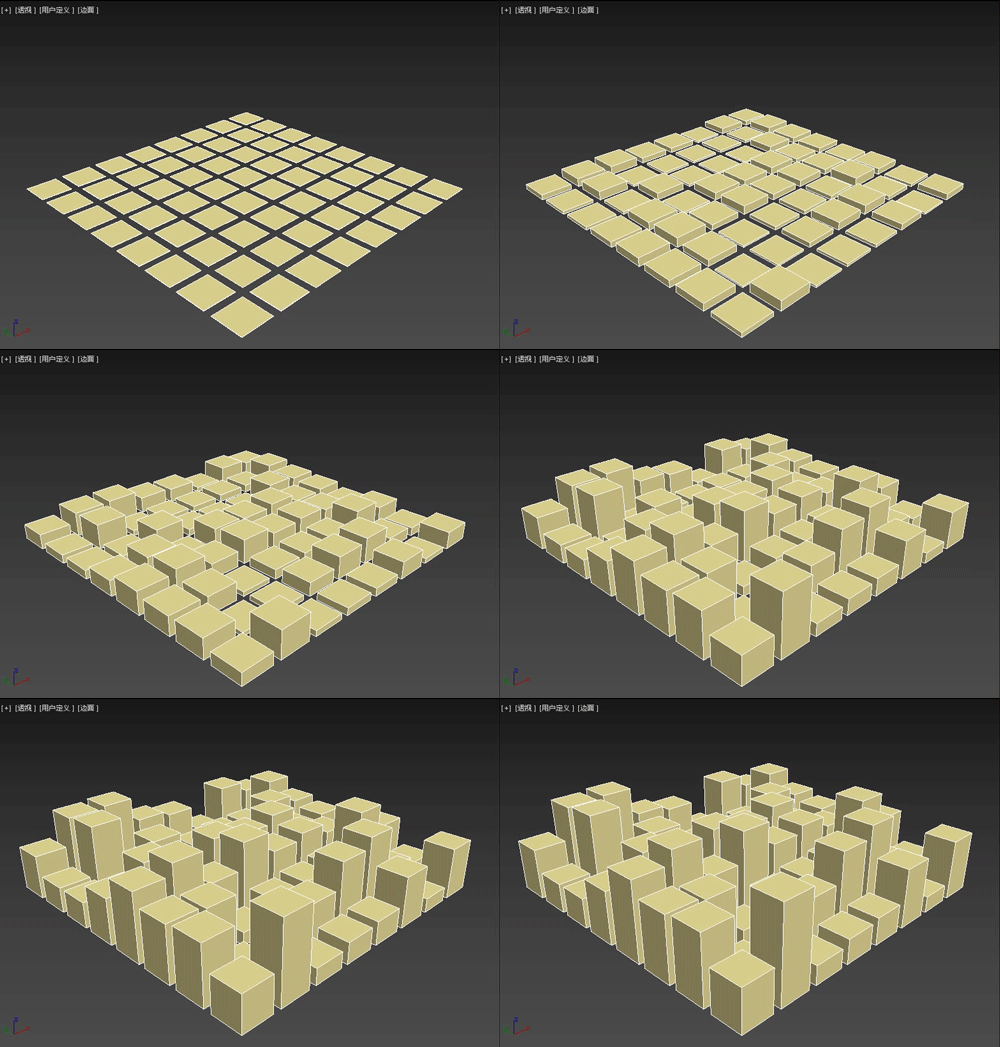
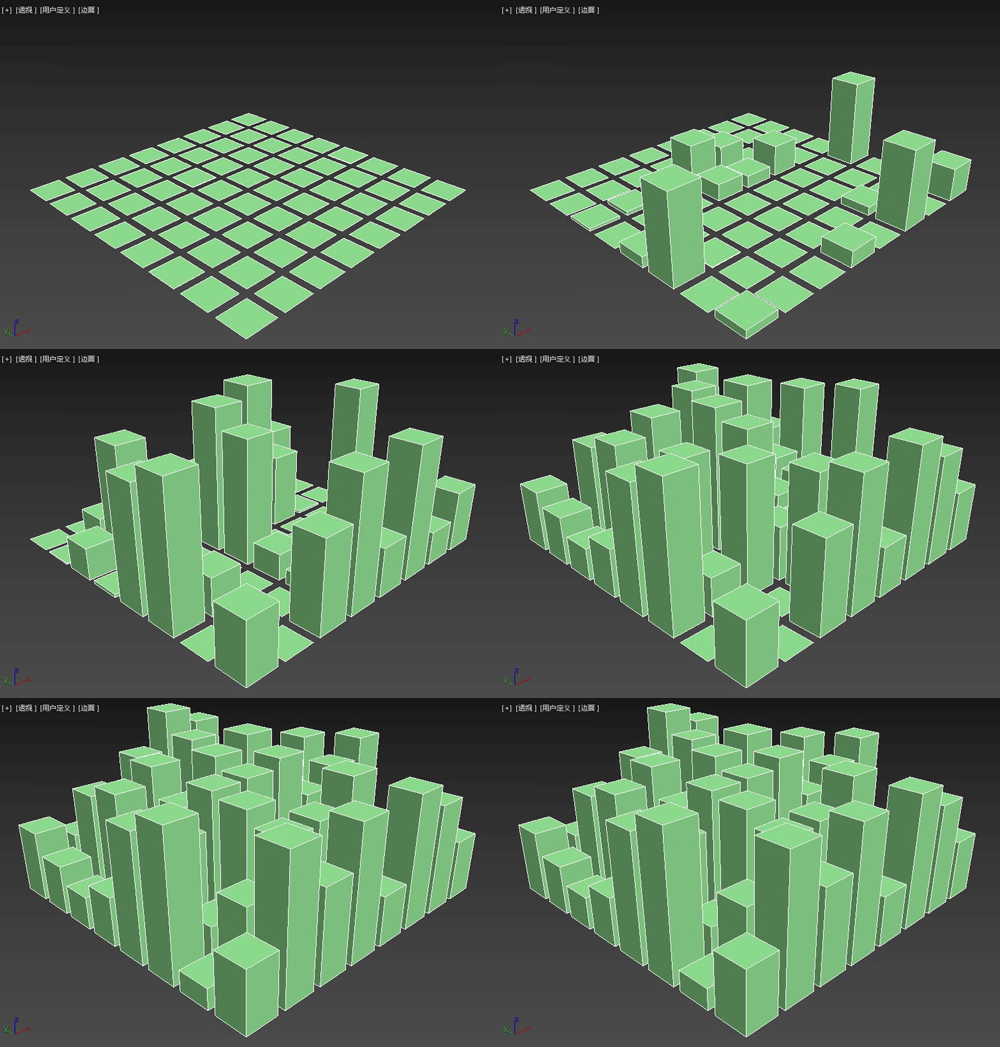
The 2DExtruder random extrusion plug-in is a MAXScript script that can randomly extrude the thickness of multiple selected spline shapes, and also set simple growth animation.

Main features

3DS Max - Plugin - MatchMaterialAndUVs v2 0

0 votes

This script I created allows the user to match a source's material, UVW Maps, and Unwrap UVW(you can choose what you like to apply from those 3), with the possibility of preserving the targets existent similar modifiers or replacing those with the source's ones.
Please whatch the video to see all the features present in the dialog box that opens up, and how to use the script.

Note: This script is a major upgrade for a script I've done before: https://youtu.be/_Cl0L-6iyIs?si=ZoMj4x-qSSykWDmI

MaxBatch - Advanced Batch Render Manager for 3ds Max

0 votes

ForestPack Manager Cover

MaxBatch is a comprehensive batch rendering utility for 3ds Max. It provides a structured interface to queue and manage multiple rendering tasks, whether you are rendering multiple cameras within your active scene or processing a list of external .max files sequentially. It is specifically optimized for V-Ray 7 and Corona 14.

Slate - View Selected

21 votes

This free MaxScript instantly displays the material of the selected object (or objects) in a new view in the Slate Material Editor. Currently, Slate does not have a quick and easy way to do this. Slate View Selected allows you to create multiple views as well. You can close the script dialog box and the script will continue to run until you re-run the script where you can stop it. In the dialog box you can also set a "display max" so that if you select a large number of objects, Slate won't waste time collecting and displaying all the materials used by objects in the selection.

Isolate By Material

1 vote

This tool helps the user to isolate objects by material, The user picks an object, then by clicking the button all objects sharing the same material will remain in the scene, while others will be hidden. Also if the selected object doesn't have any material applied to it a dialog box will popup telling the user this, and giving him/her the choice to click YES and isolate all objects with no materials applied to them.
You can a demo video on YouTube: https://youtu.be/oWUZQ-iN7e4

Delete Unselected

0 votes

Delete all non-selected objects in 3dsMax scene, including hidden and frozen ones, leaving just the ones you need in the scene.

This simple script is very handy when you need to re-save only one or a few models from a complex scene, but keeping all the scene setups. It’s also good for exporting objects to external software that requires scene data from 3dsMax.

FaceExtruder

1 vote

FaceExtruder is a small tool for randomly extruding faces written in MAXScript.
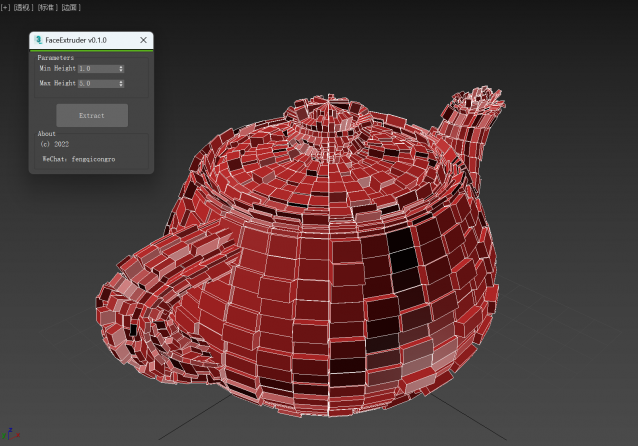
usage method:

1. Select an object (it needs to be converted to editable poly).

2. Set the maximum and minimum values of random extrusion height.

3. Click the "Extrude" button and wait for completion! (Green completion progress is displayed at the top of the window)

Screenshot Manager for 3ds Max

0 votes

Screenshot Manager for 3ds Max

Screenshot Manager is a powerful, lightweight utility designed to streamline the process of capturing viewports in 3ds Max. Whether you need a quick progress shot or a batch of high-resolution frame sequences for a client review, this script automates the tedious steps of manual saving and configuration.

Lights Switch

0 votes

This is a small macro script I created that will search for all the lights in a 3ds max scene and will turn OFF any light that is ON. In case all lights are OFF clicking on the Button will turn them all back ON. I created this script for myself to avoid going through all the lights and turn them off in case I wanna do some tests using one or few selected lights. I know there is a light lister but it's not that practical. this script can be placed as a button on the toolbar, it's always there.
you can see a demo here: https://youtu.be/lIawffhcyVw?list=PLHpTMy1QrXbhXK3KP_Ov3XwElNlfy3hQ4

ProjectPath - 3dsMax

0 votes

This script is used for switch between projects quickly