ScriptSpot is a diverse online community of artists and developers who come together to find and share scripts that empower their creativity with 3ds Max. Our users come from all parts of the world and work in everything from visual effects to gaming, architecture, students or hobbyists.
Submitted by Dave Stewart on Fri, 2006-10-20 20:45
3
votes
"Adds custom attributes to any dummy that parents an IK chain. Custom Attributes include Swivel Angle. Show Trajectory. Dummy Size and a quick jump to the IK chain’s motion panel.
Ok - if you use Ik/Fk switch a lot - with many Ik Solvers - you might find it a little annoying to go in the motion panel all the time for this. So - here's the shortcut - as a macroScript for you to put it where you want - say in a QuadMenu.
When having freeform forward kinematic animation - such as motion capture input - you may want to assign an IK solver to the animated chain - doing this will not destroy the underlying animation - and using this script - you will be able to snap the IK Solver Goal motion to the FK animation.
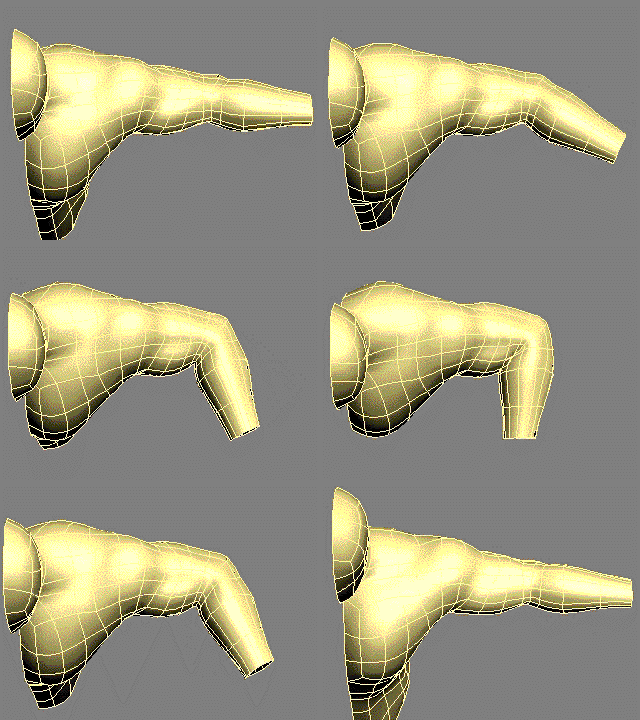
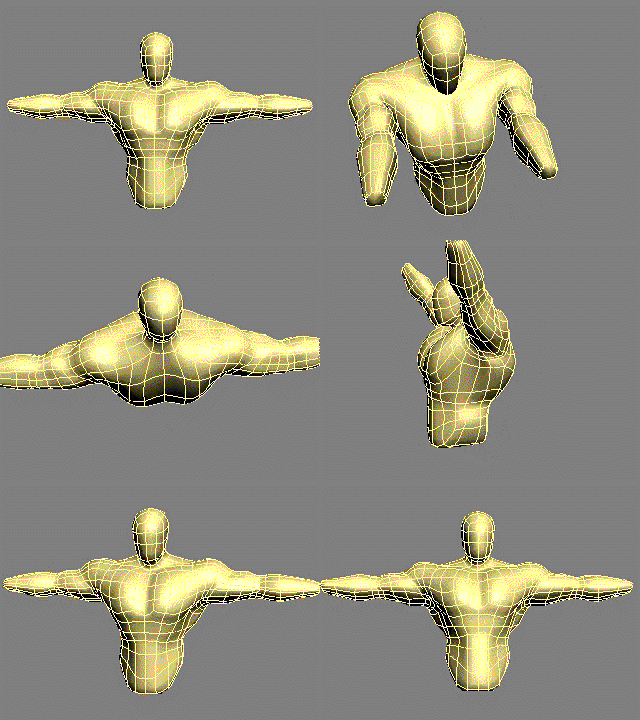
A Tool to greatly speed up and simplify the process of skinning the joints of characters,especially shoulders and hips which are notoriously difficult to skin. THE NEW VERSION 2 OF THE JOINT BEND RIG HAS A BIAS CONTROL TO CONTROL THE AMOUNT OF TWIST IN THE JOINT
"This tool takes the currently selected biped bone and keys it on every frame with a "body" key. This is extremely useful if you need to save a bip file that has dependencies on other objects in the scene. Warning: This script may have bugs."
This script is alternative way
Quick enough for help you setting keys TCB control Biped - You can set manual with button one by one or automatic batch button for all keys
Submitted by Christoph Kubisch on Fri, 2006-10-20 20:45
12
votes
The macroscript allows a biped to be follow another object. The
Biped's horizontal/vertical/turning keys will be modified to match the
objects'. Optionally additive or original key useage is allowed. Meant
to use motionmixed 'gameanimations' and let them follow a path.