Tagged 'select'

Skip Every N-th

61 votes

Skip every vert/edge/face. In Loop mode, you can skip edges and polygons. In Ring mode you can skip vertices,edges and polygons. To make poly loop select 3 faces(the middle one is starting face), check PolyLoop checkbox, set "Skip V-E-P" spinner to value greater then 2 and start skiping. You can't skip one face, only 2 or more. Ring mode does not have this limitation. "For Steps" spinner works only with edges. If you want to skip every 2 edges five times, set "Skip" spinner to 2 and "For Steps" spinner to 5. Instalation: Drag-n-drop SkipEveryNthVEPRingLoop.mzp to 3ds max.


Smart Material Select

0 votes

This script streamlines the process of selecting similar objects based on material in your 3dsmax scene. It automatically opens the group, eliminating the need for manual opening. Additionally, it can handle the selection of multiple samples. For instance, you can select a window frame and then add glass to select both window frames and similar glass objects.

SplineTools

2 votes

Simple tools for working with splines in 3dsMax.

These tools includes:

  • -Selection filtering *Select only closed *Select only open 
  • -Clean up *Convert to spline and perform overlapping points weld.
  • -Close all *Close all splines
  • -Set points to corner/smooth/bezier/bezierCorner *Sub-object level sensitive
  • -Select by length *Select and sort splines by input length
  • -Sort *Detach open splines
  • -Explode *Explode shape object to splines (not segments)
  • -VArranger *Arrange selected splines by input z values and optionaly create a surface. Used to create terrain from drawing.

SplineTools_ScriptSpot_V.2.0

Subobjects Converter

9 votes


v3.07
Fixed Shift+1 Shift+2

v3.01
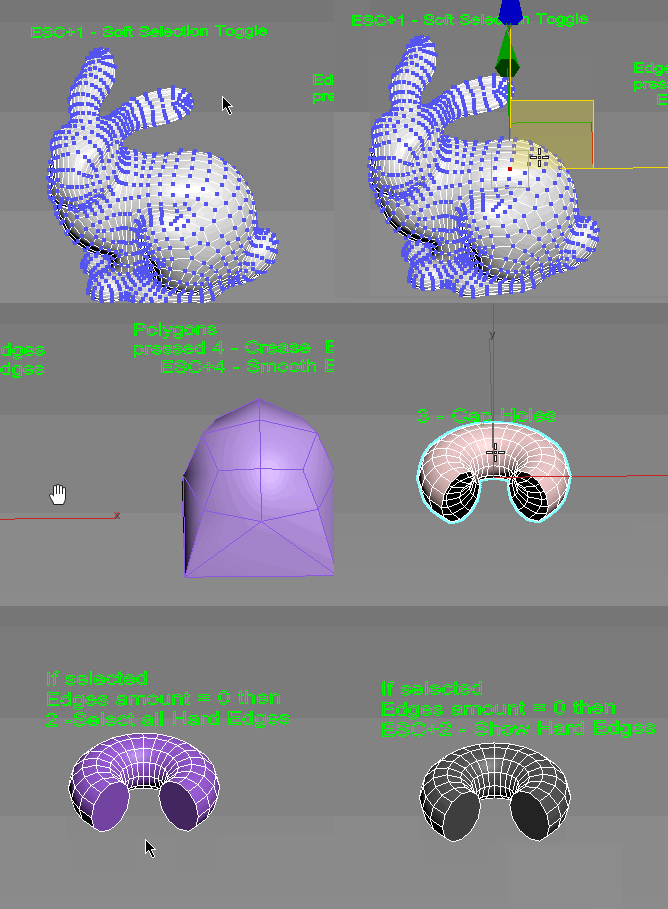
If Esc+Key of script keyboard pressed and current subobjectlevel is 4 or 5 (Face or Element) and selected all faces then will run Smoothing Groups floater (a separate special window)
Если нажата Esc+кнопка скрипта и текущий подобъект 4 или 5 (Грани или Элементы) и все грани выделены, то будет запущен Smoothing Groups floater (отдельным специальным окошком)

Fixed bug of switch from subobject 5 to 4
Added Extended Subobjects:

Unhide by Select

3 votes

This script allows you to unhide hidden objects by selecting them via mouse click or via Select From Scene dialog(H hotkey).

How to use it:

UniAttach-Detacher

21 votes

v3.07 Added fix for detached detach geometry if the source object had incorrect mesh issues.
Добавлено исправление отсоединённой detach-геометрии, если в исходном объекте были проблемы некорректной сетки.

Using single hotkey for Attach/Detach
Используя единственную горячую кнопку для Attach/Detach

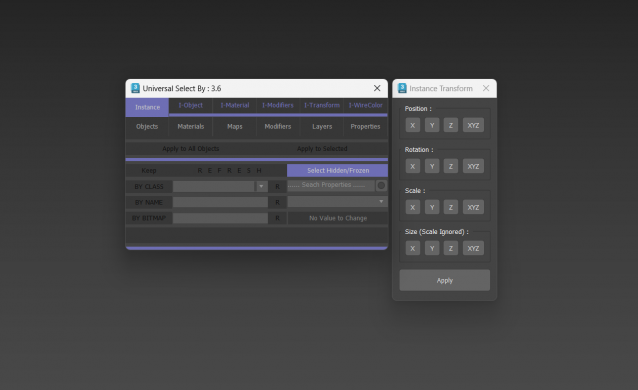
Universal Select By

9 votes

VertexSymmetry

12 votes

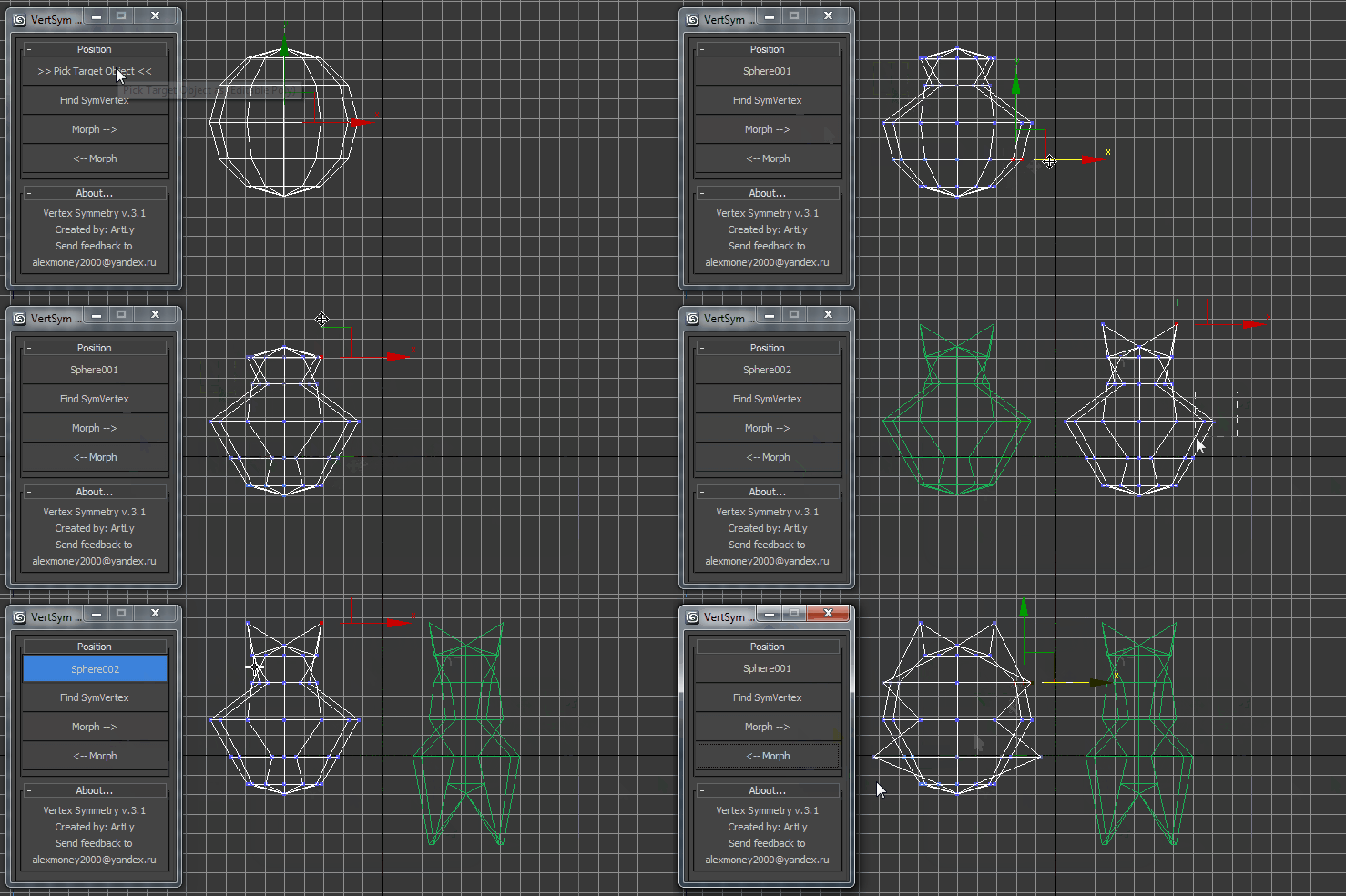
This script use for morpher symmetry + video Tutorial Transform move (Left to Right) (Right to Left) 

Volumetric Object Select

5 votes

The selection of objects volumetrically. Simple script ..
Of volumetric objects are selected, and click the "VOLUMETRIC SELECT" button.

We hope that it will be useful somebody :)

Syndicate content