Tagged 'select'

Smart Material Select

0 votes

This script streamlines the process of selecting similar objects based on material in your 3dsmax scene. It automatically opens the group, eliminating the need for manual opening. Additionally, it can handle the selection of multiple samples. For instance, you can select a window frame and then add glass to select both window frames and similar glass objects.

Random select

4 votes

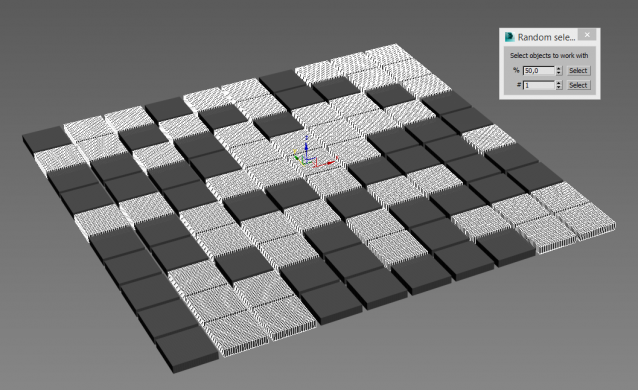
Simple tool for random selection objects by percentage or count.

Select By Measuring

5 votes

This tool will allow you to select objects by the size of the bounding box, surface area or volume.

VertexSymmetry

12 votes

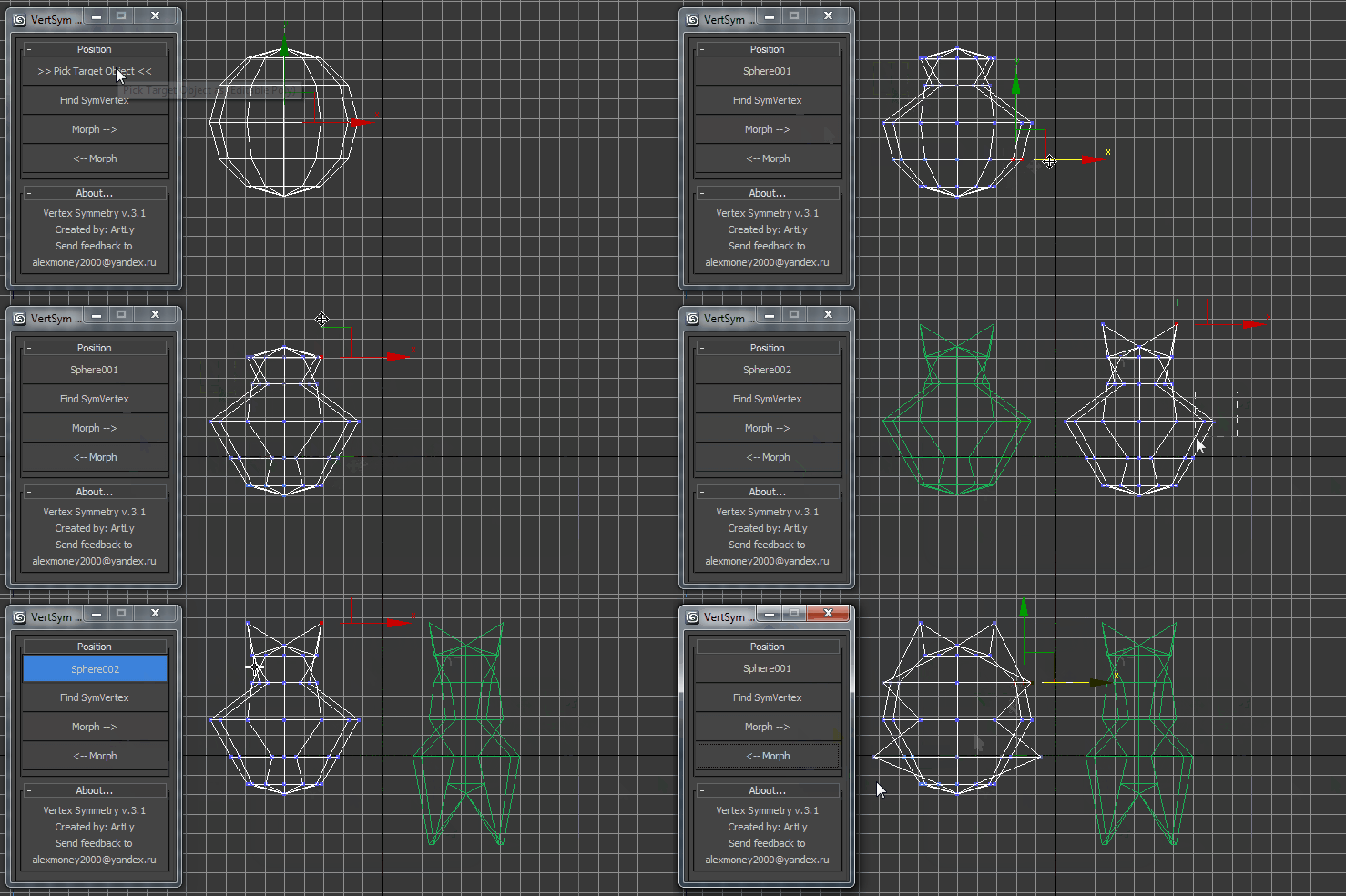
This script use for morpher symmetry + video Tutorial Transform move (Left to Right) (Right to Left) 

Select Every N-th-no UI

37 votes

If you want to select every 2nd or 3rd or 4th, etc edges, just select the first edge, skip the desired number of edges and select the second edge, then execute the script.

If you want to see the time that script needs to make a selection, just start MAXScript Listener.

Instalation: Drag 'n drop two mzp files in 3ds max, then go to Customize - Customize User Interface. Under "miauu" category you can find "Gap Loop" and "Gap Ring" scripts.

On the video below the script works 3 times slower, because of Camtasia and my old, single core PC.

Select Object By Material Name

66 votes

Select Object By Name

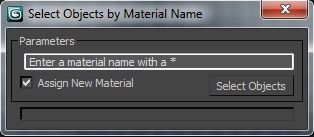
Select Objects By Material Name

Select instances objects

2 votes

Small but very useful script for selected instances objects

- select only visible instances objects
- work fast, support undo
- work of script would be broken by pressing Escape button

for install you should drag&drop script into 3ds Max
Find it in Customize -> Customize user interface -> Toolbars.
Category: # Scripts

Tested on 3ds max 2012

Select By Size / Volume

16 votes

This script allows you to select objects by their size or volume, by checking their
- bounding box size (= bounding box volume) or
- the actual volume of the mesh (the calculation function for this is taken from the MAXScript manual, I think Bobo is the genius behind it ! :-) )

Quick Isolate Object

66 votes

With this useful and funny script, you can isolate in a ListBox, the category object in Geometry, Shape, Light, Helper, Camera and Space Warp in the viewport.  We can select, rename and count the items in the scene.  Useful in many work situation.

qio

Select Hidden, Visible or Occluded Objects

5 votes

Select only visible objects! Delete all objects hidden inside other objects!

If you are working with object heavy CAD models you probably know that often 90% of the objects are hidden internal components of the rig. Stuff you usually don't need or want. Object count that make 3dsMax crawl.

This script lets you either select what is visible or hidden from the current view - or let you scan the whole scene. 
It's a very efficient way to clean up your scenes with a high accuracy!