Tagged 'select'

FilePathFinder Pro & Light versions

410 votes

Using the FilePathFinder you can be sure that you have complete control over external links into your scenes.

Asset tracking features include support for XREF files and easy linking with external files.

Using the FilePathFinder (and Batch Render&Relink), you can search for missing assets and relink external files.

In addition, files that are linked to selected objects are displayed in Interactive Mode, and bitmap textures can be toggled and placed within the Material Editor.

Also with this tool, you can easily make an archive a 3ds Max scene.

Note that FilePathFinder supports the highest number of asset types of any plug-in.
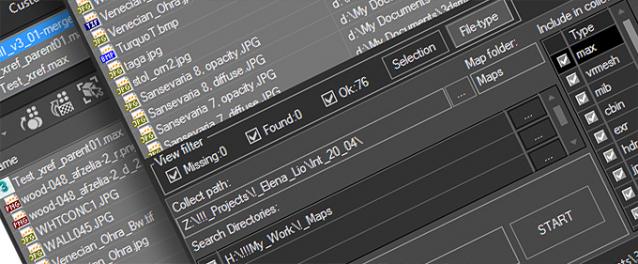
 

The Batch Render&Relink tool helps manage your asset files into the 3D model and material libraries in Batch Mode.

BR&R is capable of rendering thumbnails for 3D models, materials, and IES photometric files.

Batch Mode makes for an easy way to gather and compile many assets at once.


The new version of FilePathFinder is released with support to 3ds Max 2026

and many new features that improve managing scene assets

FilePathFinder Pro version 4.17.01

  • Adds support to 3Ds Max 2026
  • Play IFL, and animated GIFs directly in the list view
  • Play IFL and animated GIFs in the external Asset Viewer
  • Ability to change selected assets directly from the Asset Viewer using keyboard shortcuts
  • Adds an ability to include/exclude search directories by filename
  • More accurate material/texture placement in SME
  • Drops support to light theme
  • Fixes an issue with including/excluding search directories by filename
  • Fixes an issue with searching, relinking, collecting, and archiving the content of IFL files
  • Fixes an issue with relink assets in batch mode for Demo version [Batch Render&Relink]
  • Fixes an issue with renaming external scene links with status #Found
  • Fixes some issues with relink assets using exclude directories
  • Fixes a bug with relinking assets in huge scenes
  • Fixes a bug when using the tool together with Materials Manager and Models Manager
  • Some other optimizations, fixes and speed improvements

Select opened spline

10 votes

It selects opened splines in selected spline.

Select Similar Spline

8 votes

This script alows you select similar splines in subobject. It doesnt work very well yet but it works :)

Select Active Camera

30 votes

Simply selects the active camera from the current viewport (even if cameras / layer is hidden). If you've ever been frustrated because you're working full screen looking through the camera lens then need to change something about your camera, this script is for you. In that case you just run the script and bam you're able to edit camera properties in the stack or adjust keys in the time slider all with a single keystroke instead of having to hunt around in the select by name dialog...

Usage:

Camera Lister

30 votes

its a simple script for selecting cameras in your scene

v3.4 functions:
-fixed epic bug with history file
-safe frame replaced with camera correction

v3.2 functions:
-script now remeber its position and size

v3.1 functions:
-removed bug with locked selection
-added help button so help menu don't appear on script start

v3 functions:
- removed some unnecesary functions, fixed bugs and added window resizing
- 2click...select camera target
- click...use camera
- 2click+shift...selest camera and target
- 2click+crtl...toogle safe frame on/off

v2 functions:

Select By Size / Volume

16 votes

This script allows you to select objects by their size or volume, by checking their
- bounding box size (= bounding box volume) or
- the actual volume of the mesh (the calculation function for this is taken from the MAXScript manual, I think Bobo is the genius behind it ! :-) )

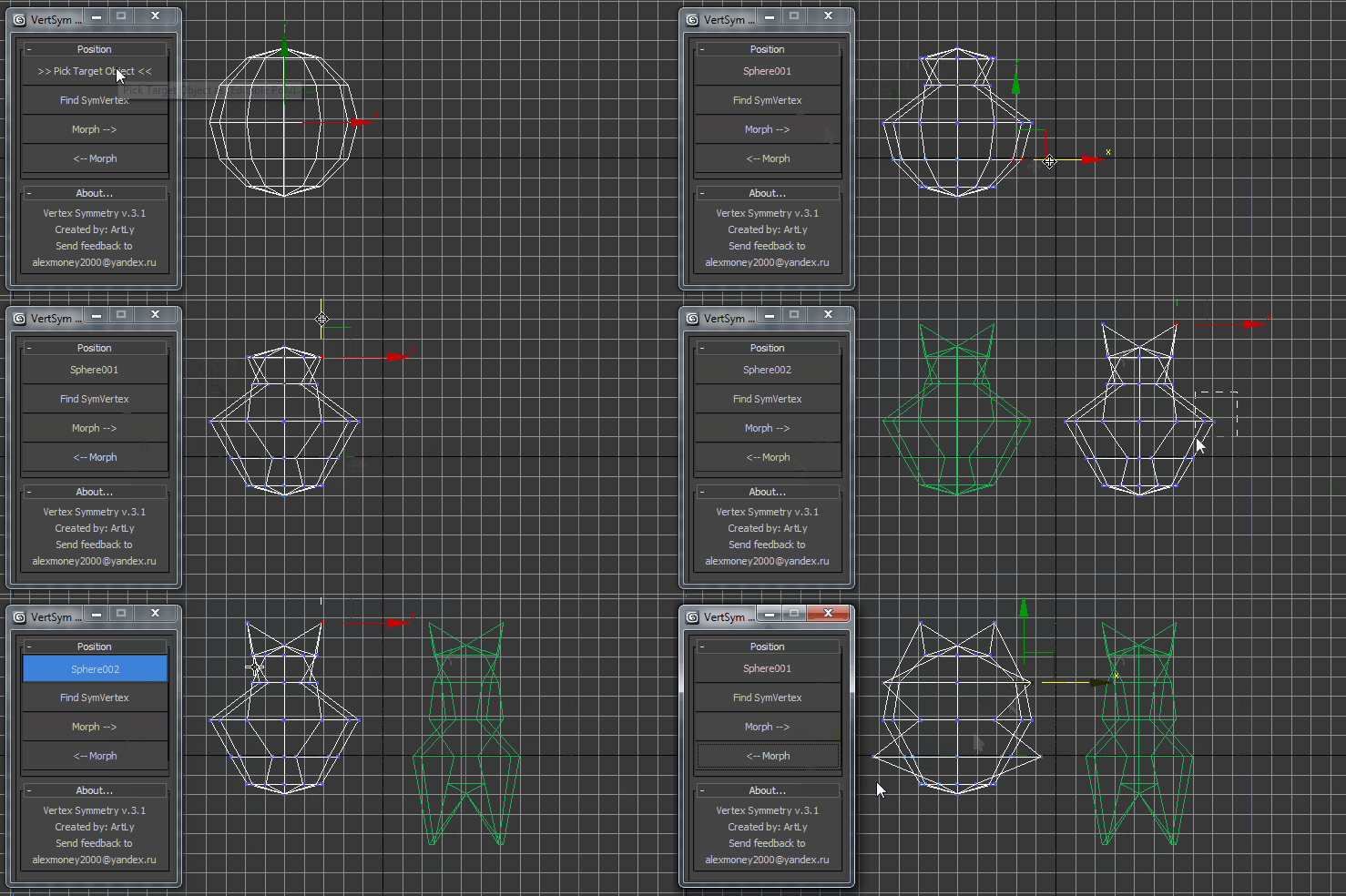
VertexSymmetry

12 votes

This script use for morpher symmetry + video Tutorial Transform move (Left to Right) (Right to Left) 

Orionflame 4

31 votes

Orionflame 4 is the successor of the acclaimed production-proven modeling toolset for 3ds max, featuring a completely redesigned and rewritten core architecture, along with several new powerful modeling tools.

Experience the difference yourself.

Note: this is a commercial script

Select Similar

17 votes

Allows you to select objects that are similar to the currently selected object. It will compare the bounding box size, mesh (vert, face, edge counts) and material either within the currently visible objects or all objects in the scene.

Demonstration video here