Tagged '3ds max'

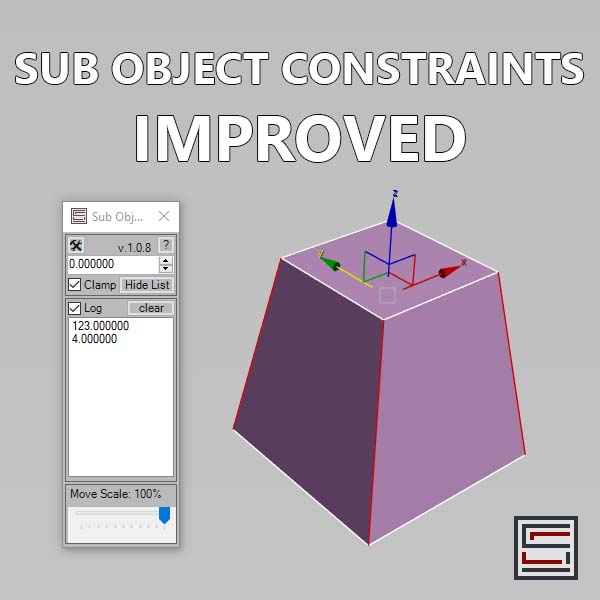
Sub Object Constraints Improved

2 votes

Description: Slide verts & faces along edge paths. Similar to the standard constraints, but works in both directions.

Spline Workflow Toolkit

0 votes

Spline Wokflow Toolkit for 3ds Max

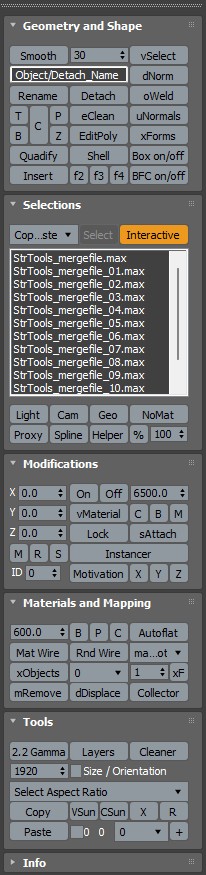
StrTools

14 votes

Quick tools in one place. Dockbar!

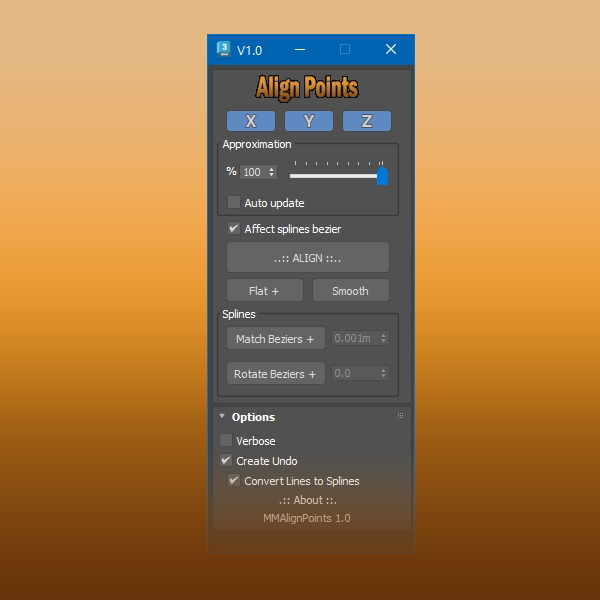
Align Points

1 vote


Free Tool

This tool aligns selected mesh vertices and spline points.

With splines you can align bezier vectors too.

available here


Group to EditablePoly

4 votes

This script is intended to convert group into editable Poly (It keep editable mesh as editable mesh when an editable mesh is in the group).if you have multiple groups selected it will create multiple editable poly(or mesh) objects ( one object per group). It support nested groups (group within group).the script has no interface, it's just a button, here is the default icon , once installed you just need to have one or multiple groups selected and click the button and that's it, no fancy options.
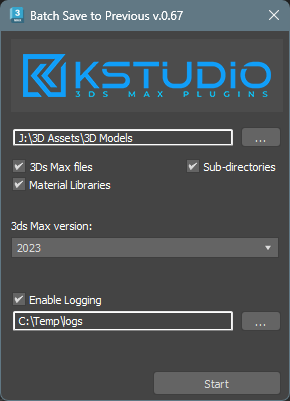

Batch Save 3ds Max Files to Previous Version

4 votes

Script for saving 3ds Max files and Material Libraries* to the previous version in batch mode

*Batch saving Material Libraries to the previous version requires 3ds Max 2023 Update 1 or newest


IFL Playback Manager

1 vote

Description

IFL Playback Manager is a really handy script for 3ds Max that helps you manage and control the timing of animated textures in your scene. It automatically lists all textures with assigned .ifl (Image File List) files and allows you to adjust their playback parameters directly.

MZP Maker

0 votes


MZP Maker it's the perfect tool when you're in a hurry and just need to package your script.

Description:

Pivot point Align managment tool

2 votes

Her is a simple tool i just created to help align the pivot position around any mesh cage, as you can align the pivot point to 27 point around the object cage, and move the pivot point to the scene orgine and rotat the pivot point 90 degree on the X axise if you are exporting mesh to unity 3d that will import the object to unity with out any rotation values.

3DS Max - Plugin - CopyPasteDWG

0 votes

This plugin allows the user to copy-paste objects from an opened AutoCAD file into 3DS Max.
The plugin works with multiple opened CAD files, it recognizes the last copied objects.
The script offers many filtering options for the imported objects like:
1-removing the prefix "Layer:" and this will make it easier to select objects by name
2-remove any material applied to the imported objects
3-remove the Block/Style Parent hierarchies
4-select the imported objects when importing is done
5-turn the imported objects into a group

Syndicate content